

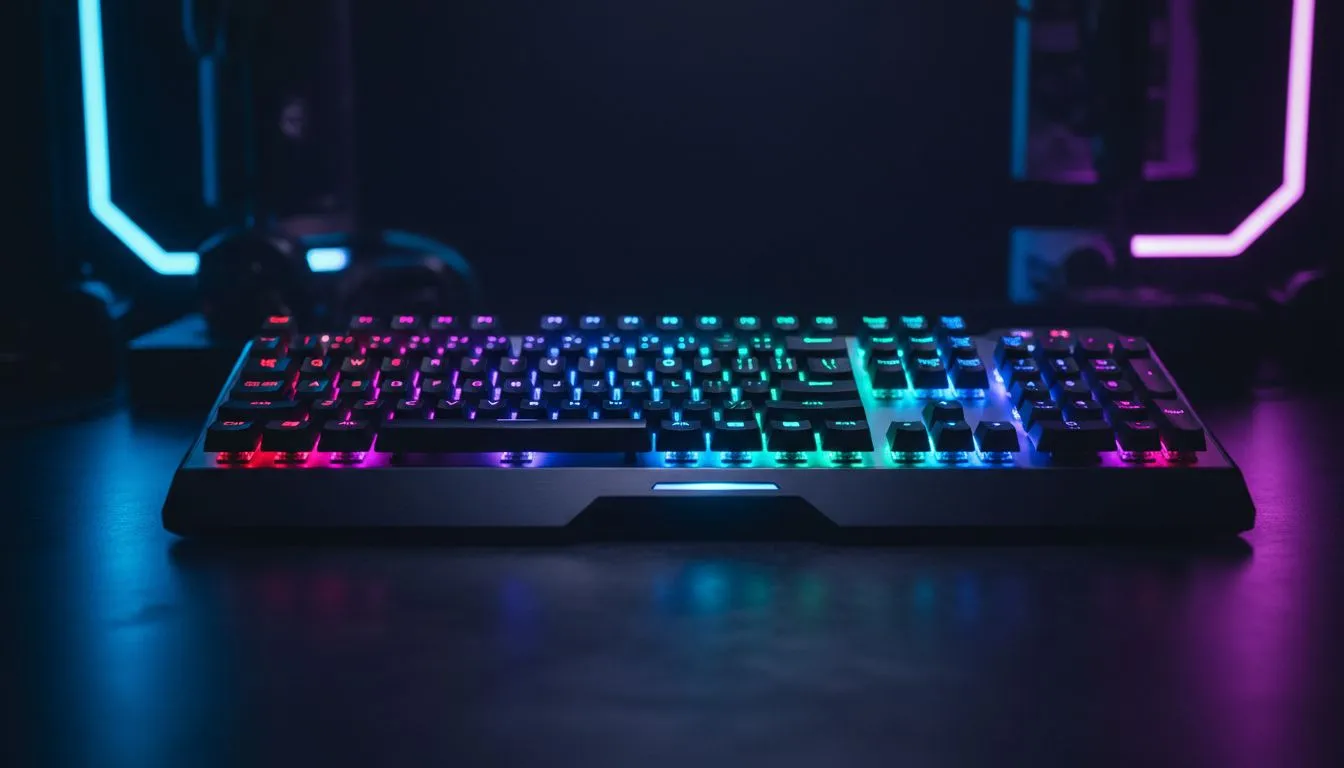
RGB lighting setup basics for South African rigs 🔧✨
Want your rig to feel like home and battlefield at once? A tight RGB lighting setup can shift mood, improve focus, and make your desk look pro. Start with a clear goal: ambience, team-colour cues, or performance feedback. Small changes deliver big immersion — especially when you pick the right keyboard and mouse to match the look and feel.
Shop options for every budget: check our selection of budget gaming keyboards to get started without breaking the bank.
RGB lighting setup: choose the right keyboard and switches
Keyboards anchor your palette and animation capabilities. Decide wired or wireless early — wired often gives lower latency, wireless frees your desk. Browse our wired selection if latency is a priority, or go wireless for cleaner setups:
- Wired models: wired keyboards
- Wireless models: wireless keyboards
Prefer brand ecosystems? We stock Razer keyboards and Glorious keyboards for easy software sync.
RGB lighting setup: pairing mice and peripherals 🚀
Mouse lighting extends your theme beyond the keyboard. Match brightness and colour temperature for cohesive scenes. Explore our gaming mice range to pair styles and sensor performance.
Hunting for deals? See curated offers on top sensors and lights at best gaming mouse deals. Prefer wireless freedom or wired precision? We have both:
- Wireless options: wireless mice
- Wired options: wired mice
Don’t forget accessories. Good mouse feet and weights make your setup feel premium. Shop mouse accessories to fine-tune glide and balance.
Lighting Sync Pro Tip ⚡
Use a single software suite when possible. Sync keyboard, mouse, and RGB strips to one profile. That prevents conflicting effects and saves CPU cycles. Start with a mid-brightness profile for evening play, then tweak brightness per activity.
RGB lighting setup: software, profiles and performance
Profiles are your shortcut to immersion. Create presets for genres: warm, low-contrast colours for RPG evenings; high-contrast reds and blues for competitive FPS. Keep a quick-switch key or macro for on-the-fly changes.
If you use multiple peripherals from different brands, pick a master controller or stick to devices within the same ecosystem. This reduces software conflicts and simplifies updates.
Design tips for maximum immersion and minimal bother
Balance drama and eye comfort. High saturation looks great in photos, but reduces contrast for long sessions. Aim for softer fills and stronger key highlights. Place LED strips behind the monitor to reduce eye strain and add depth. If you stream, pick one accent colour linked to your brand or clan.
Micro-story: I once set my friend’s rig to reactive purple for a raid. Within minutes, his team chat called it “the purple aura.” Little custom touches like that build identity and pride.
Ready to polish your setup? Match parts, test profiles, and keep backups of your lighting schemes. Local buyers: expect prices in ZAR and seasonal deals through Evetech.
Ready to Find Your Perfect Match? The Mac vs Windows debate is complex, but for maximum power, choice, and value in South Africa, Windows is hard to beat. Explore our massive range of laptop specials and find the perfect machine to conquer your world.











