

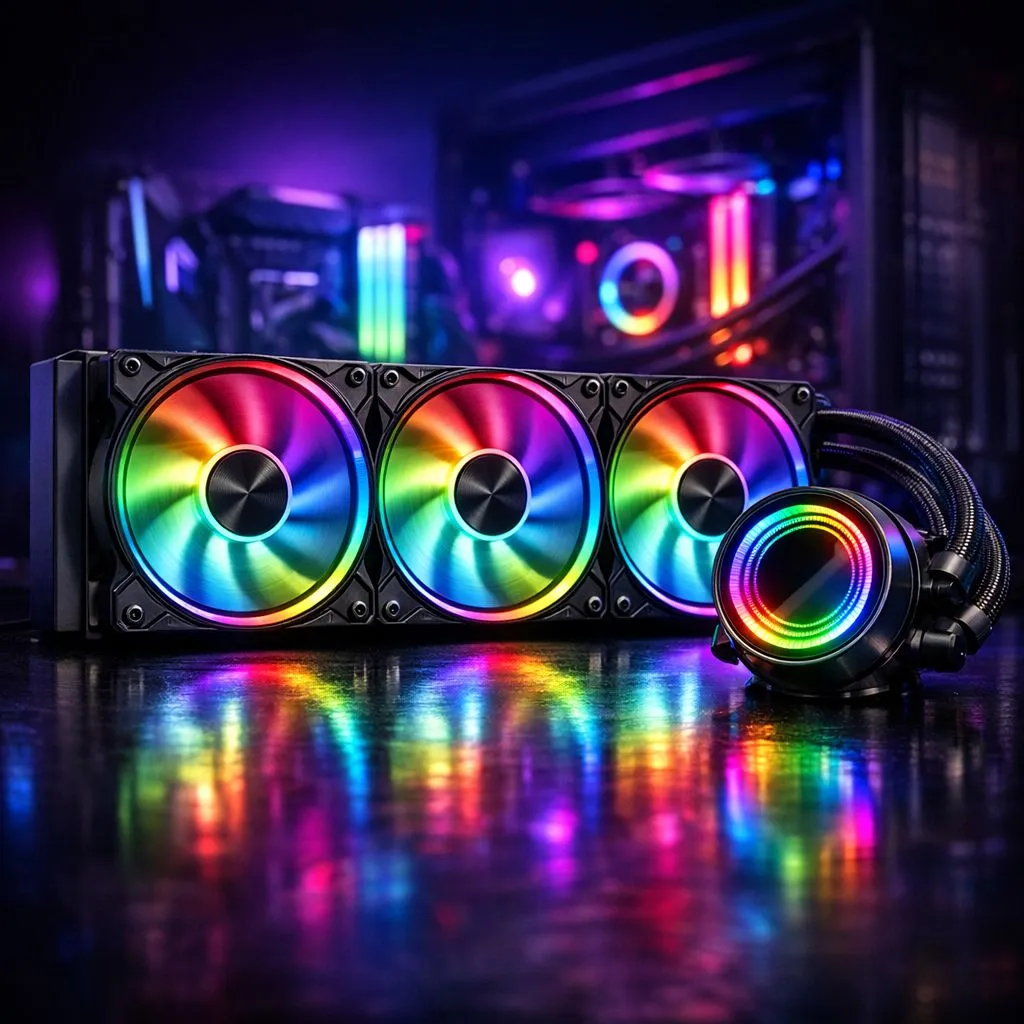
RGB motherboard sync coolers: why unified lighting matters 🔧✨
South African gamers want rigs that look as tight as their frags. RGB motherboard sync coolers turn messy LEDs into a single, polished lightshow — ideal for LANs, stream overlays, or showroom builds. If you want your fans, headers and cooler to behave like one orchestra, this is where you start. This guide helps you pick sync-friendly coolers and get flawless results fast.
RGB motherboard sync coolers: top picks for unified PC lighting
Start with compatibility. Check your motherboard's RGB header type and software support before buying — most modern boards use addressable 3-pin (ARGB) or 4-pin 12V RGB headers. For a broad overview of available coolers and compatibility notes, browse our full CPU coolers range: browse our CPU coolers. That Evetech collection lists models that explicitly call out motherboard sync, so you can filter by software like Asus Aura Sync, MSI Mystic Light, or Gigabyte RGB Fusion.
RGB motherboard sync coolers: air-cooler recommendations and 120mm options 🚀
If you prefer air cooling, many tower coolers now include ARGB fans and easy sync cables. For compact or airflow-focused builds, 120mm fan options are common and budget friendly — check targeted 120mm models here: 120mm fan air coolers. These give solid cooling with tidy RGB control when paired with motherboard software.
RGB motherboard sync coolers: brand highlights and value picks
Some brands make synchronised lighting simpler. Deepcool offers approachable designs with strong software compatibility and clear documentation; see current Deepcool models here: Deepcool coolers. For buyers after niche or value-focused brands, EINAREX has competitive air-coolers with ARGB fans worth considering: EINAREX air coolers. Prices on Evetech are listed in ZAR so you can compare final cost including shipping.
RGB motherboard sync coolers: simple setup tips and troubleshooting ✨
- Match headers: plug ARGB into ARGB, 12V RGB into 12V.
- Update BIOS and motherboard RGB utility first. Many sync issues are fixed by a single firmware update.
- Use one control app where possible. If your cooler supports both vendor and motherboard control, pick one to avoid conflicts.
Sync Tip ⚡
If LEDs flicker or colours mismatch, try disabling third-party RGB apps and reset the cooler's controller by unplugging for 30 seconds. Then enable only your motherboard's RGB utility.
Micro-story: I once helped a Cape Town builder who had rainbow chaos across his rig. A quick swap from the cooler's bundled controller to motherboard ARGB headers and an Aura update made the lighting uniform — and he walked away with a cleaner stream overlay and happier viewers.
RGB motherboard sync coolers: final checklist before you buy
- Confirm header type and count on your motherboard.
- Check physical clearance for tall air coolers.
- Verify which software the cooler supports and read Evetech listings for model specifics before checkout: air coolers.
- Factor ZAR pricing and any shipping to your city.
Ready to Find Your Perfect Match? The Mac vs Windows debate is complex, but for maximum power, choice, and value in South Africa, Windows is hard to beat. Explore our massive range of laptop specials and find the perfect machine to conquer your world.











