

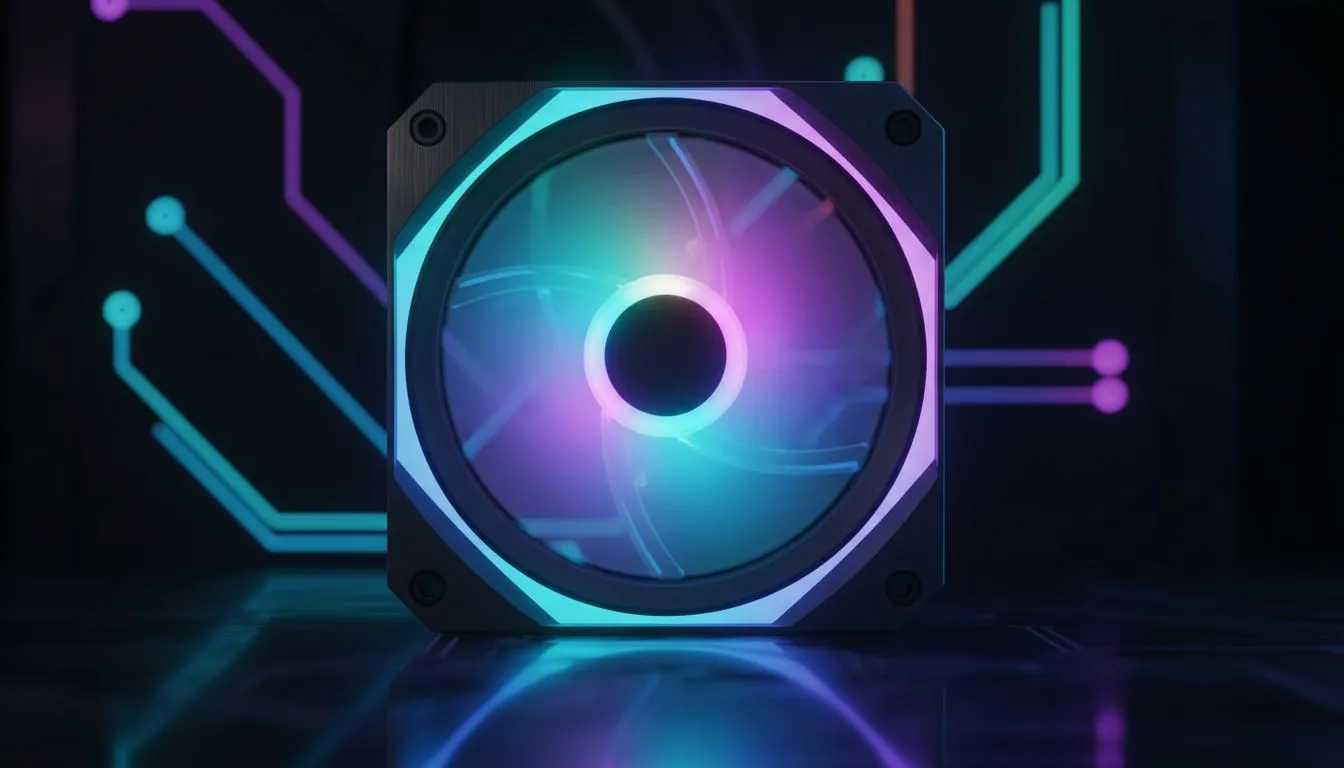
RGB side-window fans that lift your PC build
South African gamers, want your rig to look as good as it performs? RGB side window fans add colour, depth and a curated silhouette to your case. They catch attention at LANs and in streaming overlays. If you’re upgrading a compact or full tower, learn how smart lighting and the right fan sizes create impact without compromising airflow. 🔧✨
Discover options across Evetech's case fan range to match your vision: case fans at Evetech.
How RGB side-window fans balance airflow and looks
A fan’s job is airflow first, style second. Fans with good static pressure and carefully tuned curves push hot air out and pull cool air in. Many builders pair RGB fans with focused intake points on the side panel to cool GPUs and VRMs. For brand-specific picks, browse Corsair’s fan selection or see quieter, aesthetic-focused options from Deepcool. 🚀
If you prefer subtle illumination, Evetech lists non-RGB variants too. Check non-RGB case fans here. For kits and multi-fan RGB effects, start from the RGB filter page: RGB lighting effects.
Fan Fit Tip ⚡
Mount side fans as intakes when your GPU pulls cool air forward. Use 120mm fans for tighter mounting points and 140mm fans where your case permits to gain airflow at lower RPMs.
Choosing the right RGB side-window fans for South African rigs
Size matters. 120mm fans are common for compact layouts. 140mm fans move more air quietly in mid and full towers. See fan size options and measure before you buy: 120mm fans and 140mm fans. Aim for matched RPM ranges across intake and exhaust to avoid pressure imbalance.
A brief micro-story: I swapped two 120mm RGB side fans for a matched 140mm set in my NZXT case. Temperatures dropped 3°C under load and the light band looked cleaner on stream. The lesson? Measure, match and harmonise the RGB controller with your motherboard software.
Final checks before checkout: confirm connector type, PWM control, and that your case window placement supports the chosen fan depth. Need help deciding? Evetech’s product pages list specs you can rely on.
Ready to Find Your Perfect Match? The Mac vs Windows debate is complex, but for maximum power, choice, and value in South Africa, Windows is hard to beat. Explore our massive range of laptop specials and find the perfect machine to conquer your world.











