

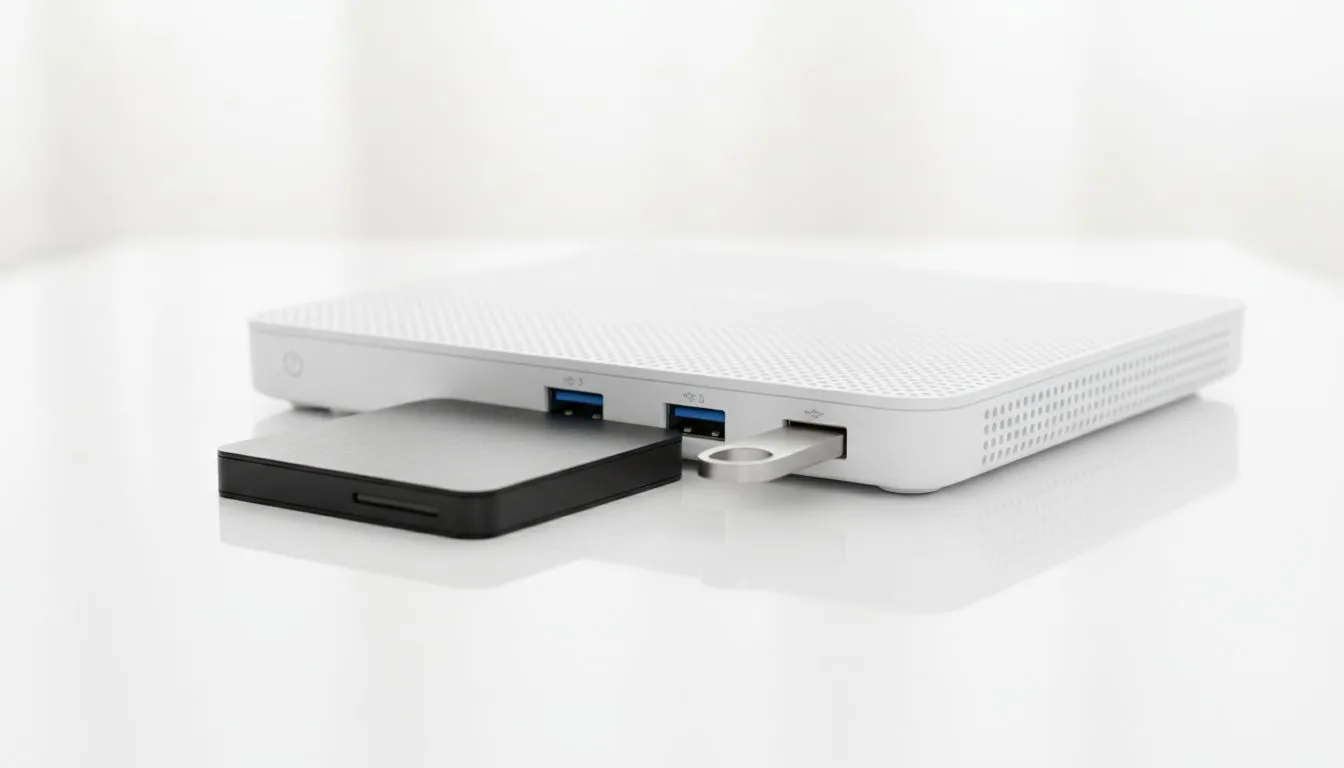
Tired of buffering when the fibre goes down? Setting up a Router USB Media Server is the ultimate local streaming hack. Whether you are on a road trip to the coast or dodging the latest round of load shedding... having a portable media server means your movies and series are always ready. It is easier than you think to turn your home network into a private Netflix.
Why You Need a Router USB Media Server
In South Africa... data costs and connectivity drops are part of life. A Router USB Media Server allows you to host files locally. You do not need a dedicated PC running 24/7. Just plug a hard drive into your router. This setup uses very little power... which is great for your inverter during stage 4. ⚡
Choosing the Right Hardware for Your Server
Not every router is up to the task. You need a device with a USB 2.0 or 3.0 port and built-in DLNA or Samba support. If you are looking for reliability... TP-LINK wireless routers offer robust firmware that makes media sharing a breeze. These units are easy to configure even if you are not a networking pro.
For those who need to take their library on the road... the Cudy LT700 AC1200 4G Cat6 router is a fantastic choice. It combines high speed LTE with media sharing capabilities... making it perfect for camping or holiday homes. Networking gear from Cudy South Africa has become a favourite for its balance of price and performance. 🚀
Storage Pro Tip ⚡
Use an external SSD instead of a traditional HDD for your router server. SSDs draw less power from the USB port and handle multiple simultaneous streams much better without stuttering. This ensures your 4K content plays smoothly across all devices.
Setting Up Your Portable Media Server
First... format your drive to NTFS or exFAT. Plug it into the router. Access your router settings via your browser. Look for a tab labelled "USB Settings" or "Media Server". Enable the DLNA server option. Your smart TV or phone will now see the router as a media source. 🔧
Optimising for Local Performance
To get the best experience... ensure your router is placed centrally. Use the 5GHz band for streaming high-bitrate content. If you are using a portable media server... keep the file names simple. This helps the indexing service find your content faster. You can now enjoy your favourite shows without worrying about the monthly data cap or slow international cables. ✨
Ready to Build Your Media Hub? Setting up a local server is the smartest way to beat the buffering blues. Explore our range of high-performance routers and start building your ultimate portable media library today.











