

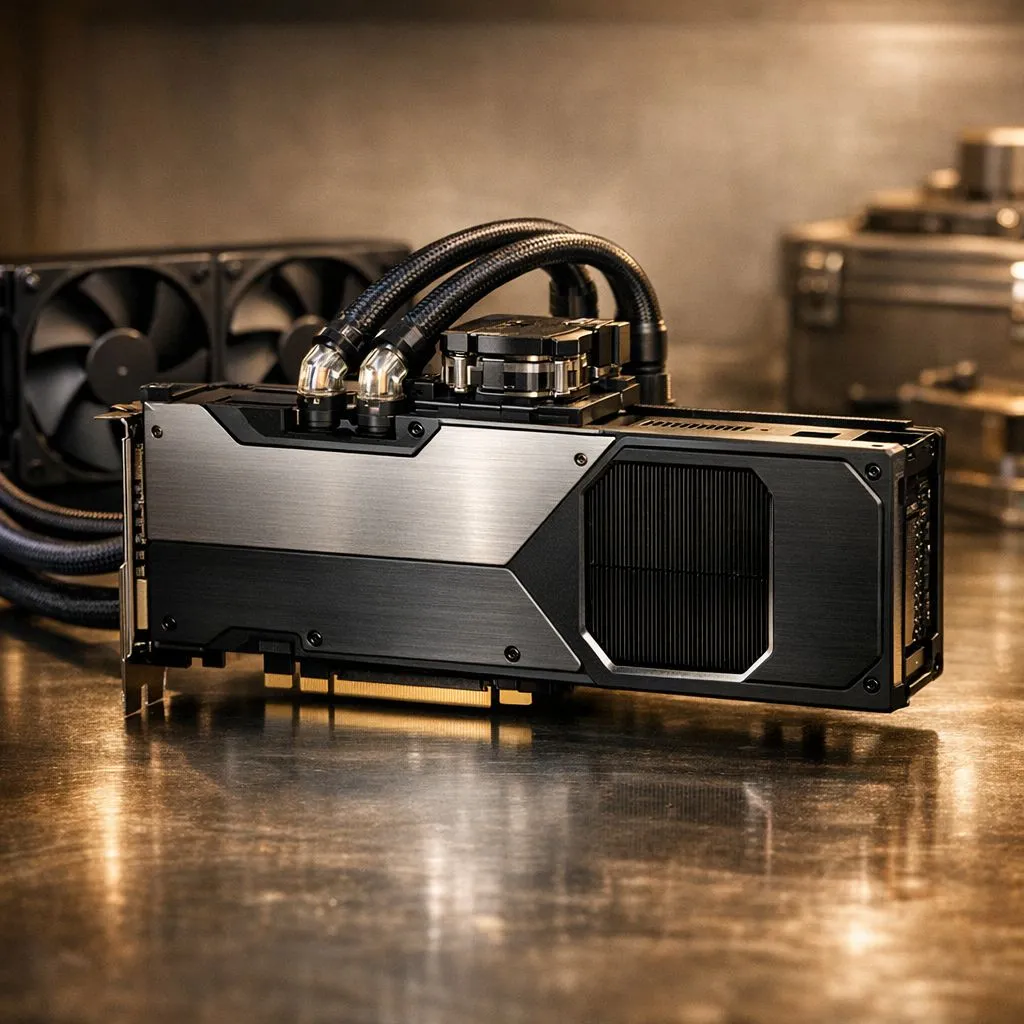
Preparing to safely transport a liquid-cooled graphics card 🔧
If you’re moving a liquid-cooled GPU between houses, sending one via courier, or taking a custom-loop card to a LAN, you want zero leaks and no bent PCBs. This quick guide explains how to safely transport a liquid-cooled graphics card with practical checks, packing tips and South African logistics notes that actually work.
Inspect the loop and documentation first
Before packing, examine the block, fittings and hoses for dampness or hairline cracks. Factory closed-loop GPU coolers are usually sealed; custom loops are not. If you’re unsure about your loop, consult the builder’s notes or the retailer where you bought it. For a wide selection of GPUs to compare before transport, browse GeForce GPUs on Evetech.
Drain or secure custom loops safely
For custom-loop cards, drain the loop into a labelled container and cap all fittings. Keep the block and radiators upright; air in the system can shift and cause stress. If you don’t have experience with draining a loop, ask a local builder or shop for help — it's safer than guessing.
Pack with protection and orientation in mind
Use anti-static bags, rigid boxes and at least 3cm of dense foam or bubble wrap on every side. Tape the PCI bracket so the card can’t move sideways. Mark the box with 'This Side Up' and 'Fragile'. For product comparison or replacement parts, see our full graphics card range at Evetech.
Transport Pro Tip ⚡
When shipping, keep the GPU upright and immobilised. Use corner foam, wrap the card in an ESD bag, and add silica gel packets to control moisture. Photograph the card and fittings before packing to document condition.
Shipping and courier advice for South Africa
Choose a courier with trackable services and declared value protection. For long-distance or overnight moves, avoid exposing the GPU to extreme temperatures. If you need a replacement or want to compare brands after a move, shop Radeon GPUs or check MSI GPU options on Evetech to find a suitable swap.
Reinstall and pressure-test after arrival
Once at the destination, inspect fittings, refill and bleed your custom loop slowly. For closed-loop cards, visually inspect and run a brief leak test at low load for an hour. If you see any weeping or odd noises, power down and recheck the loop.
Final checklist before you ship
- Cap and secure all fittings.
- Use ESD protection and rigid outer packaging.
- Photograph, insure and label the package.
- Use a reputable courier and declare the value.
✨ Small precaution now avoids costly repairs later. For a strong parts selection and build advice, visit Evetech’s full graphics card listings and brand pages.
- Browse MSI GPU options here: MSI GPU options
- Compare the general range here: Full graphics cards range
- Looking specifically at Radeon models? Shop Radeon GPUs
- Prefer GeForce? Browse GeForce GPUs
Ready to Find Your Perfect Match? The Mac vs Windows debate is complex, but for maximum power, choice, and value in South Africa, Windows is hard to beat. Explore our massive range of laptop specials and find the perfect machine to conquer your world.











