

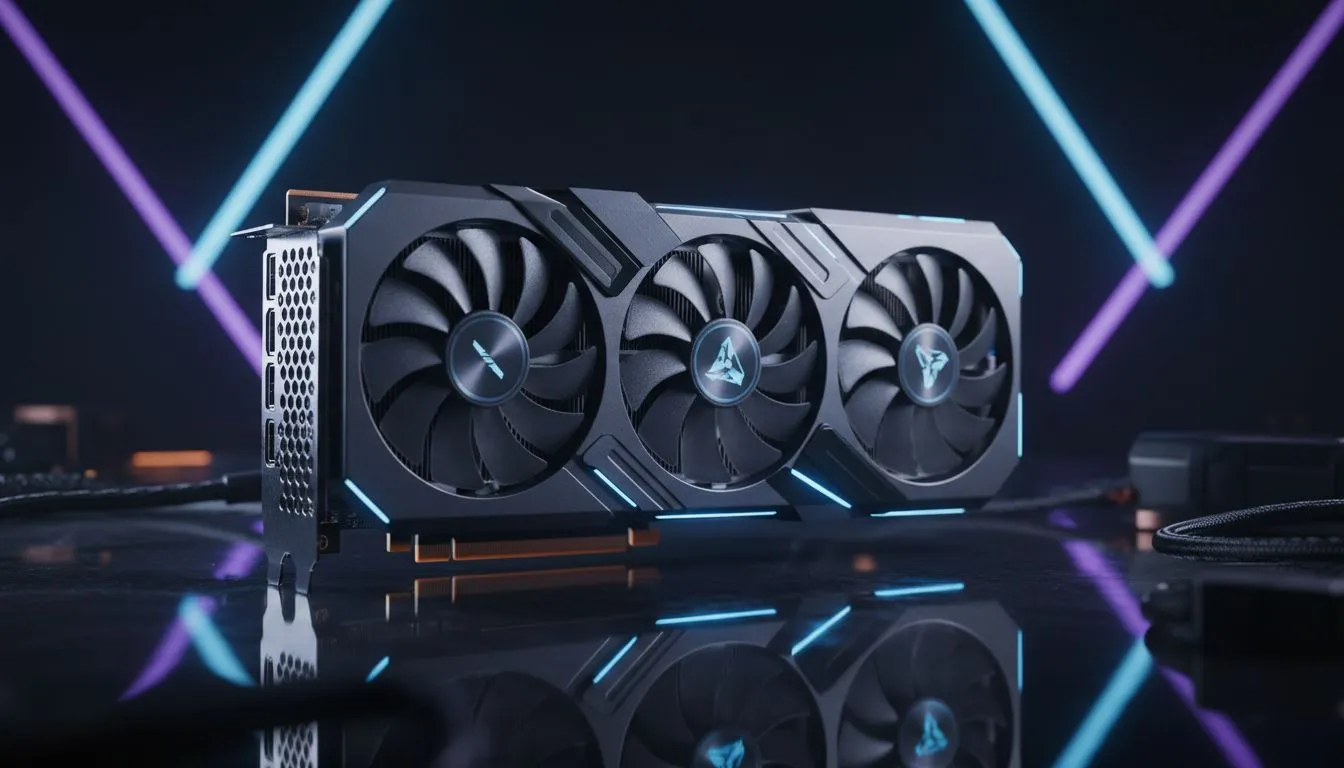
Understanding the SAPPHIRE NITRO+ RX 9060 XT Case Compatibility Guide
You have just clicked 'buy' on that shiny new Sapphire Nitro+ RX 9060 XT. It is a monster of a card. But as you stare at your mid-tower case, a cold sweat breaks out. Will it actually fit? In the world of high-end PC building, size really does matter. Let’s make sure your new upgrade does not turn into a return-shipping headache. ⚡
Measuring Your Chassis for the Nitro+ Series
The Sapphire Nitro+ range is famous for its premium cooling and beefy heatsinks. This specific model usually demands a three-slot clearance. Before you start your build, you must measure the distance from the rear I/O to your front fans. When looking at the latest Radeon Graphics Cards, the Nitro+ often sits near the top of the size charts.
Many South African gamers prefer compact cases for their aesthetics... but these often struggle with cards exceeding 320mm in length. If your case has a front-mounted radiator, your available space shrinks even further. Always subtract the thickness of your radiator and fans from the total internal length. 🔧
GPU Sag Prevention ⚡
High-end cards like the RX 9060 XT are heavy. To protect your PCIe slot, always use the included support bracket. If your case is tight, consider a vertical mounting kit, but ensure there is enough space between the glass and the fans to allow for proper airflow.
Thermal Headroom and Airflow Requirements
It is not just about whether the card physically fits inside the box. You also need to consider how it breathes. A massive GPU in a tiny case will choke... leading to thermal throttling during a heavy session of Cyberpunk 2077 or Warzone. We recommend at least 20mm of clearance between the GPU fans and the PSU shroud or side panel.
While we often compare these to GeForce Graphics Cards in terms of raw frames, the physical footprint is often quite similar. Ensuring your case has high-airflow mesh panels will help maintain those boost clocks. If you are browsing our full range of graphics cards, always check the "Dimensions" tab in the specifications.
Power Supply and Cable Clearance
The SAPPHIRE NITRO+ RX 9060 XT Case Compatibility Guide would not be complete without mentioning the power connectors. This card requires multiple 8-pin cables. These cables add height to the card... sometimes preventing the side panel from closing.
If you find that your current case is simply too small, you might look at alternatives from brands like MSI which sometimes offer slightly shorter dual-fan configurations. However, for the best performance in the South African heat, the triple-fan Nitro+ remains the king of cool. Spending R12,000 or more on a GPU deserves a case that can actually house it properly. 🚀
Ready to Find Your Perfect Match? The SAPPHIRE NITRO+ RX 9060 XT is a powerhouse, but it needs the right home to perform its best. Explore our massive range of graphics cards and find the perfect machine to conquer your world.











