

Quick Answer
You can build a capable schoolwork PC in South Africa for under R20,000 in 2025 that handles everything from document work and online research to light photo editing and video calls. The key is balancing a modern processor, sufficient RAM (16GB minimum), and a fast SSD within budget, while leaving room for a monitor and peripherals if needed.
What a Schoolwork PC Under R20,000 Should Include
A PC built for schoolwork in South Africa in 2025 needs to handle Microsoft 365, web browsers with many open tabs, video conferencing platforms like Teams and Zoom, and possibly light creative tools. Here is a target component breakdown:
- CPU: AMD Ryzen 5 7600 or Intel Core i5-13400 (R2,200 to R3,200)
- Motherboard: B650 (AMD) or B760 (Intel), budget range (R1,800 to R2,800)
- RAM: 16GB DDR5 or DDR4 dual-channel (R600 to R900)
- Storage: 500GB to 1TB NVMe SSD (R650 to R900)
- GPU: Integrated graphics are fine for pure schoolwork; add an RX 6400 or GTX 1650 for light gaming (R900 to R1,800 optional)
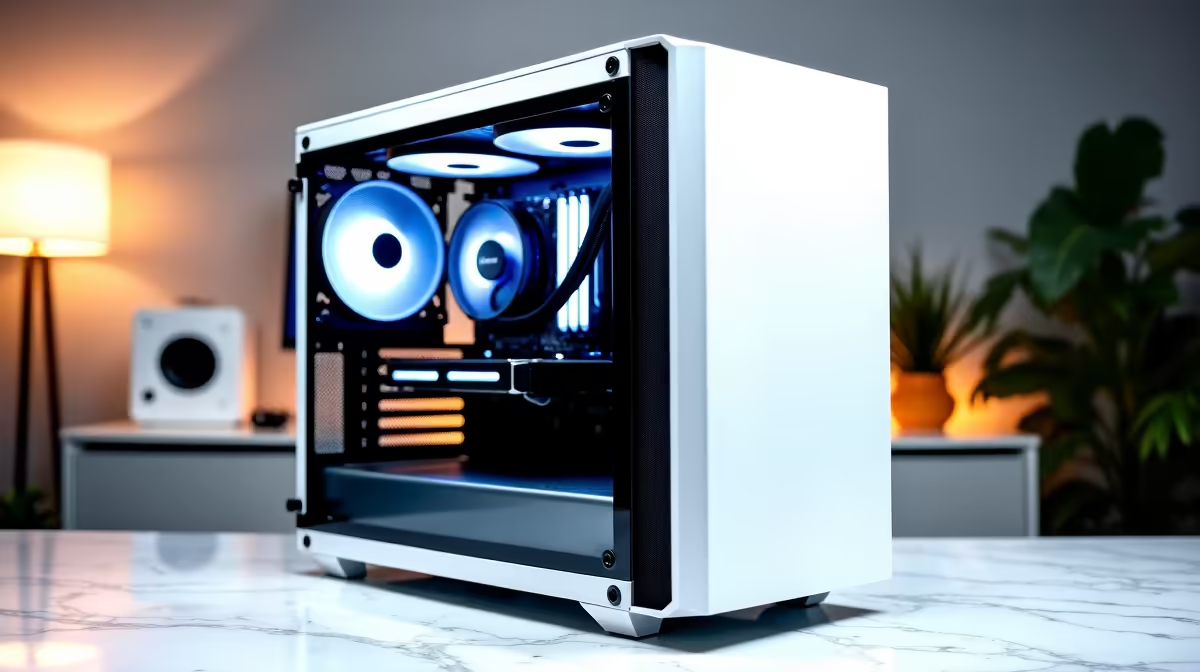
- Case: Mid-tower with good airflow (R500 to R800)
- PSU: 450W to 550W 80 Plus Bronze (R500 to R800)
- Cooling: Included stock cooler or budget aftermarket (R0 to R300)
This puts the full PC build at R7,150 to R10,700, leaving meaningful budget for a monitor, keyboard, and mouse, or keeping costs low for students at Unisa, UKZN, UP, or other SA universities studying remotely.
Loadshedding-Smart Schoolwork PC Design
Building a schoolwork PC in South Africa in 2025 means thinking about load-shedding. An energy-efficient build means your UPS lasts longer during power outages, keeping your assignments and online exams from being interrupted.
A Ryzen 5 7600 build pulls around 65W to 90W under typical schoolwork load (no dedicated GPU). A good 1500VA UPS can keep a system like this running for 45 minutes to over an hour during load-shedding, which is often enough to finish a session or save your work and shut down safely.
Adding a dedicated GPU increases draw significantly, so if loadshedding resilience is a priority, integrated graphics is the smarter schoolwork-only choice.
Monitor and Peripherals Budget
With PC components at R8,000 to R11,000, your remaining R9,000 to R12,000 of the R20,000 budget covers:
- Monitor (24-inch 1080p IPS): R2,500 to R4,500. A good IPS panel reduces eye strain during long study sessions, which is important for students doing extended reading and writing.
- Keyboard: R300 to R800
- Mouse: R200 to R500
- Webcam: R400 to R800 (important for remote learning and online exams at universities like Unisa)
- Headset or speakers: R300 to R800
This leaves budget flexibility for those who need all peripherals included, or extra funds for students who already own a monitor.
Is This Better Than a Laptop for Schoolwork?
For students who study at home, a desktop build under R20,000 offers better performance per rand than a laptop at the same price. You get a larger monitor, more comfortable keyboard, and components that run cooler and faster without thermal throttling.
For students at res or digs, a laptop makes more sense for portability. NSFAS covers R5,200 toward a laptop, which helps students at institutions like UCT, Wits, Stellenbosch, and UJ access approved laptop models. For home study, the desktop route gives substantially better value.
Frequently Asked Questions
Does a schoolwork PC under R20,000 need a dedicated GPU? For pure schoolwork, no. Integrated graphics on Ryzen 5 or Intel Core i5 handles everything from documents to video calls. Add a dedicated GPU only if you plan to use the PC for gaming or creative work alongside schoolwork.
What is the minimum RAM for a schoolwork PC in 2025? 16GB is the minimum recommended. With multiple browser tabs, Teams or Zoom, and an open document editor, 8GB can feel cramped. 16GB ensures smooth multitasking without slowdowns.
Can I use a schoolwork PC build for university online exams? Yes. Universities like Unisa and UKZN use proctoring platforms that run in a browser. A modern Ryzen 5 or i5 system with a webcam, stable internet, and enough UPS runtime for load-shedding handles online exam requirements without issues.
Is it worth building a PC or buying pre-built for schoolwork? Building gives you more value for money and lets you choose each component, but it requires some technical confidence. Pre-built options exist in the R10,000 to R20,000 range but typically use lower-grade components than a self-build at the same price.
Ready to Find Your Perfect Match? Explore Evetech's range of desktop PCs and components to build or buy your ideal schoolwork PC at the best prices in South Africa.











