

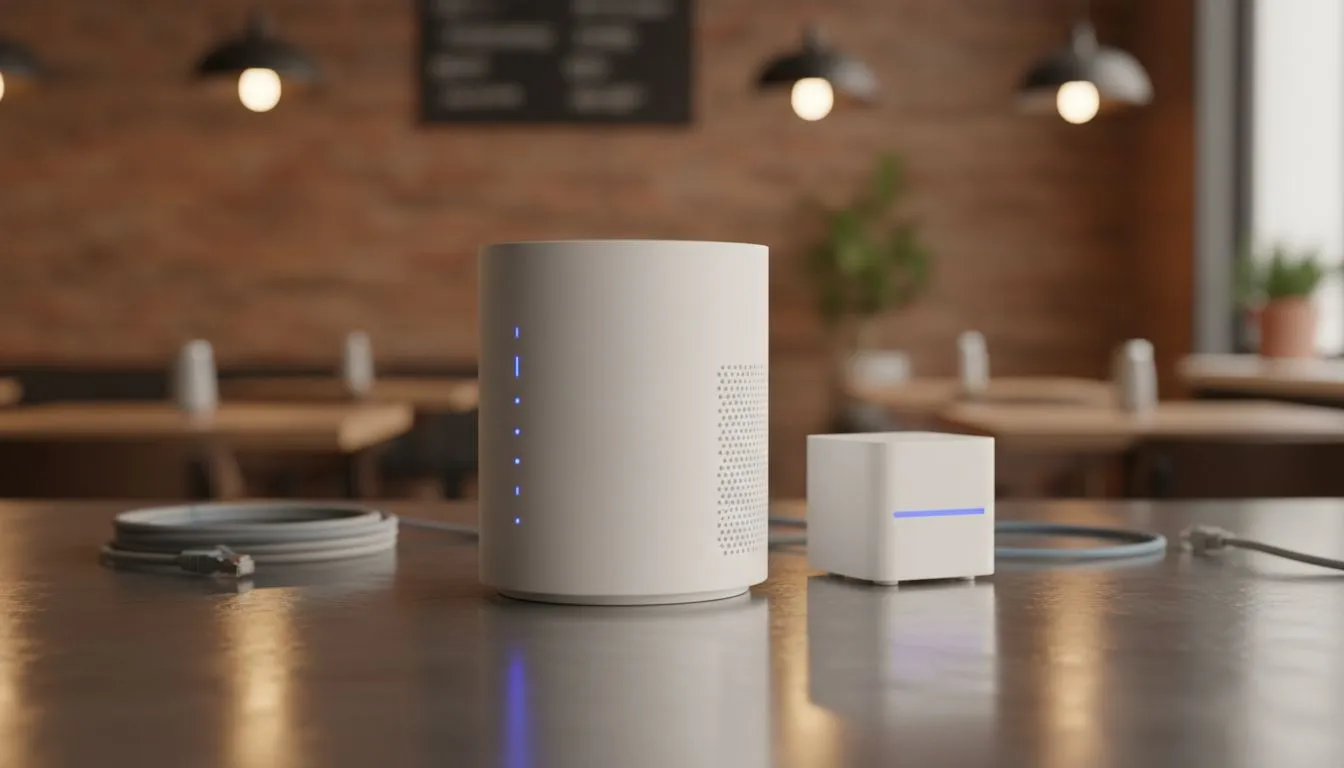
Protecting Your Business Assets
Running a busy coffee shop in Cape Town or a boutique in Sandton means offering free WiFi isn't a luxury anymore... it's a requirement. But if you're letting customers jump onto your main business network, you're inviting trouble. A Secure Guest WiFi Setup for Small Businesses and Cafes is about protecting your bank details while keeping your patrons happy with a stable connection. Let’s look at how to do it right. ☕
The biggest mistake small business owners make is sharing their primary WiFi password with everyone. This exposes your Point of Sale (POS) systems, printers, and private files to anyone with a smartphone. By creating a dedicated guest network, you create a digital wall between your business operations and your customers. This isolation ensures that even if a guest's device is compromised, your internal data remains safe from prying eyes.
Selecting Reliable Hardware for Your Shop
To manage multiple connections without your internet crawling to a halt, you need hardware that can handle the load. Standard ISP routers often buckle under the pressure of twenty people trying to stream video or check emails simultaneously. Investing in professional-grade gear like TP-Link routers allows you to set up multiple SSIDs and manage bandwidth effectively.
When choosing a router, look for "Guest Network" features in the settings. This allows you to toggle a secondary network on or off with a single click. You can also set a separate password that you change weekly to ensure only current customers are using your bandwidth. This simple step prevents "WiFi squatters" from sitting in your parking lot and using your data long after they have finished their coffee.
Network Isolation Pro Tip ⚡
Always enable "AP Isolation" or "Guest Isolation" in your router settings. This prevents guests from seeing or communicating with other devices on the same guest network. It adds an extra layer of privacy for your customers, ensuring their devices are hidden from everyone else in the cafe.
Managing Load Shedding and Connectivity
In South Africa, we have a unique challenge... load shedding. If your WiFi goes down every time the power cuts, your customers will likely head elsewhere. A robust Secure Guest WiFi Setup for Small Businesses and Cafes should include a failover plan.
For businesses that need to stay online during Stage 4, the Cudy LT700 AC1200 4G Cat6 router is an excellent choice. It offers high-speed LTE backup, so when the fibre goes dark, your guest network stays live via a SIM card. At a competitive ZAR price point, it provides peace of mind that your payment systems and customer satisfaction won't take a hit during scheduled outages. 🚀
Scalability and Future-Proofing
As your business grows, your network needs to grow with it. You might start with one router behind the counter, but eventually, you may need mesh nodes to cover a larger seating area or an outdoor patio. Choosing a brand with a strong local presence like Cudy South Africa ensures you have access to the latest firmware updates and hardware that is compatible with local ISPs.
Remember to limit the bandwidth per guest. You don't want one person downloading a 50GB game update to ruin the experience for everyone else. Most modern routers allow you to cap speeds for the guest SSID specifically. This ensures a fair distribution of speed, keeping the "Work from Cafe" crowd productive without lagging out your card machine. ✨
Ready to Secure Your Business Network? Don't leave your data at risk with an outdated setup. Whether you need high-speed LTE backup or a powerful mesh system, we have the right networking gear for your shop. Explore our full range of wireless routers and keep your customers connected safely.











