

Secure Private Network in Hotel or Cafe: Step-by-Step
Setting up a secure private network in a hotel or cafe is the only way to protect your gaming accounts and banking details while on the move. Public hotspots are notoriously easy to spoof. Whether you are at a local coffee shop or staying at a hotel in Sandton... your data deserves better than an open connection. Let us look at how to lock things down 🔒.
The Danger of Public Access Points
Public Wi-Fi is a playground for hackers. They often set up "Evil Twin" networks with names like "Hotel_Guest_Free" to trick you into connecting. Once you are in, they can intercept every packet of data you send. By creating a secure private network in a hotel or cafe, you build a digital wall around your devices. This ensures that your private information remains private... even in the middle of a crowded terminal.
Essential Gear for Portable Security
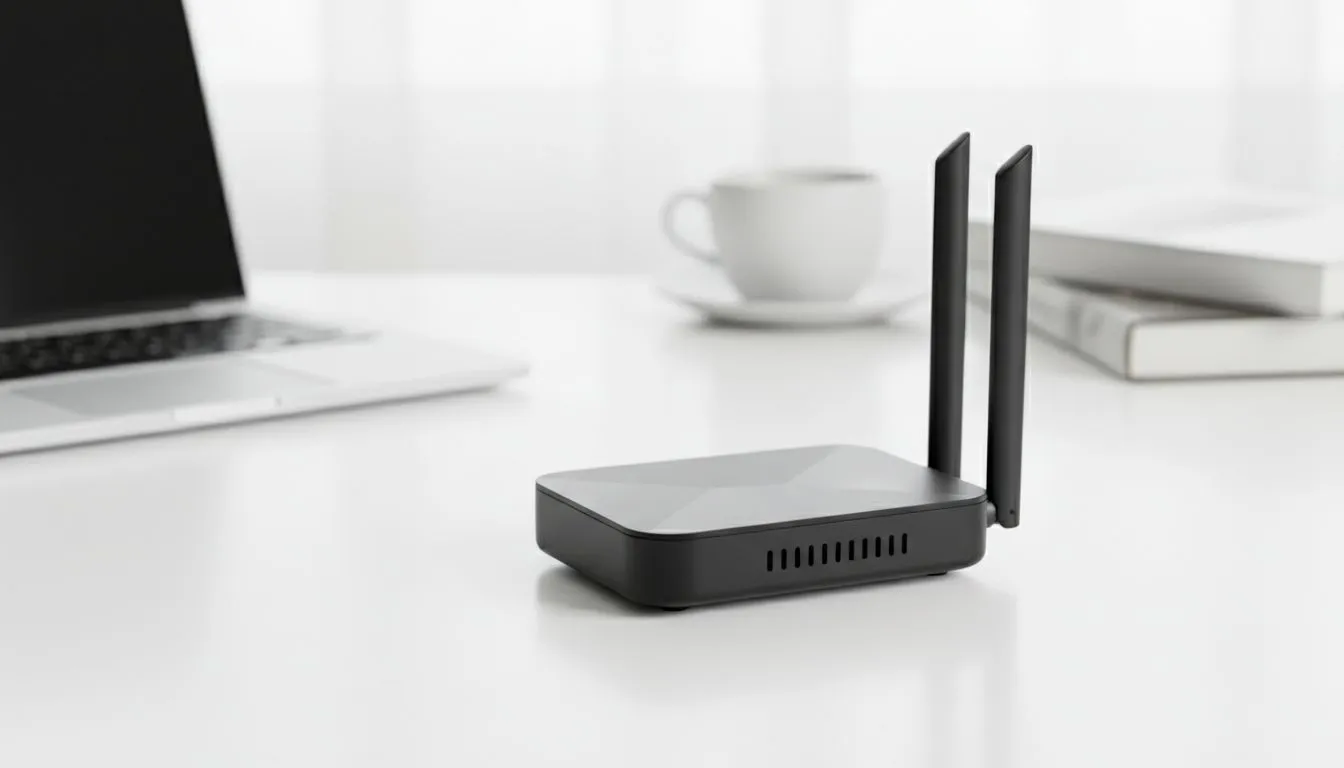
The first step involves choosing the right hardware. Portable routers act as a firewall between you and the public connection. You can find a variety of Cudy networking gear that fits perfectly in a laptop bag. These devices allow you to log into the public Wi-Fi once and then share that connection with all your personal devices privately.
If you prefer a more traditional setup for a temporary home office, many TP-LINK wireless routers offer bridge modes. This allows the router to grab the hotel signal and broadcast its own encrypted network. This way, your laptop and phone never actually touch the public access point directly ⚡.
Security Pro Tip ⚡
Always change the default admin password on your travel router before you leave home. If you leave it as 'admin' or '1234', anyone on the local network could potentially log into your device and change your settings. Use a unique password and enable WPA3 encryption if your hardware supports it for the best possible protection.
Why a Dedicated 4G Solution Wins
For those who travel often across South Africa, relying on hotel Wi-Fi can be frustrating. Speeds are often capped or unstable. A better alternative is the Cudy LT700 AC1200 4G Cat6 router. By using a local SIM card, you bypass the public network entirely. This gives you a truly private connection with consistent speeds for gaming or streaming... no matter where you are 🚀.
Step-by-Step Configuration for Mobile Privacy
- Power on your router: Plug your travel router into a power bank or wall outlet.
- Access the Admin Panel: Connect your phone to the router's default Wi-Fi and open the gateway IP in a browser.
- Select WISP Mode: Choose the 'Wireless Internet Service Provider' (WISP) or 'Bridge' mode in the settings.
- Scan for Networks: Select the hotel or cafe Wi-Fi from the list and enter the required password.
- Create Your Private SSID: Set a new, unique name and a strong password for your private network.
- Connect Your Devices: Now, connect your laptop, tablet, and phone to your new, secure SSID.
By following these steps, you ensure that your hardware is the only thing visible to the public network. Your individual devices remain hidden behind the router's NAT and firewall... giving you peace of mind while you work or play ✨.
Ready to Secure Your Connection? Don't leave your data to chance when you're on the road. Whether you need a high-speed 4G solution or a reliable travel router, we have the hardware to keep you protected. Explore our massive range of networking specials and find the perfect device to secure your digital life.











