

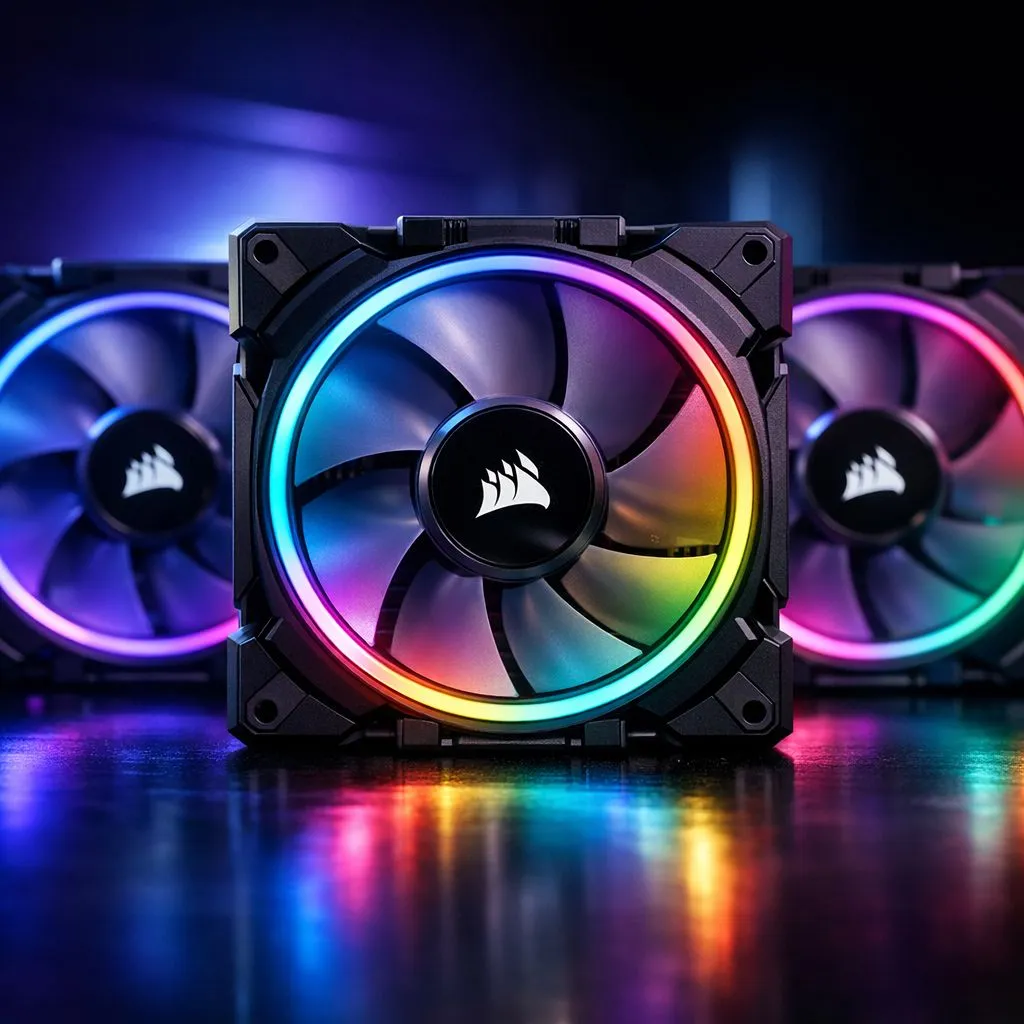
The End of Cable Spaghetti in Your Gaming Rig
Tired of the cable spaghetti hiding behind your motherboard tray? We have all been there. Spending hours on cable management only to have a side panel that barely closes is a South African rite of passage. But things are changing. To set up Corsair iCUE LINK fans is to finally embrace a cable-free PC aesthetic that looks as clean as it performs... let us dive in. 🔧
Why You Should Set Up Corsair iCUE LINK Fans
The traditional way of installing case fans involves a nightmare of PWM and RGB headers. Each fan usually requires two separate wires. If you have six fans, that is twelve cables to tuck away. Corsair iCUE LINK solves this by using a single connector to link multiple components together.
When you choose these specific CORSAIR fans, you are investing in a simplified ecosystem. The fans snap together using magnetic connectors. This means a single cable from the System Hub can power and control an entire row of fans. It reduces clutter and improves airflow inside your chassis... which is vital during those hot Gauteng summers. ⚡
Pro Builder Tip ⚡
When planning your iCUE LINK loop, remember that the System Hub can support up to 14 devices. However, try to split your fans across the two available channels. This makes it easier to route cables behind the tray and ensures you do not exceed the power draw limits for a single port.
Choosing the Right Size and Style
Before you start your build, you need to decide on your layout. Most modern South African builds utilise 120mm fans for radiators and standard mounts. If your case is a bit larger, opting for 140mm versions can provide better airflow at lower noise levels.
Lighting Aesthetics ✨
Don't forget to sync your lighting profiles in the iCUE software. You can set your fans to change colour based on your CPU temperature. This gives you a visual warning if your cooling needs attention during an intense gaming session.
While many enthusiasts crave vibrant RGB effects to show off their hardware, some prefer a stealthier look. If you want a professional workstation vibe, there are fans with None (no lighting) options that focus purely on performance.
Installation and Software Setup
The physical installation is straightforward. You mount the fans, click them together, and run one cable to the hub. Once the hardware is in place, download the latest version of iCUE. The software will automatically detect your devices. From there, you can customise fan curves and lighting patterns with a few clicks.
If the premium price of the LINK system is a bit high for your current budget, brands like Deepcool offer excellent traditional alternatives that still provide great cooling for your ZAR. However, for the ultimate cable-free PC experience, Corsair remains the gold standard in South Africa. 🚀
Ready to Build Your Dream PC? Cable management doesn't have to be a chore. Whether you want the latest iCUE LINK tech or high-performance traditional cooling, we have the stock you need. Explore our massive range of case fans and start your cable-free journey today.











