

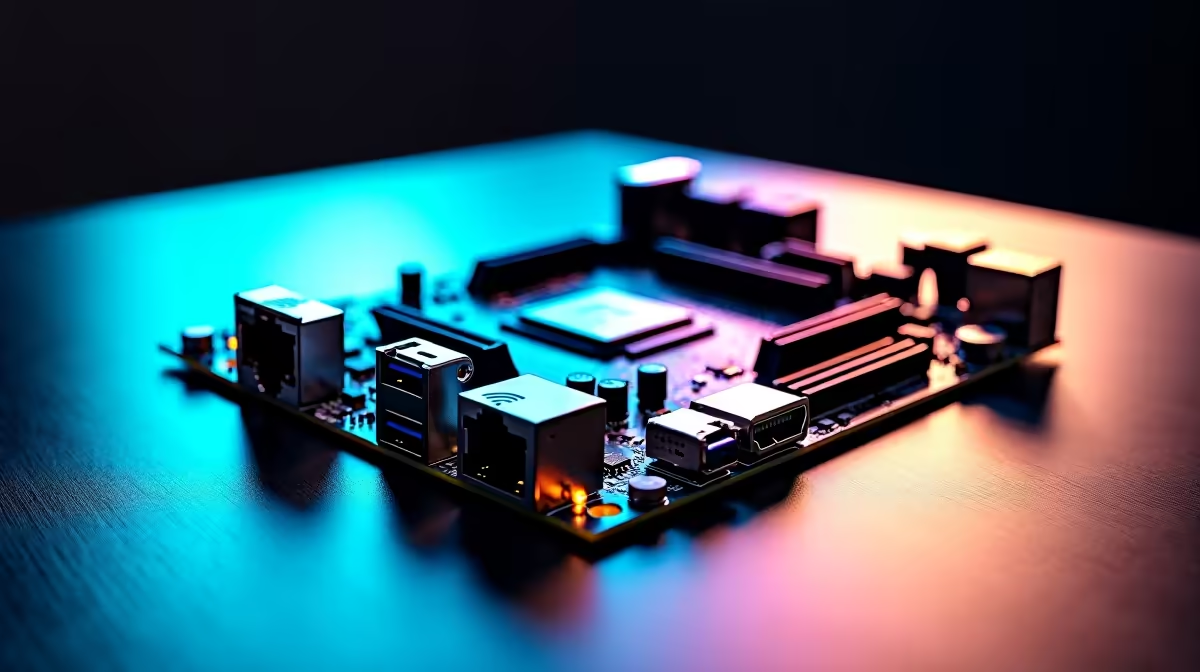
Let us talk about the sheer frustration of lag during a crucial competitive match. South African gamers know that pain too well... especially when you finally get online after a long day. But what if your rig could handle blazing fibre speeds, massive file transfers, and zero-latency wireless... all at once? Setting up Wi-Fi 7, 2.5Gb LAN and USB4 on a modern ATX motherboard is your ticket to a flawless experience. Let us get your system connected properly.
Future-Proofing Your South African Setup 🚀
Building a PC today means planning for tomorrow. When you spend your hard-earned ZAR on new hardware, you want it to last for years to come. That is why the latest PC motherboards now feature incredible networking and port options out of the box. You are no longer restricted to basic gigabit speeds or slow file transfers. You can now move terabytes of data in minutes.
Whether you are upgrading an older rig or looking at pre-built custom gaming PCs, checking the rear panel is vital. The trifecta of modern connectivity ensures your system never bottlenecks your internet or your premium peripherals.
Mastering the 2.5Gb LAN Connection
Wired internet remains the absolute gold standard for competitive gaming. A 2.5Gb Ethernet port gives you more than double the bandwidth of standard gigabit ports. This is perfect if you have a high-speed local home network or a premium fibre line. If you stream to Twitch or upload massive files, this stability is crucial.
To optimise this connection, ensure you use a Cat6 or Cat6a Ethernet cable. Older cables will simply throttle your speeds. Once plugged in, head to your device manager to confirm the port is running at full capacity.
Driver Update Pro Tip 🔧
Always download your network drivers to a USB flash drive before you start building. Windows does not always have the newest drivers pre-installed for brand new boards!
Unleashing True Wireless Freedom ⚡
Sometimes running a cable across the house is impossible. That is where Wi-Fi 7 steps in. It delivers wired-like latency and massive bandwidth for seamless gaming. Setting up Wi-Fi 7, 2.5Gb LAN and USB4 on a modern ATX motherboard requires a bit of software tweaking, but the results are incredible.
First, attach the included magnetic Wi-Fi antenna to your case. Keep it away from thick walls or metal obstructions to ensure a clean signal. If you prefer Team Red, many premium ASUS AMD motherboards feature built-in Wi-Fi 7 modules. Just remember to pair it with a compatible router to see those massive speed gains.
Maximising USB4 Transfer Speeds ✨
USB4 is an absolute beast for content creators and power users. It offers a staggering 40Gbps transfer rate. You can run high-refresh-rate 4K displays, daisy-chain multiple devices, or edit heavy video files directly from an external NVMe drive without dropping frames.
To get the most out of USB4, your system needs to process data rapidly. Pair your board with high-speed desktop memory to prevent system bottlenecks during large transfers. Fans of Team Blue will find excellent USB4 support across top-tier ASUS Intel motherboards. Simply plug your compatible device into the designated Type-C port and let the motherboard handle the heavy lifting.
Ready to Build Your Ultimate PC? Do not let outdated ports slow down your gaming or workflow. Explore our massive range of motherboards at Evetech and find the perfect foundation to conquer your digital world today.











