

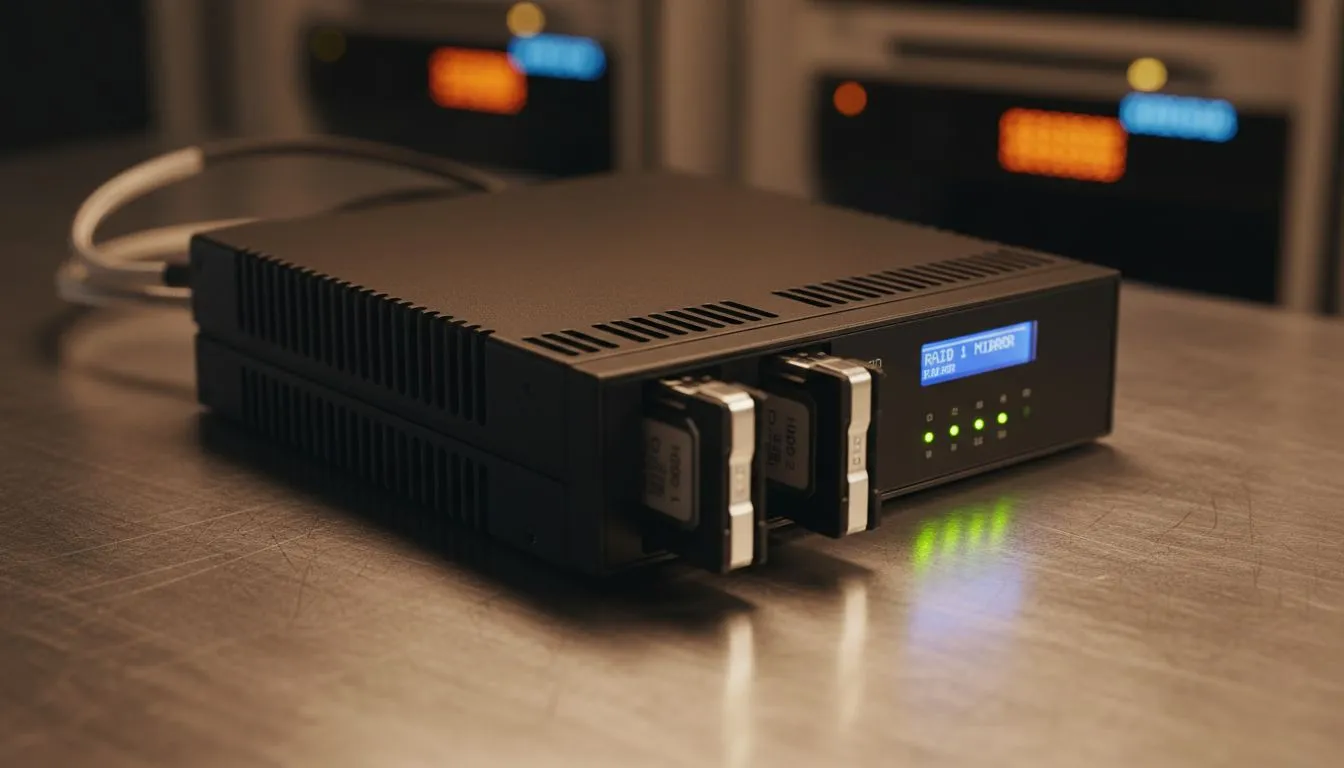
Why You Need to Setup RAID 1 Mirror for Redundant Data Storage
Imagine waking up to a "Disk Boot Failure" screen. All your gaming captures and work files... gone. In South Africa, power surges make this a common tragedy. To protect yourself, you should Setup RAID 1 Mirror for Redundant Data Storage. This simple configuration ensures that even if one drive fails... your data remains safe on the twin drive. 🔧
Why Redundancy is Non-Negotiable locally
Loadshedding isn't just an inconvenience. It is a direct threat to your hardware. When you opt for high-performance SSDs, you are already ahead of the competition. However, even the best tech can face unexpected issues. RAID 1 works by mirroring your data across two identical disks. If one dies, the other takes over instantly. It is like having a spare tyre for your digital life.
Choosing the Right Hardware for Your Mirror
To get started, you need two drives of the same capacity. For reliability, many local gamers prefer ADATA storage solutions because of their impressive longevity. Alternatively, you might want to look at the legendary performance of Western Digital drives. Mixing brands is possible, but matching them ensures the best compatibility. ⚡
RAID 1 Setup Tip ⚡
When configuring your RAID array, always ensure you have a backup of existing data before you start. Initialising a RAID 1 mirror usually wipes both drives to synchronise them. Use a cloud service or a temporary spare drive to keep your files safe during the setup process.
Maximising Speed and Safety
If you are building a high-end workstation, you might consider lightning-fast Gen 5 NVME SSDs. These offer incredible read speeds while RAID 1 handles the safety side. For those who prefer a simpler approach without opening their PC case... external SSD solutions are a great alternative. You can even find drives in a portable external form factor that support software-based mirroring. 🚀
The Step-by-Step Process
Setting it up is easier than you think. Most modern South African motherboards have built-in RAID controllers. You simply enter the BIOS... select your two drives... and choose "RAID 1" or "Mirror". Windows will then see them as a single, ultra-reliable volume. Setting up a RAID 1 mirror for redundant data storage is a small price to pay for peace of mind. A new drive might cost R1,500 in ZAR... but your lost memories are priceless. ✨
Ready to Secure Your Digital Life? Data loss is a nightmare you can avoid with the right hardware and a solid backup plan. Browse our full range of storage solutions and find the perfect drives to keep your files safe forever.











