


Quick Answer
Upgrade rather than replace your CPU cooler when your current cooler still fits your socket but runs hot or loud during backups and large file transfers. A R350 to R700 tower air cooler keeps the CPU near 65 to 75 degrees Celsius; replace entirely only if you change to an incompatible socket.
Upgrade When The Cooler Is The Weak Link
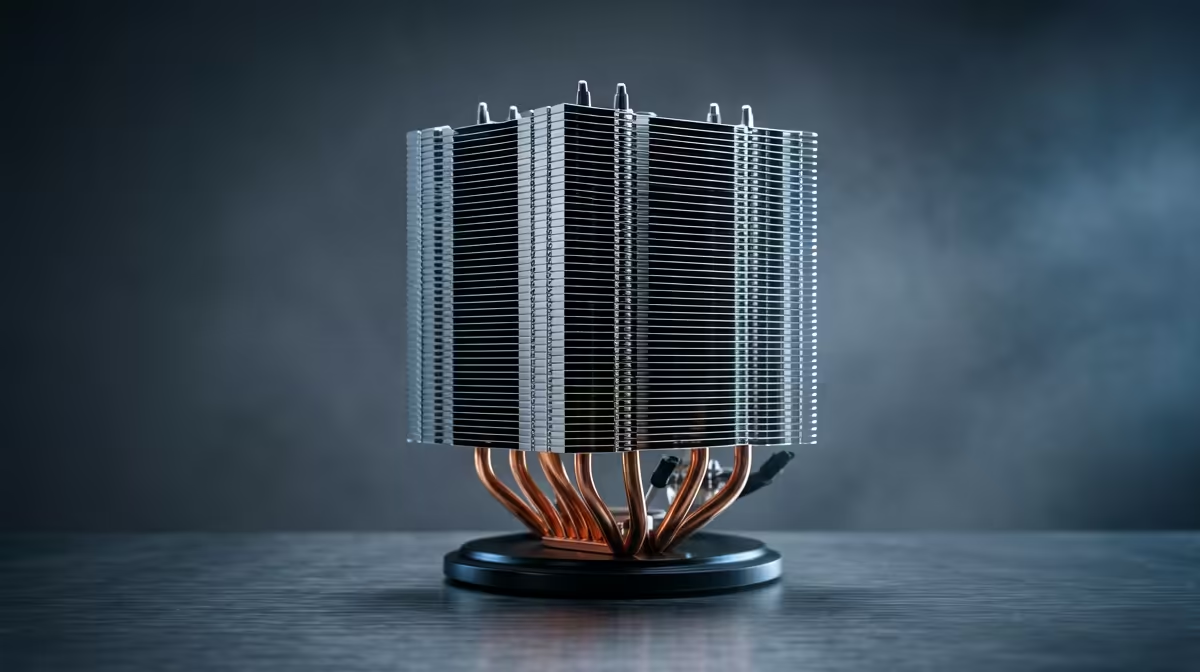
If your storage-and-backup PC throttles or whines during long file transfers and drive rebuilds, the cooler, not the whole platform, is usually the problem. An upgrade to a R350 to R700 tower air cooler from a stock or aging unit holds the CPU near 65 to 75 degrees Celsius under those sustained bursts, keeping the system quiet and stable. This is cheaper and simpler than replacing the CPU or board, and it directly fixes the heat-and-noise complaint.
Upgrading the cooler makes sense whenever the rest of the platform still meets your needs.
When A Full Replacement Is Needed
Replace the cooler outright, not just upgrade, if you move to a new CPU on a different socket the old cooler does not support, or if the existing cooler's mounting is broken. A genuinely new platform may also justify a fresh 240mm AIO at R1,200 to R2,000 if you step up to a high-core chip that runs heavy parity or compression loads. For a typical backup and storage box, though, an air-cooler upgrade is almost always the right, cheaper call.
Match The Cooler To Storage Duty
A backup and storage PC runs at low load most of the day with occasional heavy bursts, so a quiet air cooler with a fan at 800 to 1,400 RPM and no pump to fail suits it well. Check cooler height against case clearance, often 150mm to 170mm, and confirm socket support before buying. Good case airflow supports both the CPU and the drives.
FAQ
Should I upgrade or replace my CPU cooler?
Upgrade if your current cooler fits the socket but runs hot or loud, since a R350 to R700 tower cooler fixes that cheaply. Replace entirely only when you change to an incompatible socket or the mount is broken.
Why does a storage PC overheat during backups?
Long file transfers and drive rebuilds push the CPU into sustained load that a weak or aging cooler cannot handle, causing throttling and noise. A better tower air cooler holds steady temperatures through those bursts.
Is an air cooler enough for a backup server?
Yes. A storage box runs at low load most of the time, so a quiet air cooler with no pump to fail is ideal. Reserve a 240mm AIO for a machine doing heavy sustained compute.
storage PC only gets hot during backups, upgrade the cooler rather than the platform; a R350 to R700 air cooler fixes the heat and noise far cheaper than a rebuild.









