

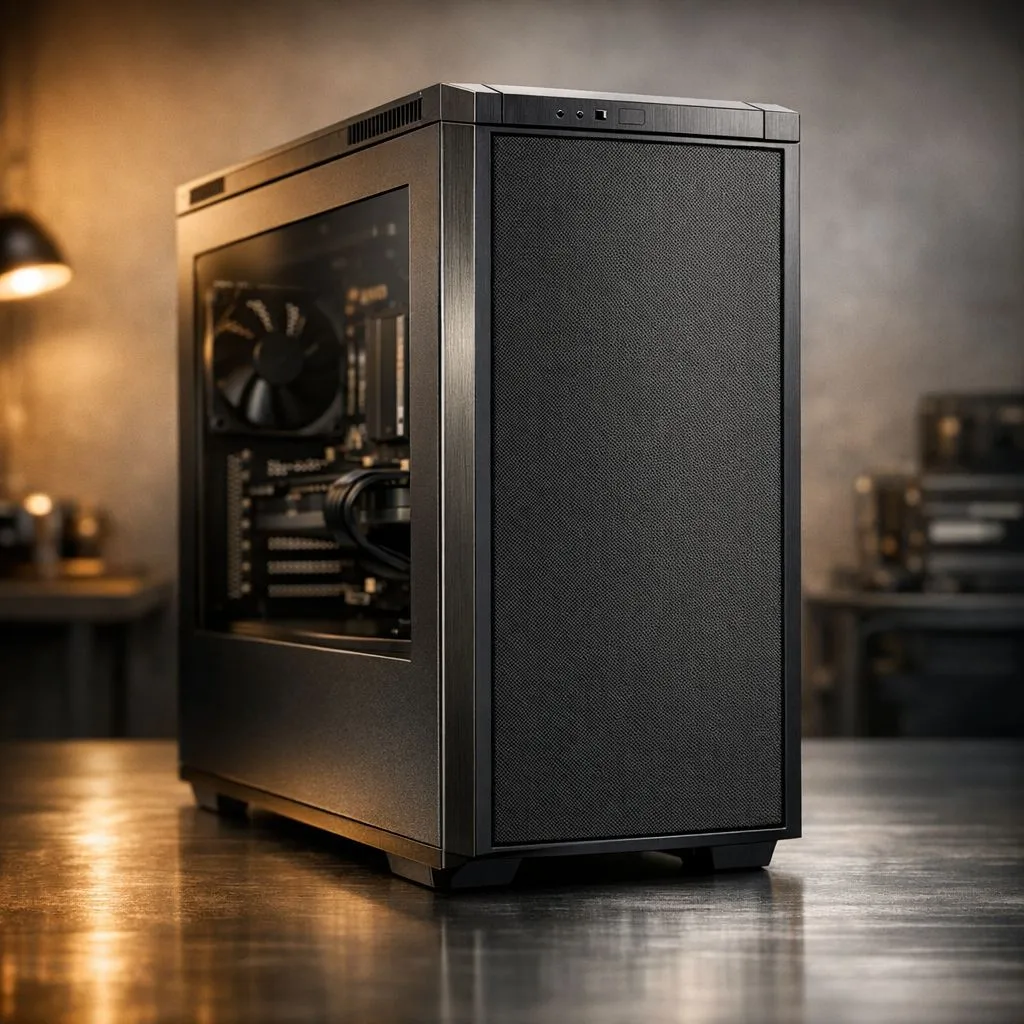
Silent PC Build Guide: Reduce Fan Noise Without Losing Performance
There is nothing worse than a midnight gaming session in a quiet South African suburb being ruined by a PC that sounds like a jet engine. You want immersion, not a constant whirring distraction. Our Silent PC Build Guide: Reduce Fan Noise Without Losing Performance shows you how to achieve total silence without sacrificing your frame rates or thermal safety 🤫.
Choosing the Foundation of Silence
The case is your first line of defence against noise. Look for chassis with pre-installed sound-dampening foam. These panels absorb high-frequency vibrations from hard drives and fans. However, even the best case cannot hide a loud component.
Your choice of cooling is vital. Large air coolers with 140mm fans often run quieter than smaller ones. They move more air at lower revolutions per minute. This reduces the "whine" associated with high-speed fans. If you are building a high-end rig, ensure your Corsair power supply is rated for your wattage needs. A PSU running at 50% load is significantly quieter than one pushed to its limit.
Efficiency Leads to Quieter Operation
Heat is the enemy of silence. When your components get hot, your fans spin faster to compensate. By choosing energy-efficient parts, you naturally reduce the heat output. This allows your cooling system to remain in a low-power, silent state for longer.
We highly recommend selecting units with 80 PLUS certifications for your build. These units convert power more effectively. Less energy is wasted as heat, meaning the internal fan does not need to work as hard. In many cases, the fan might not even spin during light tasks like browsing or streaming.
Silent Cooling Pro Tip ⚡
Use rubber anti-vibration mounts instead of standard metal screws for your case fans. These small rubber "pulls" decouple the fan motor from the chassis. This prevents the plastic-on-metal vibration that often causes that annoying humming sound in mid-range cases.
Optimise Your Fan Curves
Hardware is only half the battle. You must also manage how that hardware behaves. Most modern motherboards allow you to set custom fan curves in the BIOS. You can tell your fans to stay at 30% speed until the CPU hits 60 degrees Celsius.
For those on a budget, reliable components from GAMDIAS offer great thermal performance for the price. Once installed, use software like Fan Control to fine-tune every header. Keeping your fans at a constant, low speed is often less noticeable than fans that constantly ramp up and down 🚀.
Maintenance and Airflow
Dust is a silent killer... literally. Dust buildup on heatsinks forces fans to spin faster to achieve the same cooling. Clean your PC every few months with compressed air. Ensure your cable management is tidy to allow unobstructed airflow. Better airflow means lower temperatures and a much quieter room.
Investing a few extra ZAR into high-quality static pressure fans for your radiators can make a world of difference. It is about working smarter, not harder, to keep your silicon cool and your room peaceful 🔧.
Ready to Build Your Silent Masterpiece? Reducing noise doesn't mean you have to sacrifice the power you need to win. Whether you are looking for whisper-quiet fans or high-efficiency power supplies, we have the gear to help you stay stealthy. Explore our massive range of PC components and find the perfect parts to silence your rig today.











