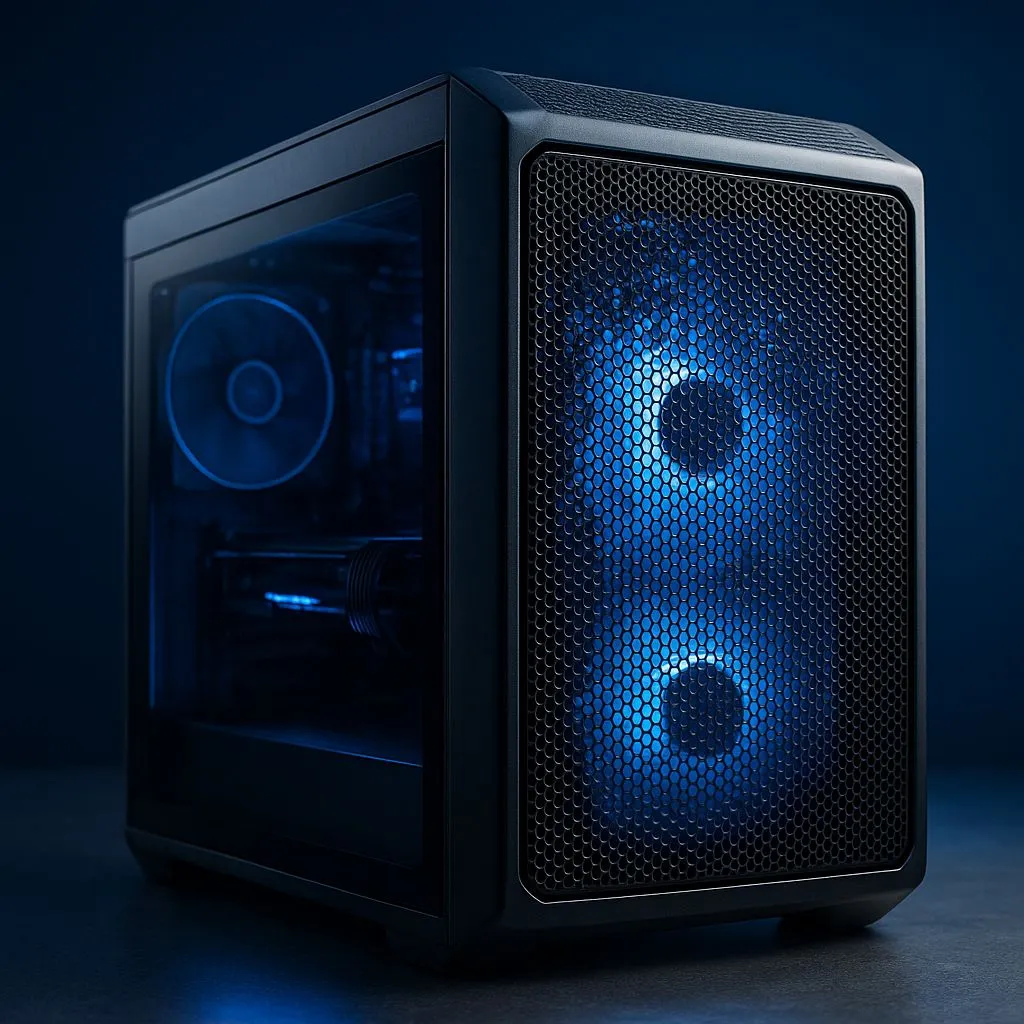
Kyalami, final lap. The heat isn't just coming from the on-screen engine... it's radiating from your PC and your own body. Your hands are slick on the wheel, and that crucial braking point gets missed. Sound familiar? Effective sim racing rig cooling isn't a luxury; it's essential for endurance and consistency. This guide will help you master both PC and cabin airflow to keep you and your machine performing at their peak. 🚀
Cooling the Heart of Your Rig: The PC
Before we cool you down, let's tackle the biggest heat source in the room: your gaming PC. When your CPU and GPU are pushing pixels for hours, they generate immense heat. If not managed, this leads to thermal throttling—your PC slows down to protect itself, causing stuttering and dropped frames. A solid cooling strategy is the first step to a stable sim racing experience.
Your PC's performance is directly tied to its ability to stay cool. For any serious build, a high-quality CPU cooler is non-negotiable. It's the foundation of your entire sim racing rig cooling system, ensuring your processor can maintain boost clocks for longer, giving you smoother gameplay when it matters most.
Air vs. Liquid Cooling: What's Best for Sim Racing?
The age-old debate continues. Modern high-end air coolers are incredibly efficient, reliable, and often more affordable. They use a heatsink and fan to draw heat away from the CPU.
However, for maximum thermal headroom, especially if you're overclocking or running a top-tier CPU, an All-in-One (AIO) liquid cooler is the way to go. AIOs use liquid to transfer heat to a radiator, offering superior cooling potential and often a cleaner aesthetic inside your case. Brands like Corsair have become synonymous with reliable, high-performance liquid cooling that many South African sim racers trust.
Radiator Reality Check 🔧
is usually better. A 240mm AIO is a great starting point, but for hot CPUs like an Intel Core i9 or AMD Ryzen 9, stepping up to a [360mm radiator](https: www.evetech.co.za PC-Components cpu-coolers-84?attributes-coolingsize=360mm+Radiator) provides a larger surface area to dissipate heat more effectively. This means lower temps and quieter fan speeds, letting you focus on the race audio, not your PC.
Beyond the Box: Airflow for Your Sim Racing Cabin
Now that your PC is sorted, what about you? A hot, stuffy room will sap your energy and focus, no matter how cool your CPU is running. Proper cabin ventilation is the second half of a complete sim racing rig cooling solution.
The goal is to move the hot air generated by you, your PC, and your monitors away from your cockpit. A simple desk fan can help, but for those intense summer sessions in SA, it might not be enough. Consider the layout of your room. Can you open a window to create a cross-breeze? Is your rig placed in a corner where heat gets trapped?
Think of your gaming space as a wind tunnel. You want cool air flowing in and hot air flowing out. Even a small, strategically placed USB fan pointed at your hands or neck can make a surprising difference during a long race. ✨
Putting It All Together for Peak Performance
A holistic approach is key. A well-cooled PC prevents performance drops, while a well-ventilated cabin keeps your mind sharp. By addressing both, you create an environment where the only thing heating up is the on-track action. Don't let thermal throttling—for your PC or yourself—cost you a podium finish. Optimise your setup, stay cool, and drive faster.
Ready to Chill Your Rig and Shave Seconds Off Your Lap Times?
The heat is on, but your PC doesn't have to feel it. A properly cooled rig is a faster, more stable rig. Explore our massive range of CPU coolers and find the perfect solution to keep your performance from throttling.