

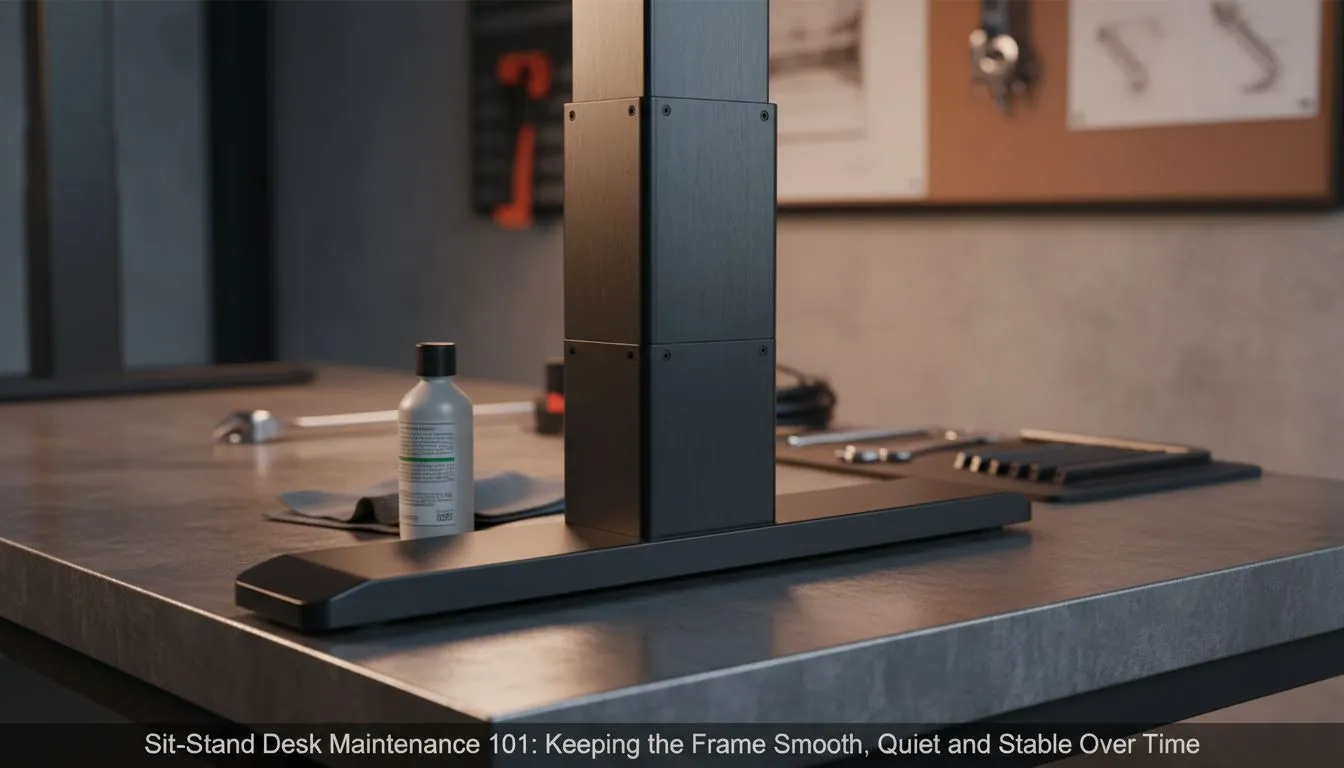
Investing in a high-quality sit-stand desk is a brilliant move for your health and gaming performance. Whether you are grinding in Cape Town or working from home in Joburg, that smooth transition keeps the blood flowing. However, mechanical parts require a little love. Consistent sit-stand desk maintenance: keep frame smooth, quiet and stable to protect your investment and ensure a wobble-free experience every single day.
Keep the Movement Silent and Fluid
The heart of your motorised setup is the lifting mechanism. If you start hearing a grinding noise or notice a jerky motion, it is time to act. Brands like Nitro gaming desks are built for long-term durability... but dust is the ultimate enemy of any moving part.
Use a dry microfibre cloth to wipe down the telescopic legs once a week. This prevents grit from entering the internal gear system. If the legs feel sticky, a tiny amount of silicone-based lubricant can help. Avoid heavy oils that attract more dirt... cleanliness is the key to a silent motor.
Eliminate the Dreaded Desk Wobble
Stability is just as important as speed when you are in the middle of a clutch moment. Over time, the vibrations from the motor or intense typing sessions can loosen the hex bolts that hold everything together. We recommend checking the underside of your Arozzi desk every few months.
A quick tighten of the frame screws and leg bolts ensures your monitors do not shake. Even the most expensive frames can develop a slight sway if the feet are not perfectly level on your floor. Use the adjustable levelling pads at the base to compensate for uneven tiles or carpets.
Smooth Operation Hack ⚡
Always perform a "reset" procedure if your desk becomes unaligned. Most controllers allow you to hold the 'down' button until the desk reaches its lowest point and beeps. This recalibrates the dual motors to ensure they are lifting exactly the same weight at the same speed.
Optimise Your Weight Distribution
If your desk feels sluggish, check how you have laid out your gear. Even the robust AutoFull sit-stand options have specific load limits that should be respected. Try to centre your heavy PC tower or ultrawide monitors.
When weight is heavily biased to one side, the motor on that side works harder. This leads to uneven wear and potentially a louder operation. Keeping your load balanced is the easiest way to prolong the life of the electronic components.
Cable Management for Mechanical Safety
Finally, never overlook your cables. Snagged wires can pull on the control box or even trip the safety sensors, causing the desk to stop mid-motion. Browse our full range of gaming desks to find models with integrated cable management trays.
Ensure there is enough "slack" in your cables for the desk to reach its maximum height without tension. This small step prevents damage to your ports and keeps the frame moving freely without any resistance. A tidy desk is a functional desk.
Ready to Find Your Perfect Match? Maintaining your gear is vital for longevity, but if your current setup is ready for an upgrade, we have you covered. Explore our massive range of gaming desk specials and find the perfect ergonomic solution to conquer your world.











