

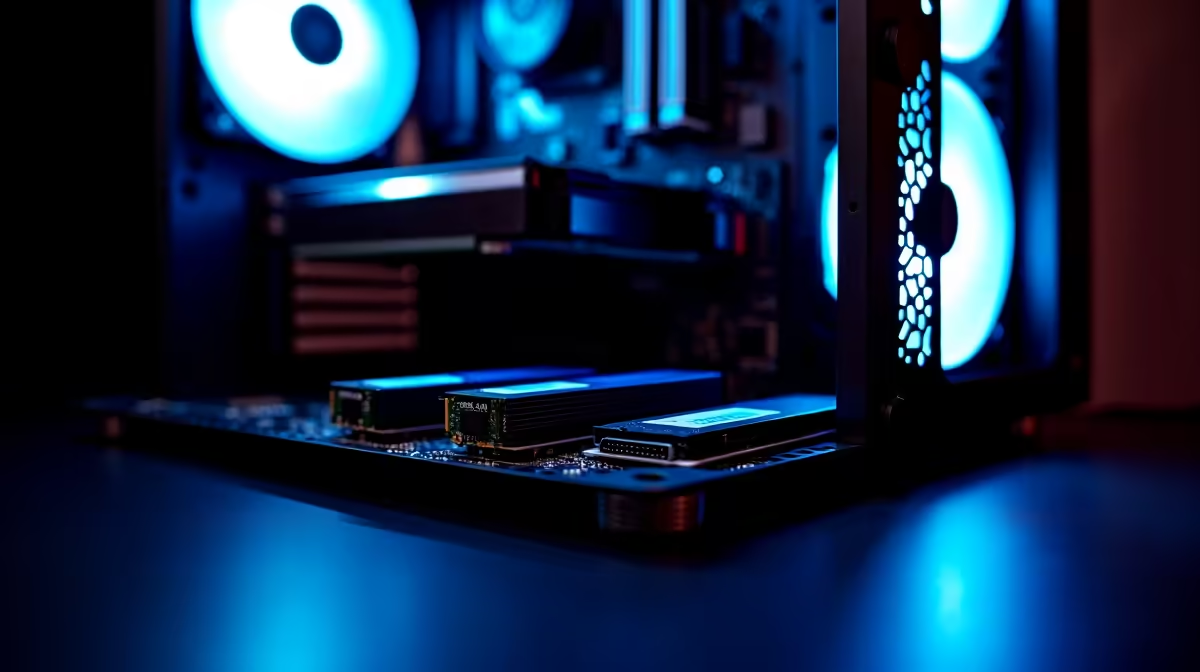
Planning a massive storage upgrade for your rig? South African gamers and creators know the struggle of juggling massive file sizes. Dropping three high-speed drives into a single rig sounds incredible... until you hit a wall. Solving cable clutter and expansion limits when planning a triple NVMe ATX build requires smart component choices. Let us look at how you can maximise storage without sacrificing aesthetics or performance.
The Reality of a Triple NVMe ATX Build
We love NVMe SSDs because they plug directly into the motherboard. This instantly removes bulky SATA power and data cables from your case. However, running three of these blazing-fast drives simultaneously introduces a hidden headache... PCIe lane sharing.
Most mainstream ATX motherboards have limited bandwidth. If you populate that third M.2 slot, you might accidentally disable two SATA ports or throttle your graphics card. This is exactly why checking the motherboard manual is crucial before spending thousands of Rands. When hunting for the best gaming PC deals, look for X670 or Z790 chipsets. These premium boards offer enough PCIe lanes to handle a triple NVMe ATX build without bottlenecking your GPU.
Beating the Mess 🔧
Even without SATA drives, modern ATX builds can get extremely messy. High-speed Gen 4 and Gen 5 SSDs generate serious heat. You will need excellent airflow to keep them from thermal throttling during heavy gaming sessions.
This means installing more case fans, connecting more RGB headers, and dealing with a potential rat's nest of wires behind your motherboard tray.
Cable Management Pro Tip ✨
Daisy-chain your case fans or use a central fan hub. This routes multiple fan cables into a single header on your motherboard. It saves you hours of frustration and keeps the main chamber completely clear for optimal airflow over your SSD heatsinks.
Smart Expansion and Future-Proofing 🚀
What happens if you need even more storage later? If your ATX board is completely maxed out with three NVMe drives, your expansion limits become very real. You can bypass this by using a PCIe to M.2 expansion card... assuming your motherboard has a spare PCIe x4 slot available that does not share bandwidth with your primary graphics card.
Building a custom rig from scratch can get pricey when you factor in premium storage and high-end motherboards. Keep an eye out for our latest specials to grab top-tier components without destroying your budget.
Portability vs Desktop Power
Sometimes, chasing massive internal storage on a desktop is not the only way to work. If managing PCIe lanes and airflow sounds like too much hassle, modern mobile tech has caught up beautifully.
High-end laptops now offer dual NVMe slots with incredible speeds. For creators who need massive storage on the move, you might want to browse our range of notebooks for sale in South Africa. You get out-of-the-box performance without worrying about cable ties or expansion slots.
Solving cable clutter and expansion limits when planning a triple NVMe ATX build is ultimately about preparation. Choose the right high-end chipset, plan your fan routing meticulously, and verify your PCIe lane distribution before buying. Once you boot up and see terabytes of blazing-fast storage... the effort is totally worth it.
Ready to Build Your Dream Machine? Whether you are building a massive storage workstation or a sleek gaming rig, Evetech has the premium components you need. Explore our custom PC builder and craft a flawless setup today.











