

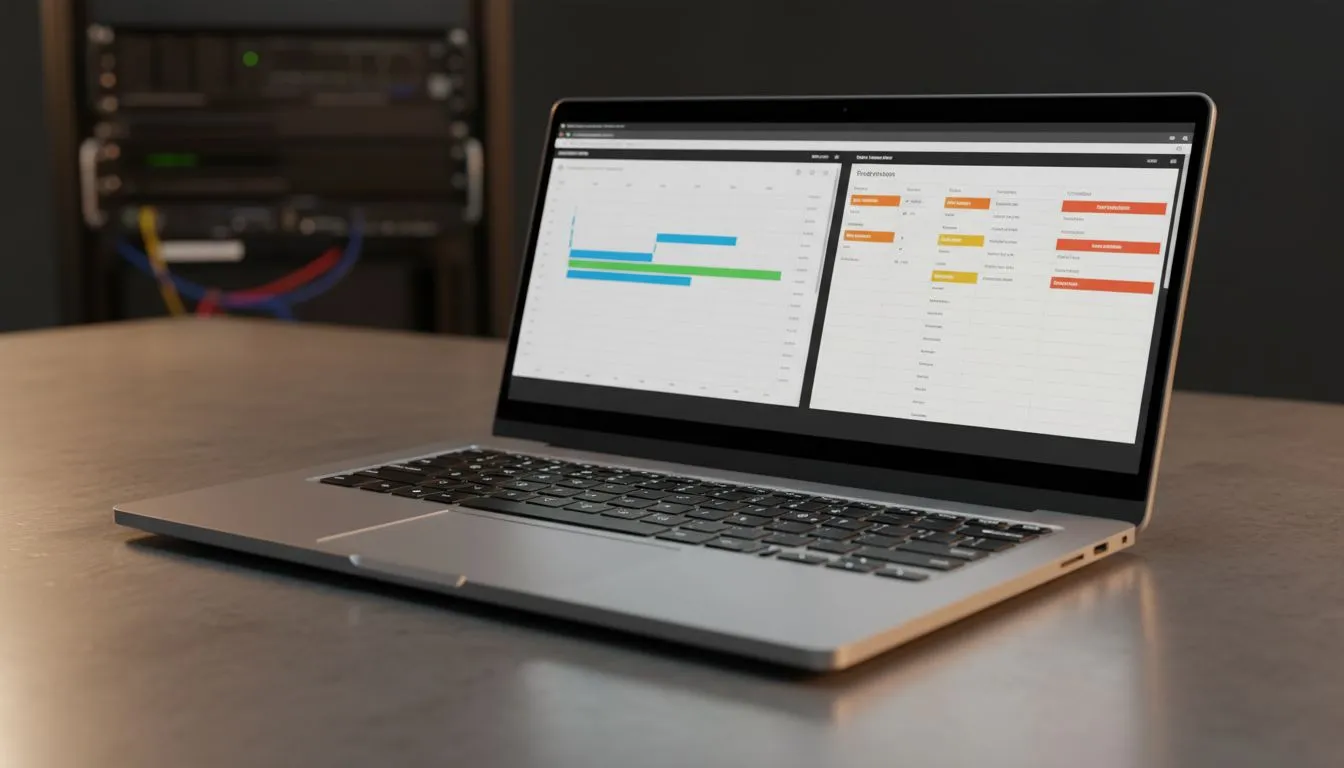
Mastering the Split Screen Workflow for Project Management
Ever feel like you are drowning in tabs while managing a project? Switching between Slack, Jira, and spreadsheets is a productivity killer. For South African professionals, mastering a split screen workflow for project management is the secret to reclaiming your time. No more Alt-Tab fatigue... just pure, unadulterated focus. Let’s look at how the right setup transforms your daily grind 🚀.
The Foundation of Screen Real Estate
Having enough digital space is critical for keeping track of complex timelines. You need to see your project board and your team chat simultaneously to stay responsive. A high-quality range of PC monitors makes this possible without causing significant eye strain during those long 9-to-5 stretches.
Productivity Pro Tip ⚡
On Windows, use the PowerToys FancyZones utility to create custom snap layouts for your windows. It's a lifesaver for managing multiple apps on an ultrawide monitor, letting you organise your project boards, email, and documents perfectly for a seamless split screen workflow for project management.
Choosing the Right Panel for Visual Clarity
Colour accuracy and clarity matter when you are staring at data for hours. Many local pros prefer an IPS panel for its superior viewing angles and vibrant colours. To keep the experience smooth while scrolling through endless tasks, look for displays featuring Adaptive Sync technology. This ensures your visual workflow remains flicker-free and crisp.
Syncing Your Workflow with Your Hardware
If you use your primary rig for both work and play, matching your monitor to your GPU is a wise move. Users with Team Red hardware should opt for AMD FreeSync support to eliminate screen tearing. Meanwhile, NVIDIA users will find that G-Sync monitors offer the smoothest transition between heavy project spreadsheets and high-refresh gaming sessions after hours.
Ergonomics and Form Factor ✨
Your physical desk layout dictates your long-term comfort. Traditionalists often stick to Flat monitors for precise design work or document editing. However, a Curved display can wrap your project management tools around your natural field of vision. This reduces unnecessary neck movement. It keeps you focused on the milestones that matter most 🔧.
Implementing a robust split screen workflow for project management is about more than just software. It is about creating an environment where information is always visible. When you can see your goals clearly, you reach them faster.
Ready to Find Your Perfect Match? A split screen workflow for project management is complex, but for maximum power, choice, and value in South Africa, the right monitor is hard to beat. Explore our massive range of monitor specials and find the perfect display to conquer your workload.











