

Staring at a loading bar while your 4K timeline chokes is a uniquely South African frustration… especially with loadshedding looming. But what if the biggest bottleneck in your editing PC isn't the CPU, but your storage? The classic SSD vs HDD debate is more critical than ever for local creators looking for a responsive machine. Let's settle it and get you back to creating, not waiting.
SSD vs HDD: What’s the Real Difference?
Think of a Hard Disk Drive (HDD) like a vinyl record player. It has a physical spinning platter and a mechanical arm that reads and writes data. It’s tried-and-tested technology, great for storing massive files cheaply.
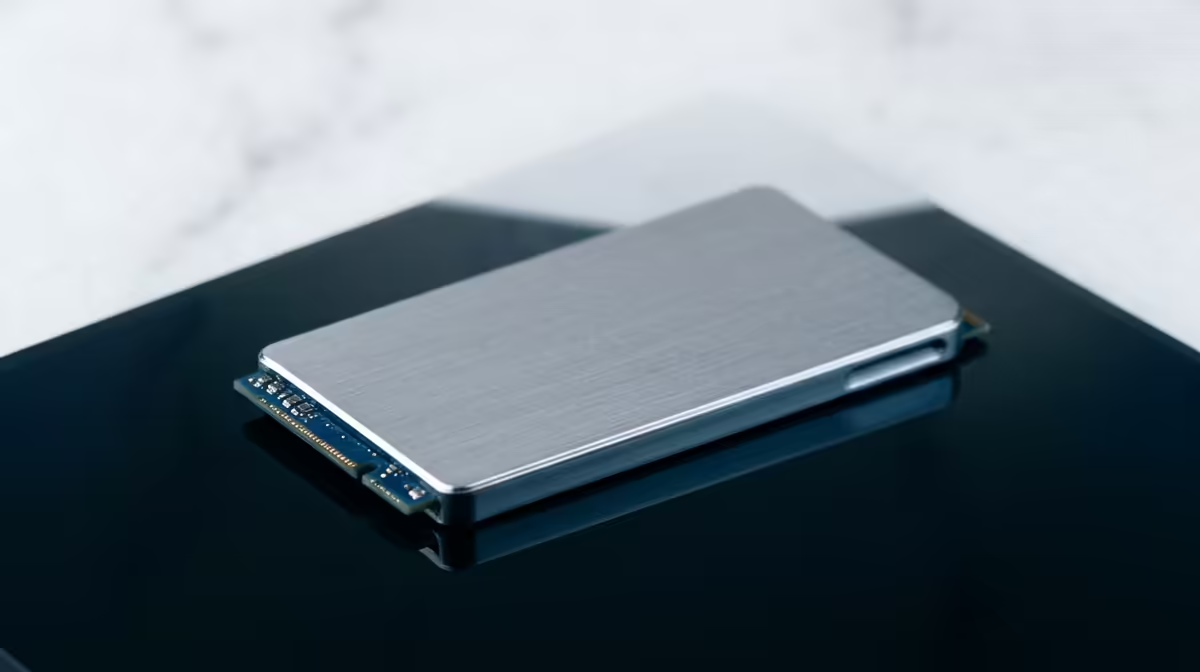
A Solid-State Drive (SSD), on the other hand, has no moving parts. It uses flash memory, like a massive, super-fast USB stick. This fundamental difference is why choosing between an SSD vs HDD for an editing PC has such a massive impact on your daily workflow.
Why Speed is King for Your Editing PC ⚡
For video editing, storage speed isn't a luxury; it's a necessity. A faster drive directly impacts everything from opening your software to exporting your final masterpiece.
Here’s where an SSD completely outshines an HDD:
- Blazing Fast Load Times: Your operating system, Adobe Premiere Pro, or DaVinci Resolve will launch in seconds, not minutes.
- Smooth Timeline Scrubbing: Ever tried scrubbing through high-resolution footage on an HDD? The stuttering and lag can be infuriating. An SSD reads data instantly, allowing for silky-smooth playback and editing.
- Quicker Renders & Exports: Writing large video files is significantly faster on an SSD, cutting down those painful export times and letting you move on to the next project.
A powerful processor needs a fast drive to feed it data. Pairing a slow HDD with a top-tier CPU is like putting retread tyres on a Ferrari. It just doesn't make sense. That's why many of our pre-built AMD Ryzen PCs come standard with SSDs to ensure you get the performance you paid for.
The Humble HDD's Role in a Modern Workflow
So, is the HDD obsolete? Not at all. When it comes to the battle of SSD vs HDD for an editing PC in South Africa, the HDD still wins in one crucial area: cost-per-gigabyte.
For a few hundred Rand, you can get a multi-terabyte HDD. This makes them unbeatable for:
- Archiving: Storing completed projects and client files.
- Mass Storage: Keeping your library of raw footage, sound effects, and assets.
- Backups: Creating a safe, offline copy of your most important work.
For pure storage, an HDD is the smart, budget-friendly choice.
Pro Tip: The Hybrid Solution
The ultimate setup for most editors is a two-drive (or even three-drive) solution. Use a fast NVMe SSD for your operating system and software, a second SSD for your active projects and cache files, and a large HDD for long-term storage and archives. This gives you incredible speed where it counts and affordable capacity for everything else.
The Verdict: Building the Perfect Editing PC Storage Setup
So, for an editing PC in South Africa, you don’t have to choose just one. The best solution is a hybrid approach that leverages the strengths of both technologies. 🚀
- Primary Drive (SSD): A 500GB or 1TB NVMe SSD is the minimum. This will house your OS, editing software, and plugins for lightning-fast responsiveness.
- Project Drive (SSD - Optional but Recommended): A dedicated 1-2TB SSD for your current projects and media cache.
- Archive Drive (HDD): A large 4TB+ HDD for storing everything else.
This strategy ensures your PC feels snappy and responsive during the creative process, while still giving you the terabytes of space you need, all without breaking the bank. You can find many builds that follow this philosophy in our selection of great value editing PCs under R20,000, proving you don't need to spend a fortune for a professional-grade experience.
Ultimately, investing in the right storage is one of the most significant upgrades you can make to your editing rig.
Ready to Edit Without Limits? Stop letting slow storage kill your creative flow and explore our expertly configured Intel-based editing machines. Shop now at Evetech for performance that leaves lag in the dust.











