

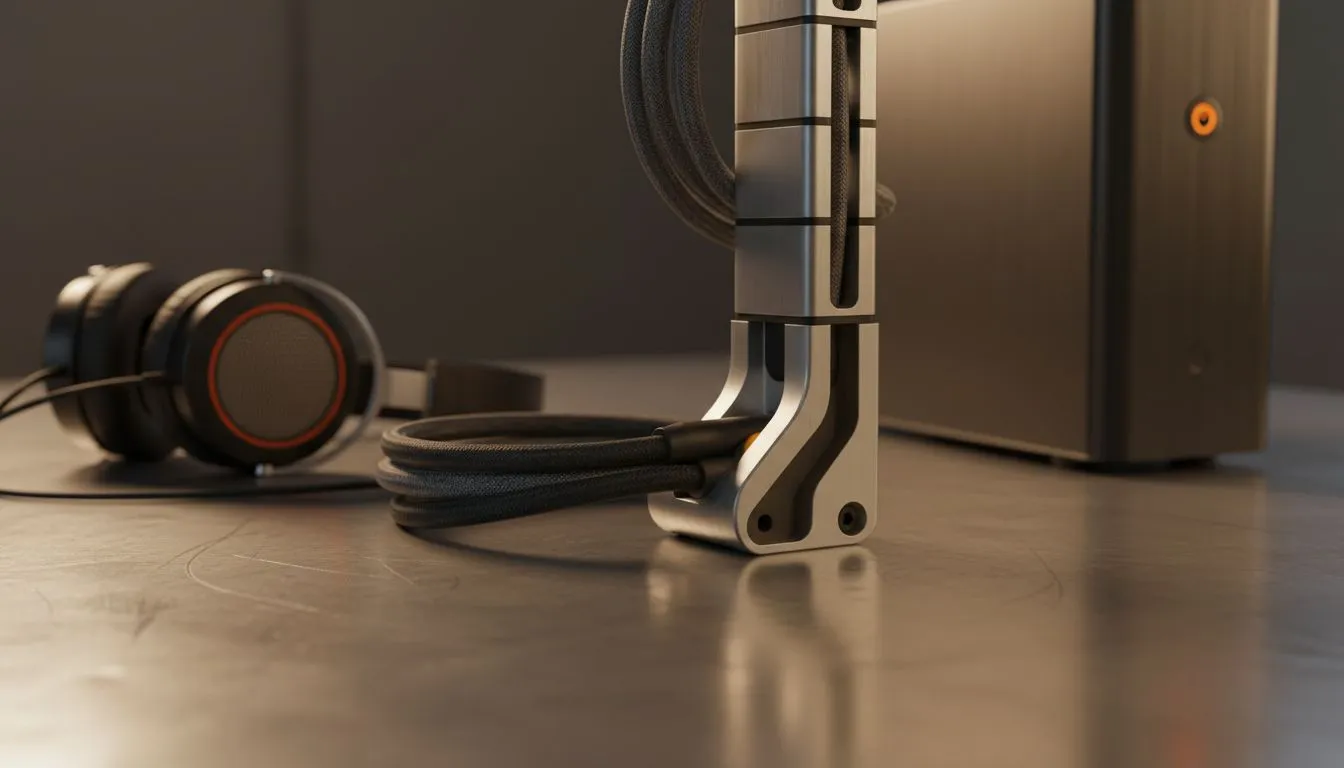
The Art of Standing Desk Cable Management
You have finally upgraded to a high-end sit-stand desk. It is smooth, quiet, and looks incredible in your setup. But then you hit the "up" button and hear a sickening snap. Your display cable just became a casualty of poor planning. In South Africa, where a decent gaming rig can cost upwards of R20,000, protecting your investment with proper standing desk cable management is non-negotiable. 🔧
The Hidden Dangers of Standing Desk Cable Management
When your desk moves, your cables move too. If they are too tight, you risk damaging the sensitive ports on your GPU or monitor. If they are too loose, they might get caught in the lifting mechanism or under your chair wheels. Investing in a dedicated gaming desk is the first step toward a cleaner, safer workspace.
You need to account for "cable travel"... the extra length required for the desk to reach its maximum height without pulling on your PC. Without this slack, a simple height adjustment could rip your peripherals right off the surface.
Choosing the Right Foundation for Your Setup
Not all desks are built the same. Some brands integrate management features directly into the frame to help you hide the mess. For instance, AutoFull gaming desks often feature ergonomic designs that make routing wires through the back much simpler.
If you prefer a more minimalist aesthetic with plenty of room for activities, Arozzi desks provide expansive surfaces that allow for under-mount trays. These trays are essential for hiding those bulky power bricks that usually clutter your floor and collect dust. ⚡
The Slack Test ⚡
Always route your cables with the desk at its highest setting first. This ensures you have enough slack for the full range of motion. Use Velcro ties instead of plastic zip ties... they are much easier to adjust when you inevitably add new gear to your battle station or swap out a keyboard.
Protecting Your PC and Peripherals
Your PC should ideally not be sitting on the floor gathering South African dust... especially if your cables are stretching to reach it as the desk rises. Mount your PC to the underside of the desk using a bracket or use a tall tower stand. This ensures the distance between the PC and monitors remains constant regardless of height.
For those who value durability and style, Nitro gaming desks offer robust builds that handle the weight of heavy multi-monitor setups while keeping everything organised. Don't forget your headphones... use a dedicated hook under the desk to prevent the cord from getting tangled in your armrests or chair wheels. 🚀
Proper cable management is not just about aesthetics... it is about hardware longevity. By securing your leads and providing enough breathing room for movement, you ensure your setup remains functional for years to come.
Ready to Build Your Dream Setup? A clean desk is a productive desk. Whether you are grinding ranks or finishing a work project, the right foundation makes all the difference. Explore our massive range of gaming desks and find the perfect match to protect your gear and elevate your game.











