

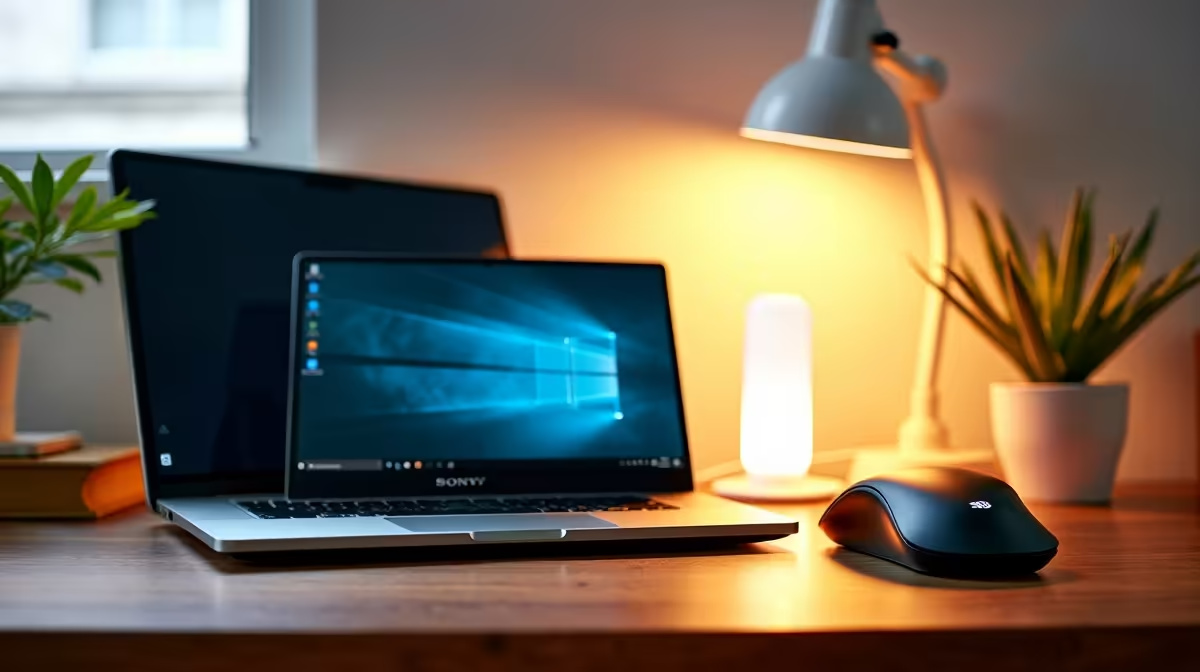
A student desk setup on a budget under R3,000 in South Africa focuses on peripherals and accessories that transform a laptop into a proper study workstation. The split works as R1,500 monitor, R600 keyboard and mouse, R400 headset, R300 laptop stand plus desk mat, R200 cable management. This assumes you already have a laptop from NSFAS, family, or prior purchase.
📺 Monitor priority
A 22 to 24 inch FHD IPS monitor at R1,400 to R1,600 is the single biggest productivity upgrade for a student stuck on a 14 inch laptop screen. Split view essay writing, coding with terminal on side, or research with notes in one window and PDF in the other all benefit. Prefer HDMI input, IPS panel, and a basic height adjustable stand.
⌨️ Keyboard and mouse
R600 on a wireless keyboard and mouse combo (Logitech MK270, Redragon wireless combo) gives proper ergonomics over cramped laptop keyboard. A full size keyboard reduces typing fatigue for 8 hour essay sessions. Wireless is worth it for desk flexibility. Avoid no name combos under R300, they fail within a year.
🎧 Headset and stand
R400 on a wired headset with boom mic makes Zoom and Teams meetings sound professional. Laptop mics are small and noisy. R300 on a plastic or aluminium laptop stand that elevates the screen 12 to 15 cm fixes the posture pain that haunts first year students by exam week. Together these two cost less than a pair of shoes and last a full degree.
="A R200 cheap desk mat under keyboard and mouse is the hidden hero. It smooths mouse tracking, protects the desk surface from cable scratches, and provides a defined study zone that mentally cues focus mode every time you sit down."
🛡️ Cable management and lighting
R200 on velcro cable ties, a cheap multi plug with surge protection, and an under desk power strip mount cleans the setup. If budget allows another R300 later, a small LED desk lamp with USB charging port is a real quality of life upgrade for winter evening study in res or digs during loadshedding.
{{CALLTOACTION}}











