

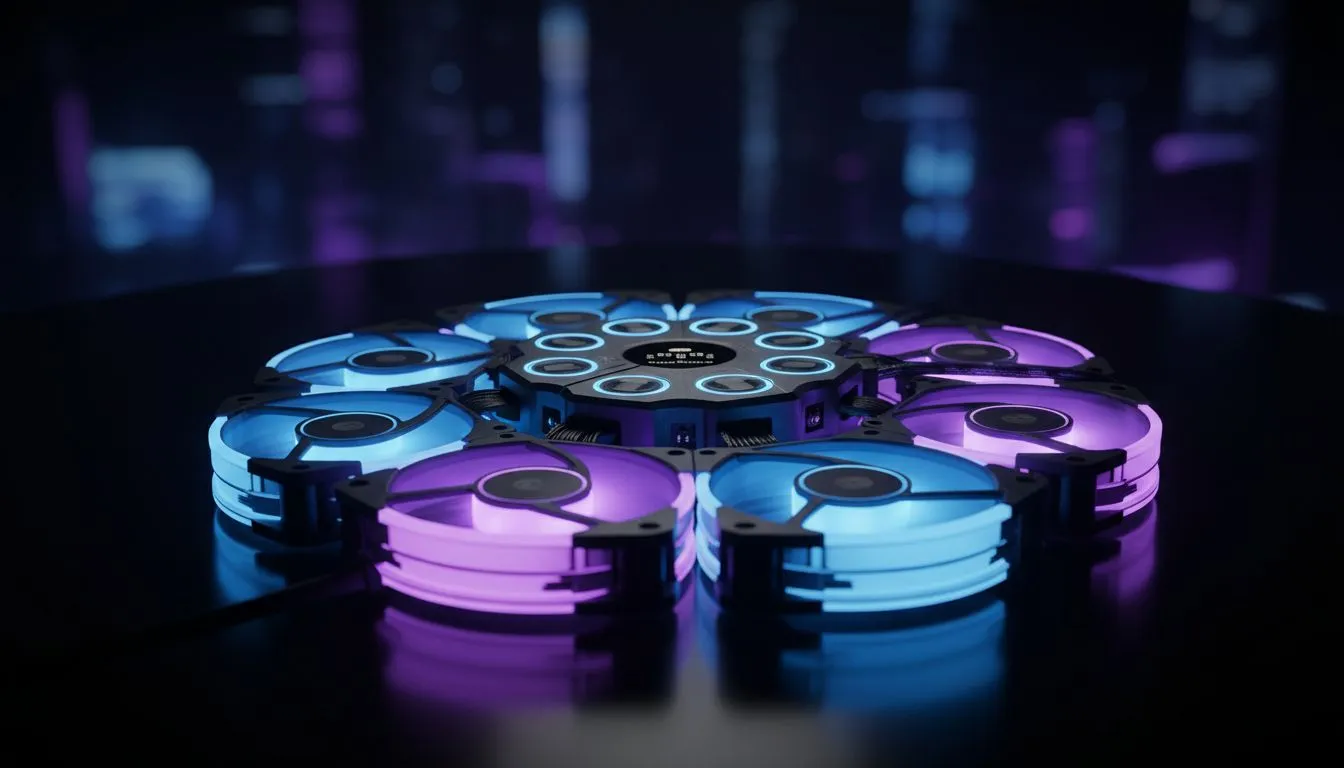
Mastering Your ARGB Controller Setup
Building a high-end PC in South Africa isn't just about the frame rates anymore. It's about the aesthetic. If you want to sync 8 ARGB fans, you've likely realised that most motherboards only have two or three headers. Setting up a light show that flows perfectly across your entire chassis requires a bit of planning and the right gear to pull it off. ✨
To sync 8 ARGB fans effectively, you cannot rely on motherboard headers alone. Most headers are rated for 3 amps... exceeding this can permanently damage your board. The solution is a dedicated ARGB hub or a lighting controller. These devices take a single signal from your motherboard and distribute it to all your fans. This ensures that your "Rainbow Wave" or "Breathing" effects move in perfect harmony across the entire build.
If you are starting a new build, consider Gamdias gaming cases under R1500 that often include built-in hubs. These budget-friendly options allow you to master ARGB lighting for epic PC shows without breaking the bank.
Choosing the Right Chassis for Airflow and Aesthetics
When you plan to install eight fans, space management becomes your biggest hurdle. You need a chassis that supports multiple 120mm or 140mm mounting points. While browsing our wide selection of computer cases, look for models with mesh front panels and top exhaust mounts.
For those who prefer a cleaner, more sophisticated look, premium Fractal Design PC cases offer industry-leading cable management. This is vital because 8 fans mean 16 individual cables... one for power and one for the ARGB signal. Without proper routing channels, your epic light show will be obscured by a "spaghetti mess" of black wires.
ARGB Power Pro Tip ⚡
Always use a SATA-powered ARGB hub when connecting more than four fans. Drawing power directly from the Power Supply Unit (PSU) instead of the motherboard header prevents flickering and protects your motherboard's delicate circuitry from drawing too much current during bright white lighting cycles.
How to Sync 8 ARGB Fans Without Overloading Headers
Once the hardware is mounted, the software side begins. Most South African gamers prefer using their motherboard’s native software... like ASUS Aura Sync or MSI Mystic Light. By connecting your hub to the 5V 3-pin header, the software treats all 8 fans as a single zone. 🔧
If you want individual control over every single LED, you might need a USB-based controller. This allows for more complex patterns and granular customisation. Many of the stunning Gamdias gaming cases come equipped with remote controls or integrated buttons. These allow you to cycle through colours instantly if you prefer to keep your OS clean of extra background software.
Remember to check the total wattage of your fans. High-performance fans at full brightness can pull significant power. Using a powered hub is the only way to ensure 100% stability during long gaming sessions. 🚀
Ready to Light Up Your Setup? Mastering your PC's aesthetic starts with the right foundation. Whether you need a high-airflow monster or a sleek glass showpiece, we have the gear to make it happen. Explore our massive range of computer cases and start building your dream rig today.











