

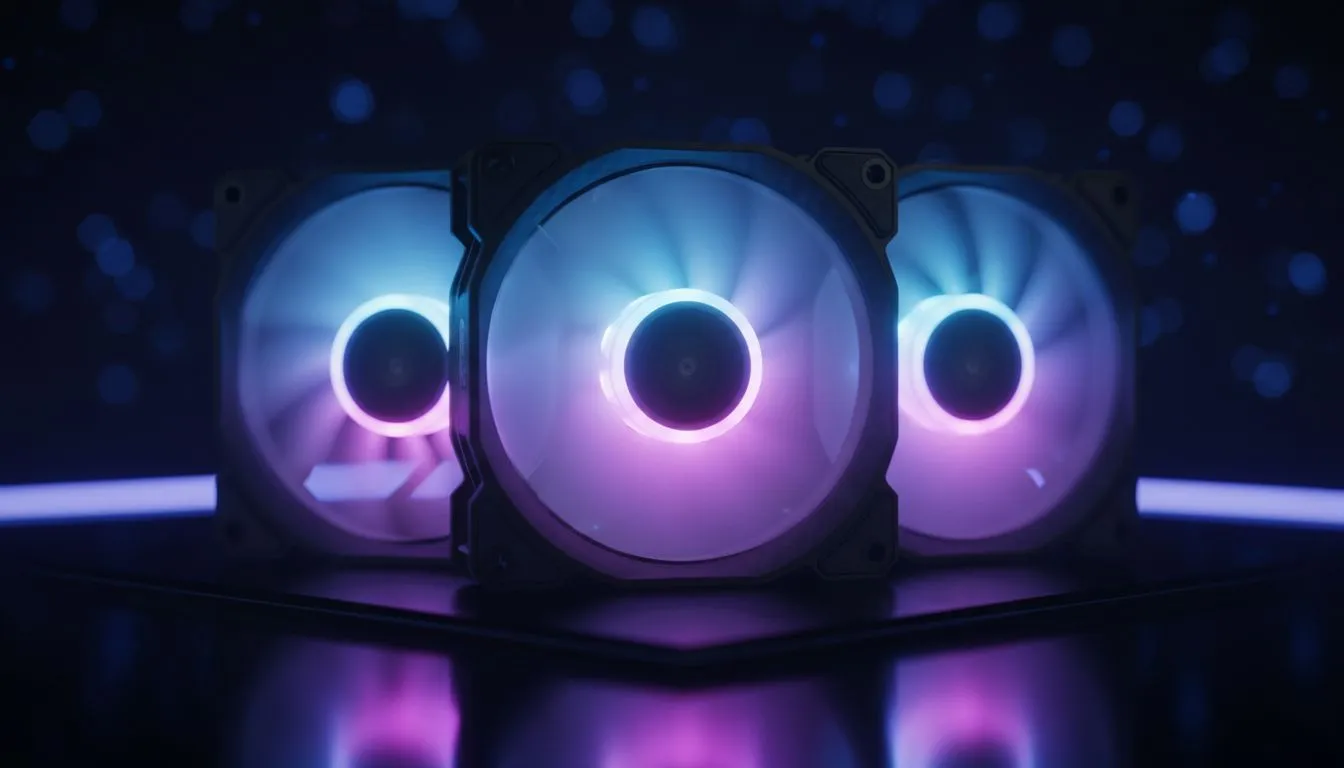
How to sync ARGB fans before you build 🔧✨
South African gamers: tired of mismatched lighting ruining your rig photos? Syncing ARGB fans early saves time, cable chaos, and that awkward reboot at a LAN. This quick guide shows practical steps, parts to watch for, and local buying pointers so your LEDs look intentional — whether you’re in Cape Town or Joburg.
How to sync ARGB fans physically
Start at the case. Many modern PC cases include ARGB headers or a hub built-in, which simplifies wiring. If you want room to grow, browse PC cases that support hubs and multiple fan mounts for neat cable runs: https://www.evetech.co.za/components/computer-cases-70. When installing, plug each fan’s ARGB connector into the hub or motherboard header labelled ADD_HEADER, D_LED, or ARGB. Keep the 3-pin 5V connector orientation correct; reverse pins mean no light or damage.
Syncing ARGB fans with headliner brands
Some manufacturers include proprietary controllers. If you favour minimal software, consider cases and kits from established lines like Fractal Design for cleaner builds and reliable support: https://www.evetech.co.za/PC-Components/fractal-design-pc-cases-346. Their layouts often make routing and PWM fan control straightforward. For value builds, Gamdias offers competitive options and integrated lighting modes: https://www.evetech.co.za/PC-Components/gamdias-gaming-cases-293.
Budget routes to sync ARGB fans
On a tighter budget? There are solid entry-level controllers and case bundles under R1,500 that still deliver synced effects. Check these budget-friendly Gamdias cases for affordable ARGB solutions: https://www.evetech.co.za/PC-Components/gamdias-gaming-cases-293?max-price=1500. Pair a basic ARGB hub with fan splitters to avoid overloading a single header.
ARGB Wiring Tip ✨
Keep a simple diagram while you install. Label fan cables with masking tape and test lighting before finalising cable ties. Power on with the side panel off so you can reseat connectors quickly.
Sync ARGB fans in software: profiles and control
Most motherboards from major brands support ARGB via their lighting suites. Use the motherboard software for per-zone control and synchronised profiles. If you prefer third-party control, many hubs accept simple USB control or physical remotes. Save profiles for gaming modes: subtle white for productivity, full-spectrum for streaming. Pro tip: store two profiles on a USB stick if you switch systems frequently.
Troubleshooting and expert tweaks 🚀
If a fan doesn’t light: check the 5V 3-pin orientation, reseat the connector, and try another header. If colours look off, verify the profile’s gamma or brightness settings. For large builds, spread current across multiple headers or use powered hubs to prevent flicker. A quick test: swap one fan to a known-working header to isolate motherboard vs fan faults.
Final thoughts: make lighting a feature, not a distraction
ARGB should accentuate your rig, not overpower it. Plan wiring, choose a case that supports hubs, and pick software that matches how you use your PC. Local stores and case pages can help you compare layouts and features before checkout.
Ready to Find Your Perfect Match? The Mac vs Windows debate is complex, but for maximum power, choice, and value in South Africa, Windows is hard to beat. Explore our massive range of laptop specials and find the perfect machine to conquer your world.











