

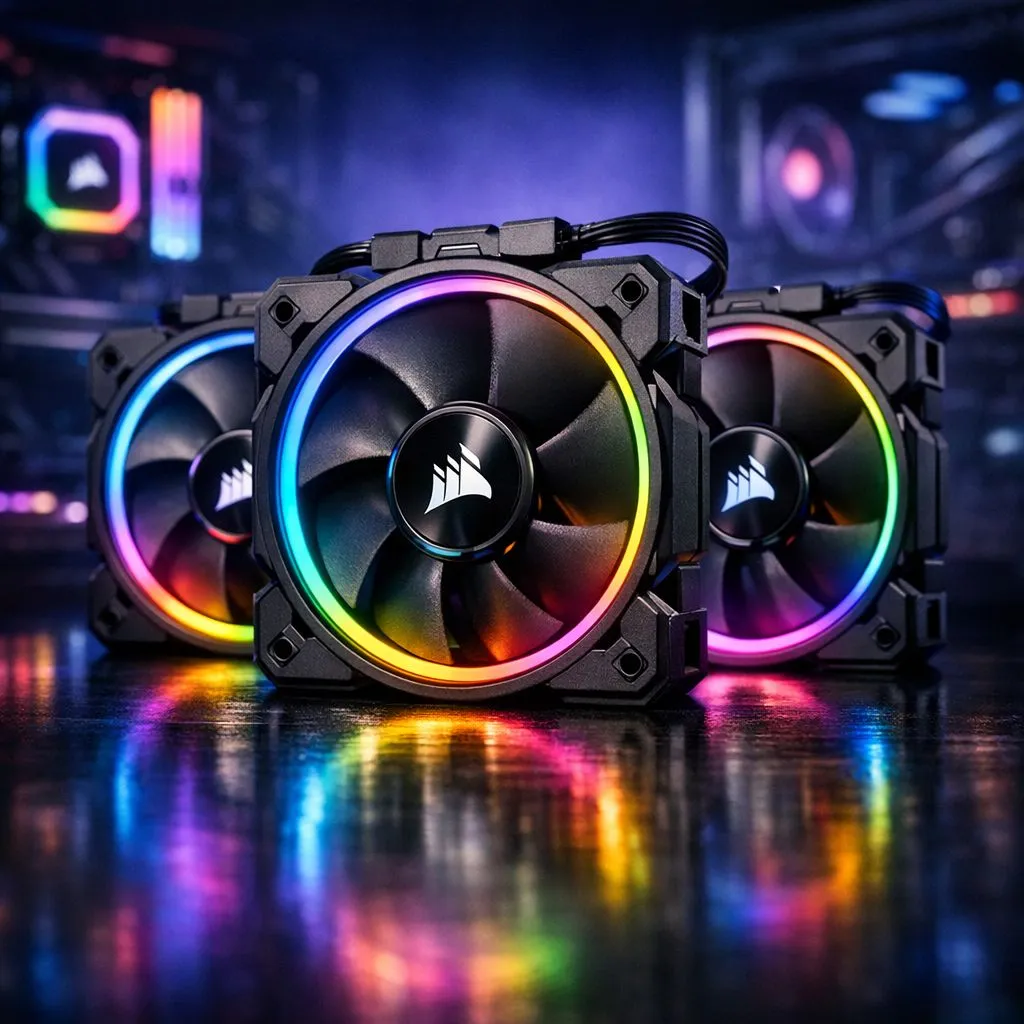
Achieve Visual Harmony in Your Build Lab
Tired of your PC looking like a mismatched disco? Syncing Corsair iCUE LINK fans with the rest of your components is the secret to a professional Build Lab finish. Whether you are in Jozi or Durban, a unified lighting setup makes your rig stand out. Let’s look at how to get your iCUE ecosystem talking to your motherboard and other hardware without the usual cable clutter.
The Power of the iCUE LINK Ecosystem
The beauty of the iCUE LINK system lies in its simplicity. By using a single cable to carry both power and data, you can chain multiple components together. When you want to upgrade your cooling with new case fans, this "smart" ecosystem reduces the rat's nest behind your motherboard tray.
To start the synchronisation process, you need the iCUE software. This hub acts as the brain for your CORSAIR components, allowing you to map out every LED. But what happens when you have parts from other manufacturers? That is where software integration becomes vital for South African gamers who mix and match their hardware. 🔧
Lighting Sync Pro Tip ⚡
Use the "Murals" feature within the iCUE software to match your lighting to your screen content or a specific image. It creates an immersive atmosphere that extends beyond your chassis, perfect for late-night sessions in Diablo IV or Cyberpunk 2077.
Bridging the Gap with Motherboard Software
Most modern motherboards from ASUS, MSI, or Gigabyte have their own lighting suites. To sync your Corsair fans with these, you can often enable "Software Overdrive" or "Full Software Control" in the iCUE settings. This allows your motherboard's ARGB headers to communicate with the iCUE LINK hub.
If you are using high-performance parts from other brands like Deepcool alongside your Corsair gear, you might need a third-party bridge like JackNet RGB Sync or SignalRGB. These tools pull all your different controllers into one interface... ensuring your GPU, RAM, and fans all pulse in the same Protea-green or Springbok-gold. ⚡
Selecting the Right Fans for Your Setup
Before you can sync everything, you need to ensure your physical layout supports the look you want. Most mid-tower cases in South Africa rely on standard 120mm mounts for the front and rear. However, if you have a larger chassis, opting for 140mm options can provide better airflow at lower noise levels... which is a blessing during those hot February afternoons.
Aesthetics play a huge role here too. While most builders crave vibrant RGB lighting to show off their R30,000 investment, some prefer None for a stealthy, "blackout" look. The iCUE LINK system handles both beautifully, allowing you to dim the lights entirely when it is time to focus on work. ✨
Final Calibration and Testing
Once your hardware is plugged in and the software is linked, run a lighting test. Check that the "sequential" effects move correctly from the front intake to the rear exhaust. If a fan seems out of sync, check the device order in iCUE... it only takes a few clicks to reorder them. 🚀
Investing in a unified system might cost a few more Rands upfront, but the time saved on cable management and the sheer beauty of a perfectly synced PC makes it worth every cent.
Ready to Find Your Perfect Match? Achieve the ultimate aesthetic and cooling performance with the latest iCUE LINK technology. Explore our range of Corsair case fans and transform your PC into a synchronised masterpiece today.











