

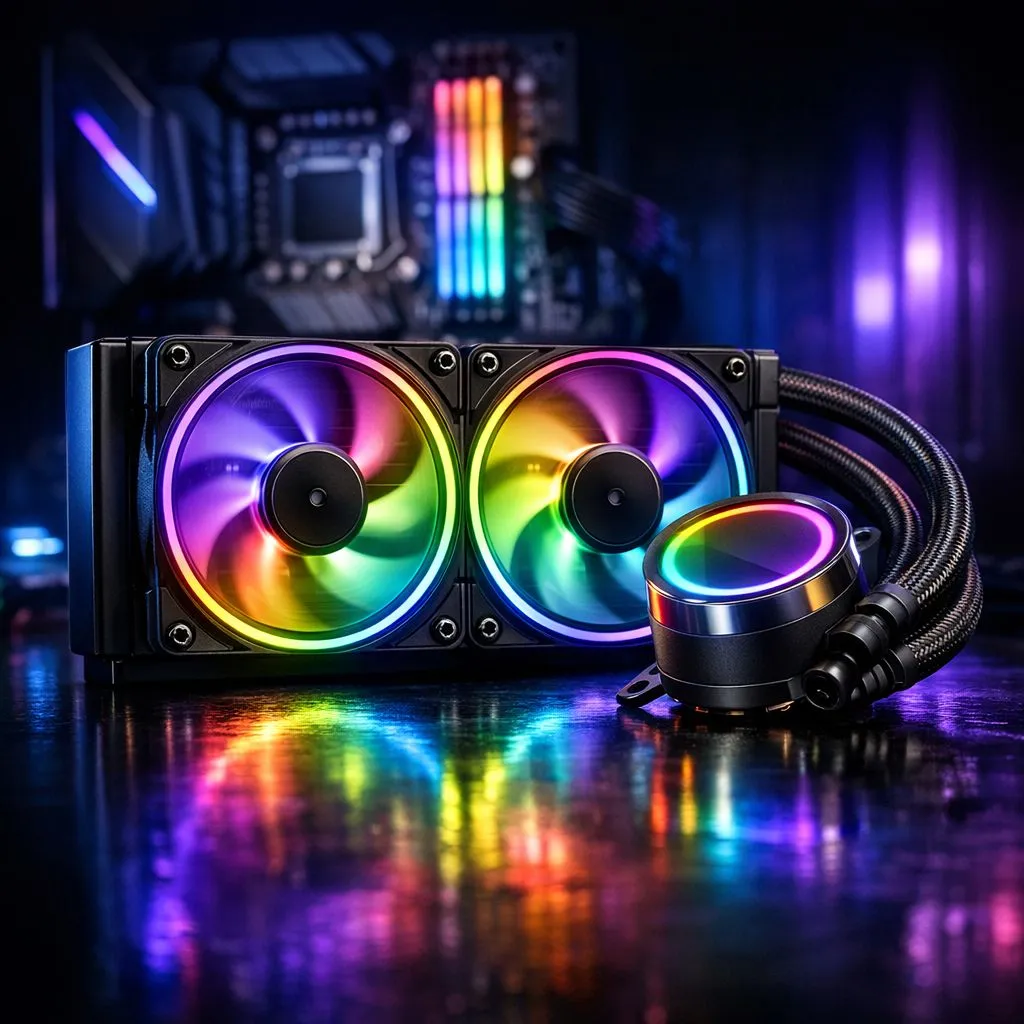
Sync CPU Cooler RGB With Motherboard — Quick Hook
South African builders: want your rig to look as slick as it runs? Learn how to sync CPU cooler RGB with motherboard lighting in minutes — no drama, just steps that work for AMD and Intel setups. This guide keeps parts compatible, software tidy, and the glow consistent for gaming nights or streaming sessions. 🔧✨
Sync CPU Cooler RGB With Motherboard — What You Need First
Before you start, confirm your cooler header type and motherboard RGB standard. Most modern boards support 5V ARGB or 12V RGB headers; mismatching these can fry LEDs. Check the cooler listings on Evetech’s main CPU coolers page for header types and compatibility: Evetech CPU coolers. If you’re buying an air cooler specifically, see the dedicated selection here: Air coolers at Evetech. ⚡
Sync CPU Cooler RGB With Motherboard — Step-by-Step
- Power down and unplug. Ground yourself.
- Locate the CPU_fan and RGB headers on the motherboard. If your cooler uses a 3-pin ARGB connector, plug into a 3-pin 5V ARGB header; a 4-pin 12V RGB connector goes to a 4-pin header. Your cooler product page will confirm the connector type — for 120mm fan air coolers check the spec details: 120mm fan air coolers.
- Route cables neatly to avoid airflow obstruction and fan interference.
- Boot into BIOS to enable RGB headers if required. Some motherboards let you control LEDs at firmware level.
- Install the motherboard RGB utility (Aura Sync, Mystic Light, RGB Fusion). Then pair the cooler in the app and choose a profile. If the cooler has its own controller, set it to motherboard-sync mode before connecting.
Sync CPU Cooler RGB With Motherboard — Troubleshooting & Tips
- If LEDs don't respond, check that the header voltage matches the cooler's connector.
- Update your motherboard BIOS and RGB software for better compatibility. Evetech’s brand filters can help you find models that match popular motherboard ecosystems; for Deepcool air coolers, see: Deepcool options.
- Some budget coolers use proprietary controllers. If yours does, the quickest route is to use the included hub and set it to the motherboard sync protocol if offered. For compact options like the EINAREX series, check their details here: EINAREX air coolers.
RGB Neatness Tip ✨
Keep a small cable tie loop behind the motherboard tray to secure RGB leads. It keeps airflow clean and prevents accidental unplugging during upgrades.
Sync CPU Cooler RGB With Motherboard — Pro Insights
Micro-story: I once helped a local team build a LAN-ready rig where the cooler stayed orange until we realised the board had separate ARGB and RGB toggles in BIOS. Simple fix... big relief. The lesson: always test lighting at BIOS level before installing OS-level apps. If you’re buying parts in South Africa, factor in ZAR pricing and warranty when choosing controllers or branded coolers — Evetech lists current options and specs to compare.
Final Steps and Why It Matters
Good lighting isn’t just looks; synced RGB reduces conflicting colour patterns and makes your build look intentional. After syncing, save your profiles and back them up. That way a BIOS update or new GPU driver won’t reset your theme.
Ready to Find Your Perfect Match? The Mac vs Windows debate is complex, but for maximum power, choice, and value in South Africa, Windows is hard to beat. Explore our massive range of laptop specials and find the perfect machine to conquer your world.











