

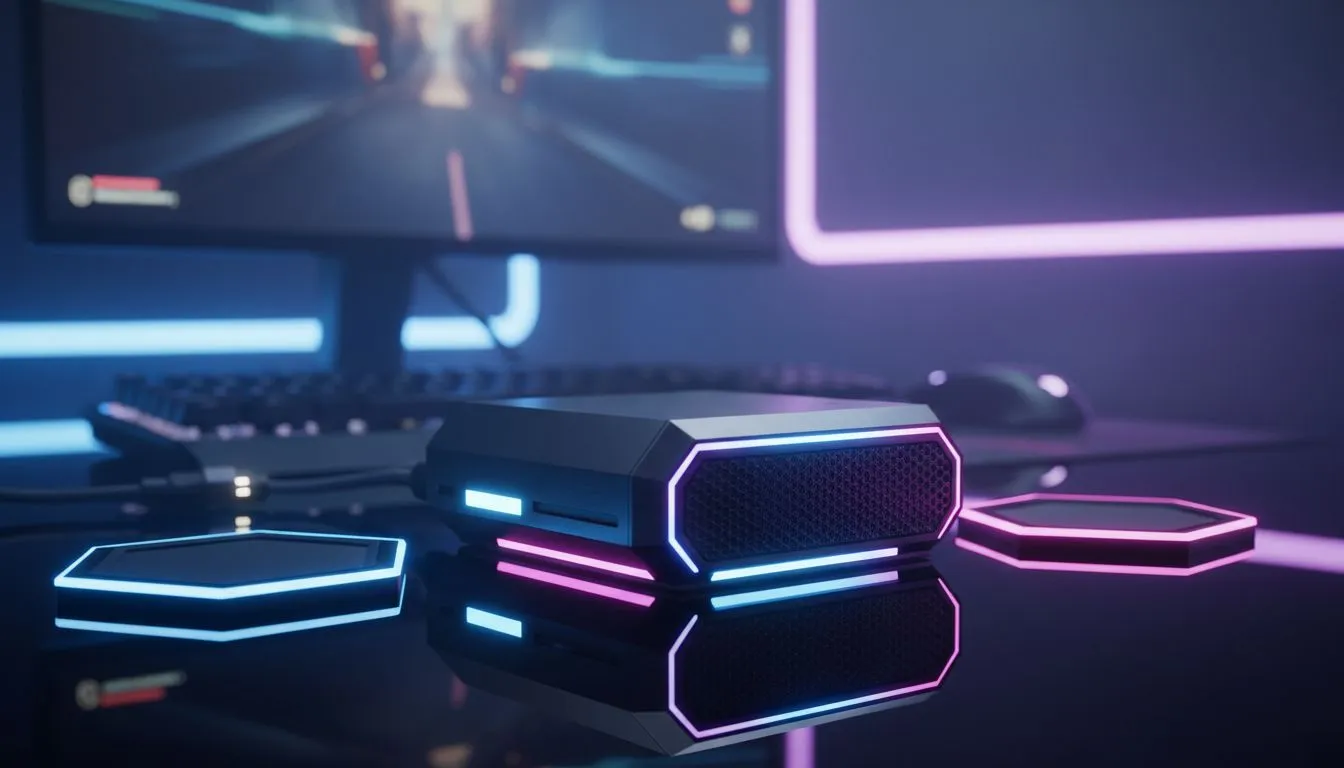
Sync Room Ambience with PC Audio
Ever felt like your gaming setup was missing that final spark? You have the high-refresh monitor and the mechanical keyboard... but the room feels static. When you sync room ambience with PC audio, your entire space becomes an extension of the game. It is about more than just flashing lights... it is about total immersion that reacts to every footstep and explosion in real-time.
The Science of Reactive Lighting
The goal of audio-visual synchronisation is to extend the colours on your screen into your physical environment. By using smart LEDs and software, your room can pulse to the beat of your music or glow red when your health is low in a shooter. This reduces eye strain and makes the experience feel far more expansive than a 27-inch panel allows.
To get started, you can buy gaming accessories that feature built-in RGB controllers. These devices act as the bridge between your motherboard and the lights scattered around your desk. Evetech’s range includes everything from basic strips to advanced controllers that handle complex lighting patterns without taxing your CPU.
Essential Hardware for Your Build Lab
You do not need to spend a fortune to transform your room. While high-end kits are great, many budget-friendly options allow you to achieve a professional look. If you are hunting for gaming accessories deals in South Africa, you will find that even basic ARGB strips can be synchronised using the right headers on your motherboard.
For those wanting a more complete setup, smart bulbs and light bars are the way to go. These can be positioned behind your monitor to create a "halo" effect. Within our Gaming Accessories category, you will find various peripherals that support external lighting ecosystems, ensuring your mouse, keyboard, and room lights all speak the same language.
Lighting Placement Pro Tip ⚡
For the most immersive glow, mount your LED strips behind the monitor or under the desk edge. This allows the light to bounce off your walls... creating a softer, ambient effect that reduces eye strain during those late-night sessions in the dark.
Software: The Brains Behind the Glow
Once the hardware is in place, the software does the heavy lifting. Popular tools like SignalRGB or Razer Chroma allow you to map your room's layout. You can set "audio visualizer" modes that pick up frequencies from your PC audio output. High-pitched sounds might trigger bright flashes... while deep bass notes create low, rhythmic pulses.
In South Africa, where we take our setups seriously, having a unified software ecosystem is vital. Most modern components from brands like Corsair or MSI offer dedicated plugins to sync room ambience with PC audio effortlessly. Just ensure your lighting strips are compatible with your motherboard's software to avoid any technical headaches during the setup process.
Ready to Light Up Your Setup? Syncing your room is just the beginning of building the ultimate battlestation. Explore our massive range of gaming accessories and find the perfect gear to transform your space into a reactive masterpiece today.











