

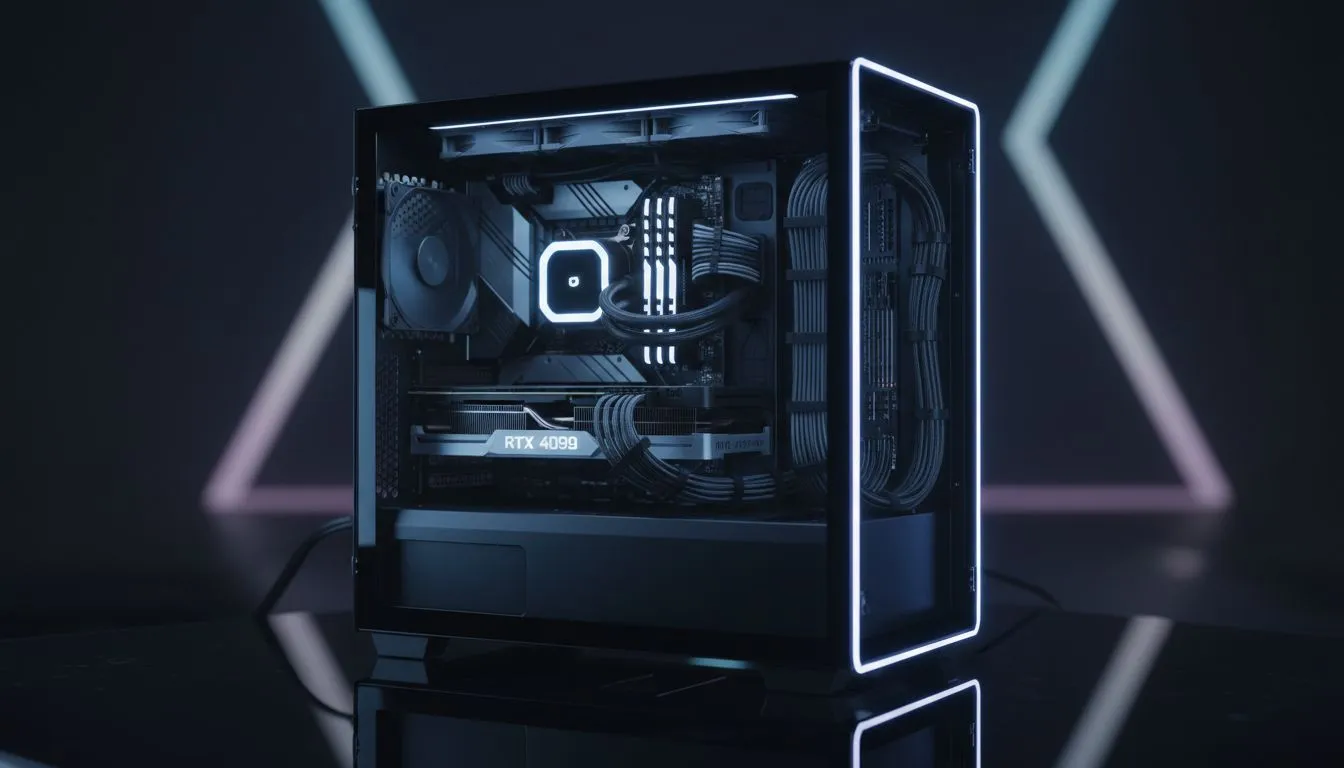
That new tempered glass PC case looks incredible, right? A crystal-clear window into the heart of your gaming rig. But there's a catch... every single cable is on display. Don't let a bird's nest of wires ruin your masterpiece. This guide is your key to mastering tempered glass PC case cable management, turning that beautiful mess into a clean, airflow-optimised powerhouse. Let's get it sorted. ✨
Why Cable Management Matters in a Glass Case
Let's be honest, the main reason you bought a case with a massive glass panel was to show off your components. A chaotic mess of cables completely undermines that. But great tempered glass PC case cable management is about more than just looks.
- Improved Airflow: Bundled cables can obstruct airflow, trapping heat and potentially causing your components to run hotter. Tidy routing allows your fans to push cool air over your CPU and GPU more efficiently.
- Easier Maintenance & Upgrades: Need to swap out a RAM stick or add a new SSD? When your cables are neatly managed, you won't have to fight a tangled octopus to get to your components. It makes cleaning dust filters and parts a breeze, too.
- The Satisfaction Factor: There's nothing quite like stepping back and admiring a perfectly assembled PC. It's a testament to your patience and skill… and it just looks seriously cool.
The Essential Toolkit for Clean Cabling
You don't need a massive workshop to achieve pro-level results. A few basic items will make managing your PC cables infinitely easier.
- Cable Ties (Zip Ties): Perfect for permanently securing cables that you won't need to move often.
- Velcro Straps: Reusable and forgiving. These are your best friends for bundling cables you might need to adjust later.
- Side Cutters: For snipping the ends of cable ties cleanly. Don't use your teeth!
- Patience: This isn't a race. Take your time, plan your routes, and don't be afraid to redo a section if it doesn't look right.
A Step-by-Step Guide to Perfect Cable Management
Ready to get hands-on? Let's break down the process of taming those wires. If you're building from scratch, this process is much easier, but these principles apply even if you're just tidying up an existing build.
Step 1: Plan Your Route
Before you plug anything in, take a good look at your case. Where are the cutouts? Are there built-in channels or tie-down points on the back of the motherboard tray? Visualise where your main cables (24-pin motherboard, 8-pin CPU, GPU power) will run. The goal is to hide as much length as possible behind the scenes.
Step 2: Route the Big Cables First
Start with the largest, least flexible cables from your power supply. Route the 8-pin CPU power cable before installing your motherboard if possible—it often tucks into a tight corner at the top of the case. Next, run the 24-pin motherboard power cable through the most convenient grommet. Then, tackle the PCIe power cables for your graphics card.
The 'Behind the Scenes' Trick 🔧
Most modern cases have a deep channel behind the motherboard tray. Don't be afraid to bundle and tuck excess cable length here. Use the built-in tie-down points with velcro straps. Out of sight, out of mind... and out of the main airflow path!
Step 3: Tame the Smaller Wires
Now it's time for the fiddly bits. Front panel connectors (power switch, USB), fan cables, and SATA cables come next. Try to group them and run them along the edges of the case, using the same paths as your larger cables where possible. This is where good cable routing really shines, turning a potential mess into a single, clean line.
Choosing a Case That Helps You Win
Of course, the best cable management starts with a great chassis. A well-designed case provides the features you need to make the job simple. When you're browsing the wide variety of modern PC cases, look for features like a PSU shroud to hide the power supply and excess cables, rubber grommets on cutouts for a cleaner look, and plenty of tie-down points on the back. 🚀
For builders who prioritise a clean and effortless experience, brands like Fractal Design are famous for their thoughtful layouts and excellent cable management solutions. They often include built-in velcro straps and deep cable channels that make building a joy.
You don't have to break the bank to get a case that looks good and is easy to work with, either. You can find many stylish options from Gamdias that offer premium features like tempered glass and PSU shrouds. In fact, there are plenty of great budget-friendly cases under R1500 that will help you achieve that pro-level look without emptying your wallet.
Ready to Build Your Clean Machine? A clean build starts with the right foundation. This guide shows you the 'how', but the 'what' is just as important. A good case makes all the difference. Explore our massive range of PC cases and find the perfect chassis for your masterpiece.











