

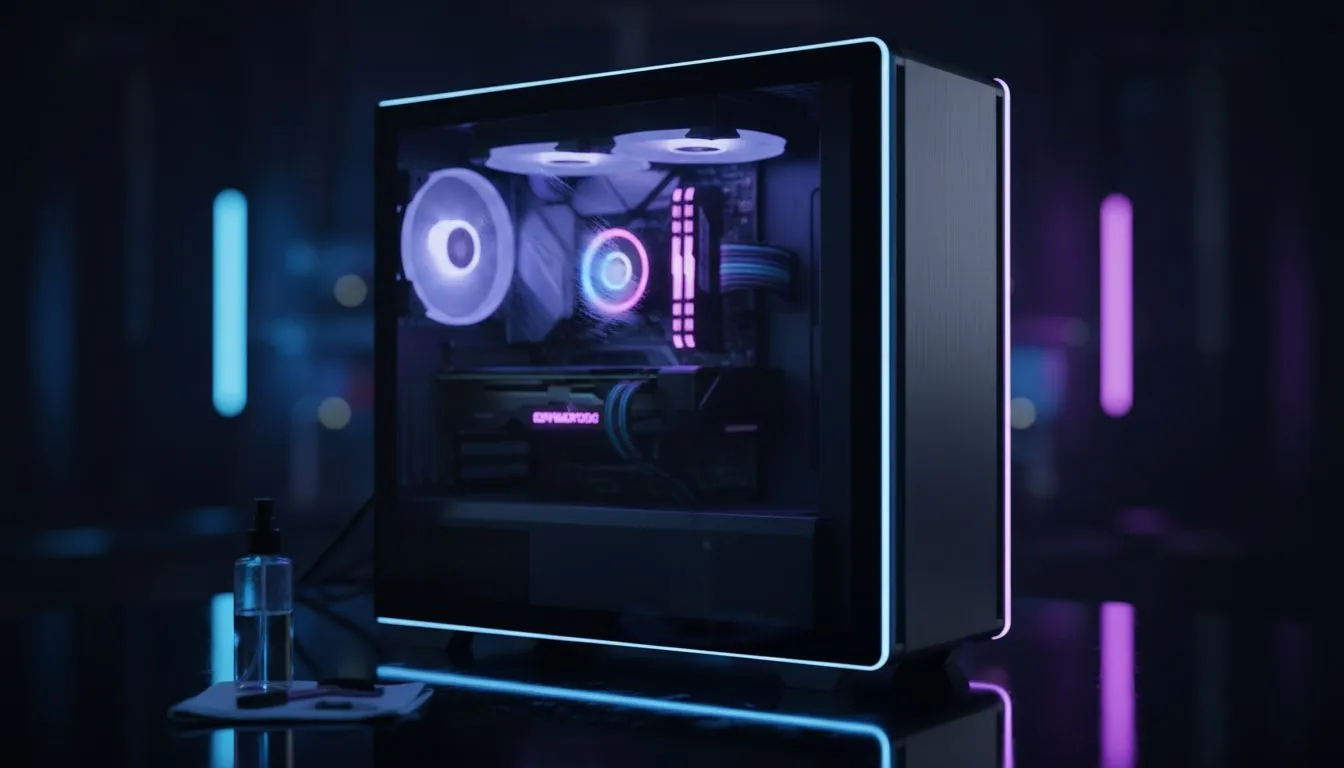
Why tempered glass side panel cleaning matters for South African builders 🔧✨
Tempered Glass PC Case Cleaning: Clean & Maintain Side Panel is the quick line every prideful builder needs to memorise. Fingerprints, dust bunnies and GPU glow can turn a showcase rig into a smudged mess overnight. Whether you're in Cape Town or Joburg, a clean side panel keeps your build looking sharp and improves photo-ready presentation for socials and marketplaces.
What you need: tools and safe solutions for tempered glass side panel cleaning
Use soft microfibre cloths, distilled water, and 70% isopropyl alcohol for stubborn grease. Avoid abrasive pads and harsh ammonia cleaners that may affect special coatings. For heavy grime, a drop of mild dish soap mixed with warm distilled water works well — rinse with a damp cloth and dry immediately to avoid streaks.
If you’re shopping cases or planning a new build, check Evetech’s selection to pair style with easy maintenance. Browse our range of computer cases to find panels that are easy to remove and clean: browse computer cases.
Step-by-step: cleaning your tempered glass side panel safely
- Power down and unplug your PC. Ground yourself to avoid static when handling the panel.
- Remove the panel following the case manual. Lay it flat on a soft towel.
- Dust off loose particles with a dry microfibre cloth or a soft brush.
- For fingerprints, spray a cloth (not the glass) with a 70% isopropyl mix and wipe in gentle circular motions. Repeat with a damp cloth if needed.
- Dry with a fresh microfibre cloth and reattach the panel once fully dry.
For examples of well-designed panels that make removal simple, see Fractal Design’s cases at Evetech: Fractal Design cases.
Maintenance routine: keep it pristine between deep cleans
Wipe panels weekly if you run fans on low dust intake, or every 3–4 days for open-case setups. Consider positive pressure filters and regular dusting of intake vents to reduce internal dust. For gamers who stream or photograph builds, keep a small cleaning kit near your desk for quick touch-ups.
Want budget-friendly options that still look premium? Gamdias offers aesthetic cases with tempered glass at different price points. Explore their lineup here: Gamdias gaming cases. If you’re shopping on a budget, these Gamdias options under R1500 are worth a look: Gamdias cases under R1500.
Tempered Glass TLC ✨
Keep a small spray bottle with distilled water and a lint-free microfibre cloth in your kit. Spray the cloth, not the glass. This avoids drips that can get into mounting hardware and makes spot-cleaning quick.
Troubleshooting and expert cautions
- If you spot scratches, avoid aggressive polishing; deep scratches are best left to pros.
- Never use window cleaner with ammonia on coated glass. If unsure, test on an inside corner.
- For magnetic or framed panels, make sure magnets and gaskets are clean to prevent abrasion.
Always base solutions on manufacturer recommendations. For case compatibility and specifications, refer to official product pages when in doubt.
Ready to Find Your Perfect Match? The Mac vs Windows debate is complex, but for maximum power, choice, and value in South Africa, Windows is hard to beat. Explore our massive range of laptop specials and find the perfect machine to conquer your world.











