

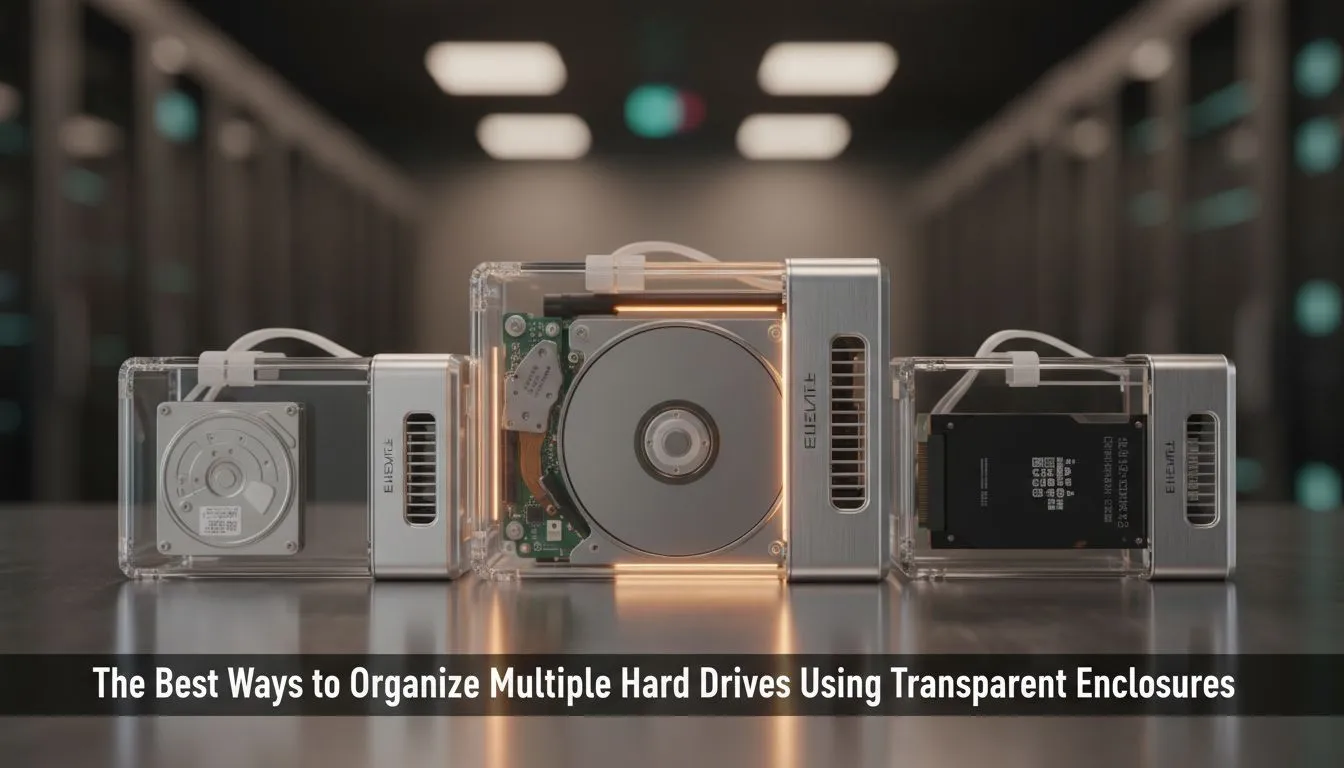
Why transparent hard drive enclosure organization matters 🔧
South African gamers and content creators: cluttered desks and mystery drives are a pain. A clear case isn't just for looks — "transparent hard drive enclosure organization" helps you spot drive activity, manage cables, and avoid accidental unplugging mid-save. Keep reading for practical tips, buying cues, and where to grab quality enclosures from local stock — with prices, brands, and links you can trust. ✨
Transparent hard drive enclosure organization: quick wins for your desk
A tidy setup keeps your workflow smooth. Start by grouping drives by function: active work, archive, and backup. Label each drive on a removable tag and route USB or SATA cables along the same channel. Small Velcro straps and a single power hub reduce tangle and accidental disconnects. For a minimal gaming desk, mount one enclosure vertically behind the monitor to save surface space.
Subtle aesthetics and airflow
Clear enclosures show internals, so manage cables neatly inside the case for a clean look and unobstructed airflow. If you run multiple drives, choose enclosures with dedicated cooling or fan mounts. Browse brand options like the Orico range to compare designs and cooling features — it's a solid place to start for different form factors and transparent styles: Orico enclosures at Evetech.
Transparent hard drive enclosure organization: buying guide and budgets 🚀
Decide if you need a 2.5-inch or 3.5-inch enclosure, and whether you want USB 3.2, USB-C, or eSATA connectivity. For fast game installs and streaming, preferring USB-C or USB 3.2 cuts copy times. Prices can be very reasonable — you can find good enclosures starting from around R499 locally; see current options and deals here: shop transparent enclosures.
Portable vs rack-style
If you travel with drives, go for a rugged, portable transparent enclosure. For a home studio or streaming rig, a multi-bay transparent chassis simplifies organisation and lets you hot-swap drives quickly.
Desk Organisation Tip ⚡
Use colour-coded removable tags for each drive and keep a small index in a notebook or digital note. If a drive fails, the tag helps you identify the drive quickly without guessing.
Real-world setup: a short micro-story
I helped a Cape Town streamer tidy a chaotic shelf of drives. We grouped the drives by role, swapped tangled short cables for one USB-C hub, and used a clear 3.5-inch enclosure so she could watch drive LEDs at a glance. That small change cut stream downtime and ended the frantic hunt for the right backup drive mid-edit.
For browsing models, Evetech keeps a wide selection in stock — from budget to premium options — which makes comparing specs and prices straightforward: enclosures from R499.
Maintenance and troubleshooting
Keep firmware and enclosure drivers updated. If a drive disconnects, test with another cable and port first. For sustained heavy work, check enclosure temps and add passive or active cooling if temps exceed manufacturer guidelines.
Final picks and next steps
Start by listing what each drive will do, then match connectivity and cooling needs. If you're replacing old plastic boxes, a transparent enclosure can make day-to-day management easier and more satisfying.
Ready to Find Your Perfect Match? The Mac vs Windows debate is complex, but for maximum power, choice, and value in South Africa, Windows is hard to beat. Explore our massive range of laptop specials and find the perfect machine to conquer your world.











