

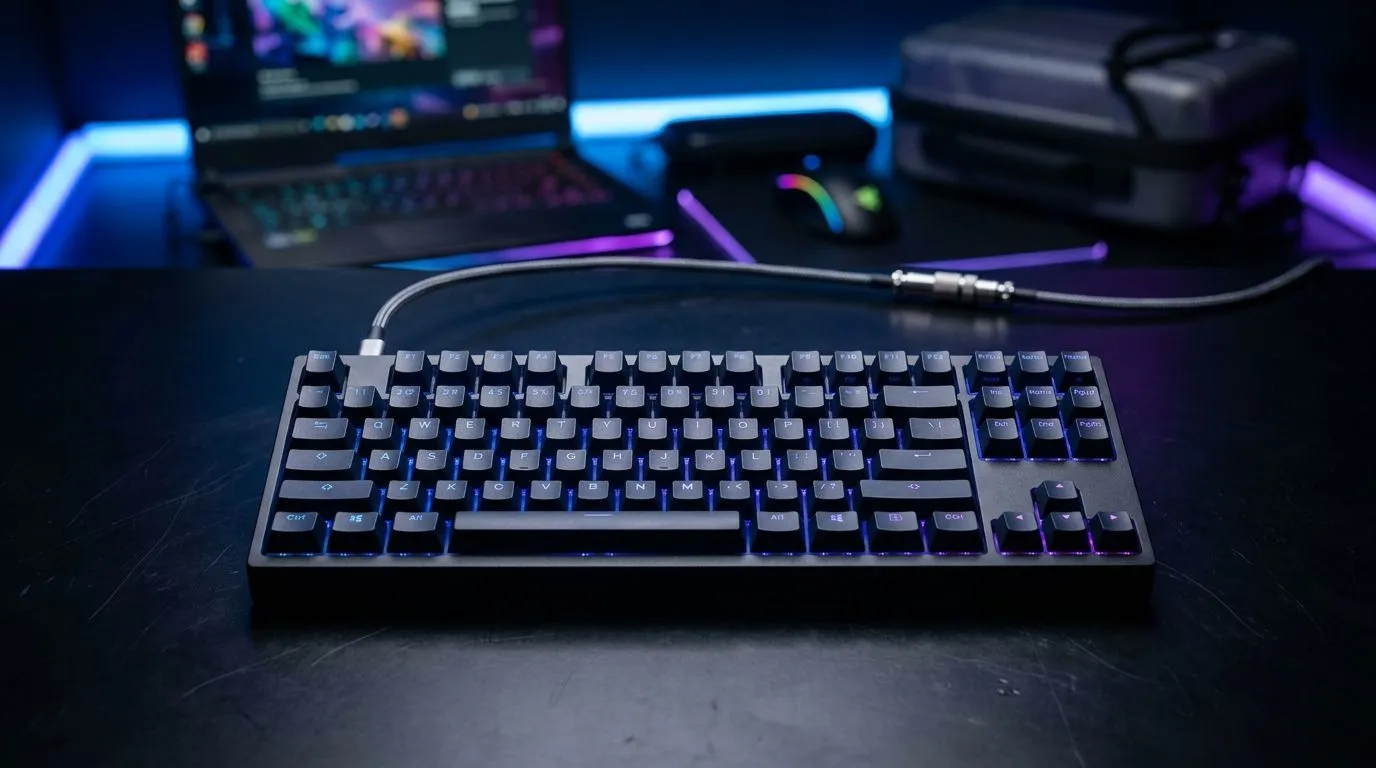
Travel-Ready LAN Setup with a TKL USB-C Keyboard: South African Gamer Reality Check
Heading to a weekend LAN in Jozi, Cape Town, or even a mate’s garage setup? You need gear that packs fast, connects first time, and doesn’t turn your match night into a troubleshooting session. A Travel-Ready LAN Setup with a TKL USB-C Keyboard is a smart move because it keeps your desk tidy, your cables manageable, and your response-time feel consistent. Plus, TKL boards usually leave more room for your mouse hand… and who doesn’t care about comfort when the rounds start 🔥
Why a TKL USB-C Keyboard Works for LANs (and Tight Rooms)
TKL (tenkeyless) means no number pad. For many gamers, that’s fine because movement, abilities, and comms hotkeys often live across the main section anyway. The result: a smaller footprint and easier transport.
USB-C helps too. One cable type across devices is a small detail that pays off when you’ve only got one power strip and a bag full of “just in case” adapters. For buyers, USB-C is also a practical standard because it’s widely supported on modern laptops and many compact devices.
When you’re building a Travel-Ready LAN Setup with a TKL USB-C Keyboard, think “one plug in, one setup out.” That’s the whole goal.
What to look for in the keyboard specs (without overthinking)
You want features that match your habits:
- Wired option for stability (fewer variables during high-pressure matches) ⚡
- Wireless option for flexibility if you’re switching between laptop and a desktop
- TKL layout for desk space
- USB-C connectivity for quick, predictable cable management
If you’re still comparing, use Evetech’s keyboard deal pages to shortlist models by what matters to you:
- Wired models: https://www.evetech.co.za/components/buy-cheapest-gaming-keyboard-in-south-africa-52.aspx?attributes-connectivity=Wired
- Wireless models: https://www.evetech.co.za/components/buy-cheapest-gaming-keyboard-in-south-africa-52.aspx?attributes-connectivity=Wireless
Cable Plan: The Secret Sauce for a Stress-Free LAN
Cables cause 90% of “why isn’t it working?” moments. Don’t trust vibes. Make a plan.
- Bring one USB-C cable you trust (and keep it coiled, not crumpled).
- Label your cables with small tags. Sounds extra… until you’re under match timer pressure.
- Keep your desk layout consistent: keyboard centred, mouse aligned, headset on a hook, power strip at one edge.
Want to upgrade your peripheral bundle while you’re at it? Pairing decisions matter for USB ports and desk space. Check out these keyboard-and-mouse combos: Keyboard and mouse combo deals at Evetech ✨
And if you’re hunting for value without guessing, start here: Cheapest gaming keyboard deals in South Africa 🚀
Productivity Pro Tip 🔧
On LAN nights, pack your USB-C keyboard cable in a small zip pouch with your mouse dongle adapter (if needed) and a spare USB port splitter. If you arrive and the host PC has limited ports, you can switch quickly without rummaging through your backpack while your team is calling for you.
Choosing the Right Keyboard Deal for Your LAN Budget (ZAR)
We all want the best feel, but we also live in reality… ZAR matters. On Evetech, you can browse current keyboard specials to fit your budget and still get the connectivity you need for a Travel-Ready LAN Setup with a TKL USB-C Keyboard.
If you want to browse quickly, start with: Best gaming keyboard deals
Then use the filter-friendly page below when you want to narrow by connectivity and price point: Affordable gaming keyboards, including wired/wireless options
Quick LAN Checklist Before You Leave Home
Use this 60-second run-through:
- Keyboard: USB-C cable packed ✅
- If wireless: bring batteries/charge cable and confirm keys work
- Mouse: enough space, enough surface (mat stays in the bag)
- Headset: volume control ready
- Backup plan: at least one spare short USB cable in your “essentials” pouch
A Travel-Ready LAN Setup with a TKL USB-C Keyboard is about removing friction. Less fiddling, more gaming. That’s the win.
Ready to Find Your Perfect Match? The Mac vs Windows debate is complex, but for maximum power, choice, and value in South Africa, Windows is hard to beat. Explore our massive range of laptop specials and find the perfect machine to conquer your world.











