

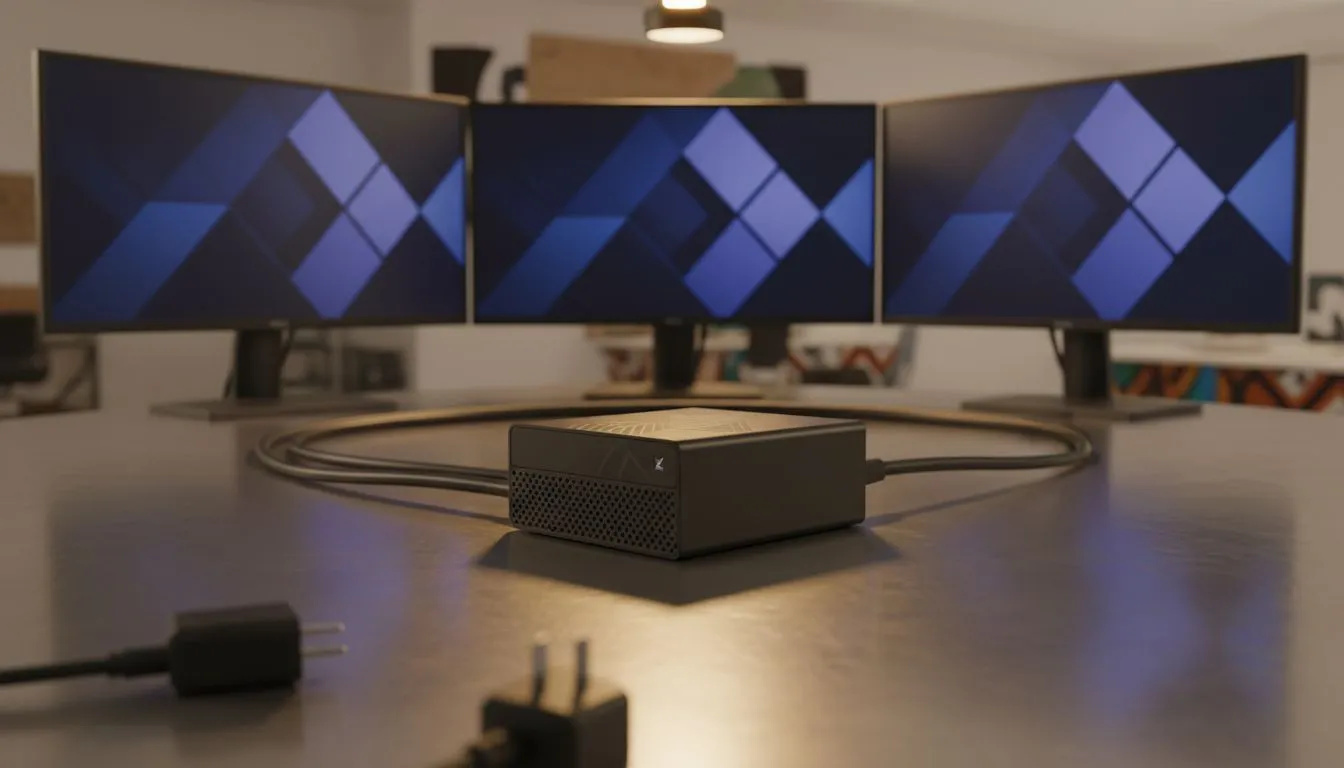
Reclaiming your desk without losing your pixels
Ever looked at your massive desktop tower and wondered if there is a better way? Imagine clearing your desk while still driving three stunning 4K displays for work or play. Achieving a triple 4K monitor setup on mini PC used to be a fantasy... today, it is a reality for South African pros and gamers looking to reclaim their workspace without sacrificing a single pixel. 🚀
The evolution of compact computing power
Gone are the days when small meant slow. Modern engineering allows us to pack incredible processing power into chassis no larger than a lunchbox. For South Africans looking to streamline their home office, choosing from a wide range of high-performance mini PCs is the first step toward a minimalist dream. These machines now rival traditional towers in everyday tasks and heavy-duty multitasking.
The secret lies in the integrated graphics and modern port standards. To drive a triple 4K monitor setup on a mini PC, you need a machine that handles high bandwidth without breaking a sweat. Whether you are colour grading video or managing complex spreadsheets, the clarity of 4K across three screens provides an unparalleled canvas for your creativity.
Connectivity is the key to three screens
How does such a small device output so much data? It comes down to the ports. Most premium units now feature a mix of HDMI 2.1, DisplayPort 1.4, and the powerhouse... USB4 or Thunderbolt. When you browse the latest mini PC deals, look specifically for units that list at least three independent display outputs. ⚡
Many local users worry about heat when pushing so many pixels. Fortunately, high-end mini PCs are designed with sophisticated cooling loops. This ensures that your triple 4K monitor setup on a mini PC remains stable even during a long day of intensive work. You get the performance of a workstation with a footprint that leaves plenty of room for your coffee.
Cable Quality Matters ⚡
When running multiple 4K displays at 60Hz or higher, cheap cables are your worst enemy. Always ensure you use "Premium High Speed" HDMI cables or VESA-certified DisplayPort cables. Poor quality cables often cause flickering or signal dropouts, which can be frustrating when you are in the middle of a focused session.
Choosing the right hardware for the job
Not all small computers are created equal. Some are built for basic office tasks, while others are absolute beasts. If you want the most reliable experience, Minisforum's cutting-edge designs are often the go-to choice for enthusiasts. They frequently include the necessary port density to make a triple 4K monitor setup on a mini PC seamless and "plug-and-play" simple. ✨
Consider the cost-to-performance ratio too. In South Africa, where desk space might be at a premium in modern apartments, the value of a tidy setup is high. You save on electricity, reduce clutter, and gain a modern aesthetic that makes your "lekker" gaming nook or professional studio look world-class.
Why three screens instead of one ultrawide?
While ultrawide monitors are popular, a triple setup offers better window snapping and physical separation. You can have your communication apps on one, your main workspace in the centre, and your references on the third. This physical boundary often helps with focus and productivity in a way a single large screen cannot.
Final thoughts on your mini powerhouse
Setting up a triple 4K monitor setup on a mini PC is no longer a technical hurdle... it is a lifestyle choice. By selecting the right hardware from a trusted local provider, you ensure you have the support and warranty needed for peace of mind. It is time to think small to achieve something big. 🔧
Ready to Build Your Minimalist Workstation? A triple 4K monitor setup on a mini PC offers the ultimate balance of power and minimalism for the modern South African professional. Explore our massive range of Mini PCs and find the perfect machine to power your multi-monitor dream today.











