

Understanding Motherboard Power Limits
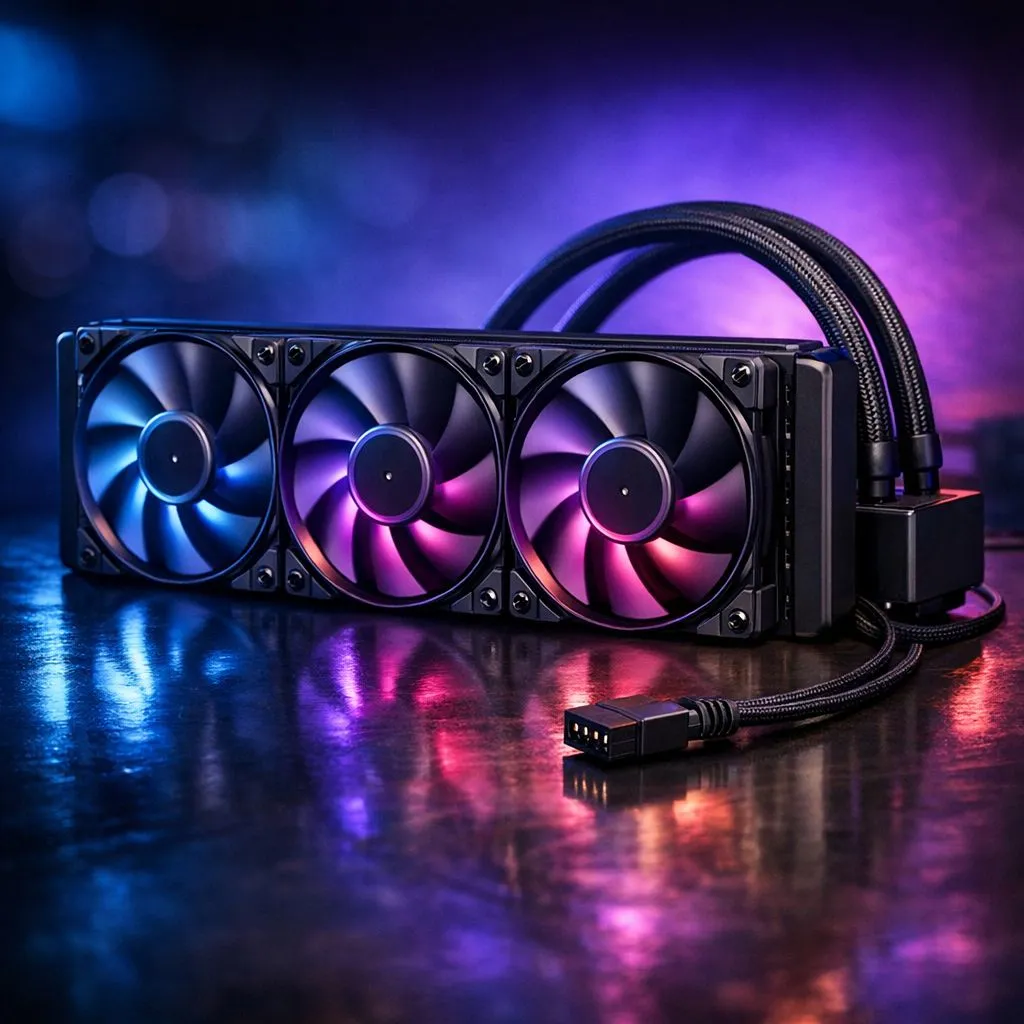
So, you’ve just unboxed a massive 360mm liquid cooler, and you’re staring at your motherboard, wondering if a triple fan radiator setup can connect to a 4-pin PWM header. It is a common panic moment for South African builders. The short answer is yes, but you need to be careful with power draw. Connecting three high-performance fans to a single header can exceed the amperage limit of the port, potentially damaging your motherboard circuitry.
Before you start your build, it is worth browsing our full range of CPU coolers to see the different fan configurations available. If you are aiming for peak thermal efficiency, a liquid cooler (AIO) is usually the way to go.
Managing Your Fan Power Safely
When installing a CORSAIR liquid cooler, you will often find they include a dedicated fan hub or a SATA-powered controller. This is a brilliant design choice because it pulls power directly from your PSU rather than the motherboard. If you are looking at a Deepcool solution, check the manual for similar power-management features. 🔧
Builder's Pro Tip ⚡
Always check your motherboard manual for the "CPU_FAN" header amperage rating. Most headers support 1 Amp (12W). If your three fans combined exceed this, use a powered PWM splitter or a dedicated fan hub to avoid blowing your fan controller headers.
Choosing the Right Radiator Size
Whether you are fitting a 360mm radiator to keep your i9 or Ryzen 9 cool, or opting for a more compact 240mm radiator for a smaller chassis, the connection rules remain the same. Ensure your fans are identical to keep the PWM signal consistent across the board. Using mixed fan types can lead to erratic speeds and annoying acoustic hums as they fight for the right RPM. 🚀
Ready to Find Your Perfect Match? Building a high-performance rig requires the right cooling hardware to handle our hot South African summers. Explore our massive range of CPU cooling solutions and find the perfect kit to keep your temperatures in check and your performance at its peak.











