

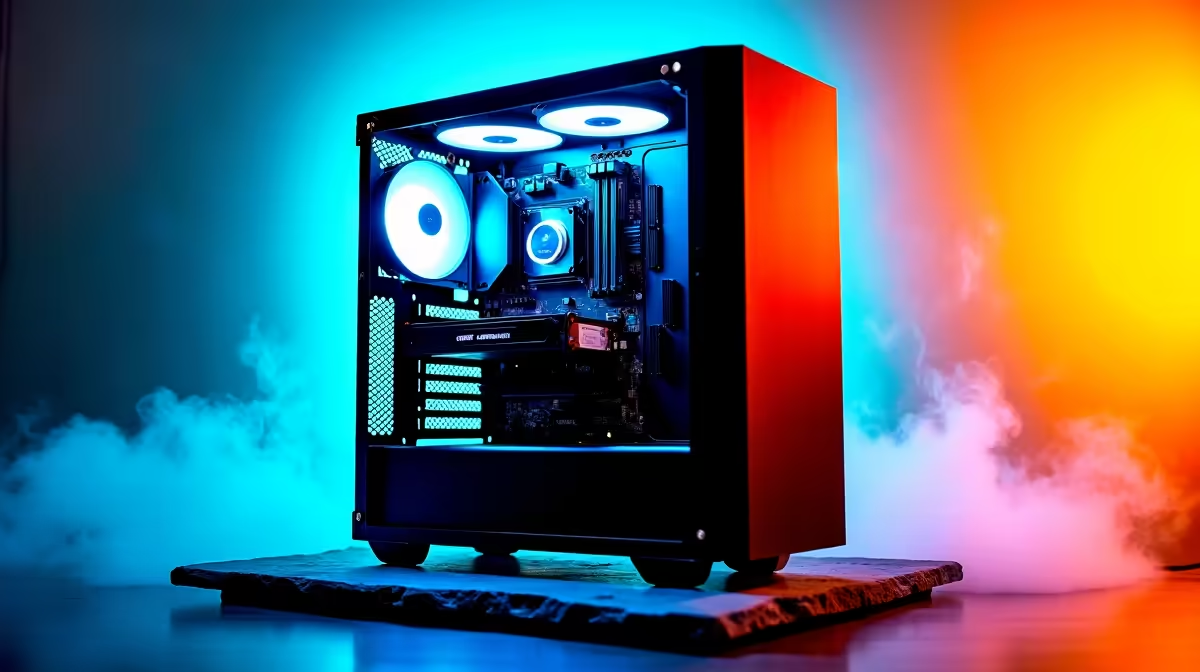
You’ve got the parts. The excitement is real. Your brand-new AI PC, a beast of silicon and dreams, is ready for its first boot. You press the power button... and get nothing. Just a black screen and the crushing sound of silence. Don’t panic. AI PC build issues are more common than you think, thanks to new components and complex software. This ultimate troubleshooting guide will help you diagnose and fix the most common problems.
Common AI PC Build Issues Before You Even Power On
Before you start tearing your hair out over complex driver conflicts, let's cover the basics. More often than not, the solution to your AI PC build problems is simpler than you think. A methodical check of the fundamentals can save you hours of frustration. 🔧
Is Everything Seated Correctly?
It sounds obvious, but a component that's even a millimetre out of place can prevent your entire system from posting.
- RAM: Make sure your RAM sticks are in the correct slots (check your motherboard manual for dual-channel configuration) and are fully clipped in. You should hear a distinct click.
- GPU: A heavy graphics card can sometimes sag or not seat fully in the PCIe slot. Ensure the retention clip is locked and that it has enough clearance.
- CPU: Did you align the triangle on the CPU with the one on the socket? Are there any bent pins? With powerful chips like the latest Intel Core Ultra processors and AMD's Ryzen AI-powered chips, correct installation is critical for performance and stability.
Power Supply (PSU) Gremlins
Your power supply is the heart of your rig. If it's not happy, nothing works. Double-check that you've plugged in all the necessary cables, especially the CPU power (usually a 4+4 pin connector at the top of the motherboard) and the GPU power connectors (PCIe 6, 8, or 12-pin). Also, ensure your PSU's wattage is sufficient for your components, especially if you're running one of the powerful NVIDIA GeForce PCs designed for heavy workloads.
Solving Software and Driver-Related AI Build Problems
So, your PC boots... congratulations! But now you're facing blue screens, software crashes, or your AI apps just aren't using the new hardware. Welcome to the world of software troubleshooting. 🧠
This is where AI builds often differ from standard gaming rigs. The Neural Processing Units (NPUs) and specialised cores in modern CPUs and GPUs require specific drivers and frameworks to function.
- NPU & GPU Drivers: Always download the latest drivers directly from the manufacturer's website. Don't rely on what Windows Update provides. For AI tasks, this is non-negotiable, whether you're using NVIDIA, Intel, or AMD Radeon graphics cards.
- OS Compatibility: Ensure you're running an operating system that supports your hardware's AI features, like Windows 11 for Copilot+.
- BIOS/UEFI Updates: A motherboard with an outdated BIOS might not correctly recognise your new CPU or RAM. Flashing the latest BIOS from the manufacturer's website can solve a world of mysterious stability issues.
Stability Pro Tip ⚡
Before you buy RAM, check your motherboard's Qualified Vendor List (QVL) on the manufacturer's support page. This list shows all the RAM kits that have been tested and are guaranteed to work at their advertised speeds with your board. This simple check can prevent countless headaches with memory-intensive AI applications.
Troubleshooting Performance and Stability in Your AI PC Build
If your system is running but feels sluggish or crashes under load, you're likely dealing with a performance bottleneck or stability issue. AI workloads push systems to their limits for sustained periods, which can expose weaknesses that normal gaming might not.
A common culprit is thermal throttling. If your CPU or GPU gets too hot, it will automatically reduce its speed to prevent damage, killing your performance. Ensure you have adequate case airflow and that your CPU cooler is mounted correctly with a good application of thermal paste. Sometimes, the complexity of balancing all these parts is why many South Africans opt for professionally assembled pre-built PCs, which are stress-tested before they ship.
For those demanding tasks that run for hours, like training a model or complex data analysis, you might even consider purpose-built optimised workstation PCs designed for maximum uptime.
Sidestepping AI PC Build Issues Altogether
Let's be honest: building a PC can be a major hassle, especially with the added complexity of AI hardware. If you've tried everything and are still stuck, or if you'd rather just jump straight into using your new machine, there's no shame in getting a system built by experts. ✨
This route guarantees that all components are compatible, the BIOS is updated, and the system has been tested for stability. You can still get a powerful, customised machine without the troubleshooting headache. From affordable budget gaming PCs that can handle entry-level AI tasks to high-end rigs and even systems with new contenders like Intel Arc gaming PCs, there's an option for every need and budget. By choosing a well-configured machine from our best gaming PC deals, you get peace of mind and a warranty to back it up.
Ready to Skip the Troubleshooting? Building a powerful AI rig is rewarding, but sometimes you just want the performance without the pain. Explore our massive range of custom and pre-built PC deals and let our experts build the perfect machine to conquer your world.











