

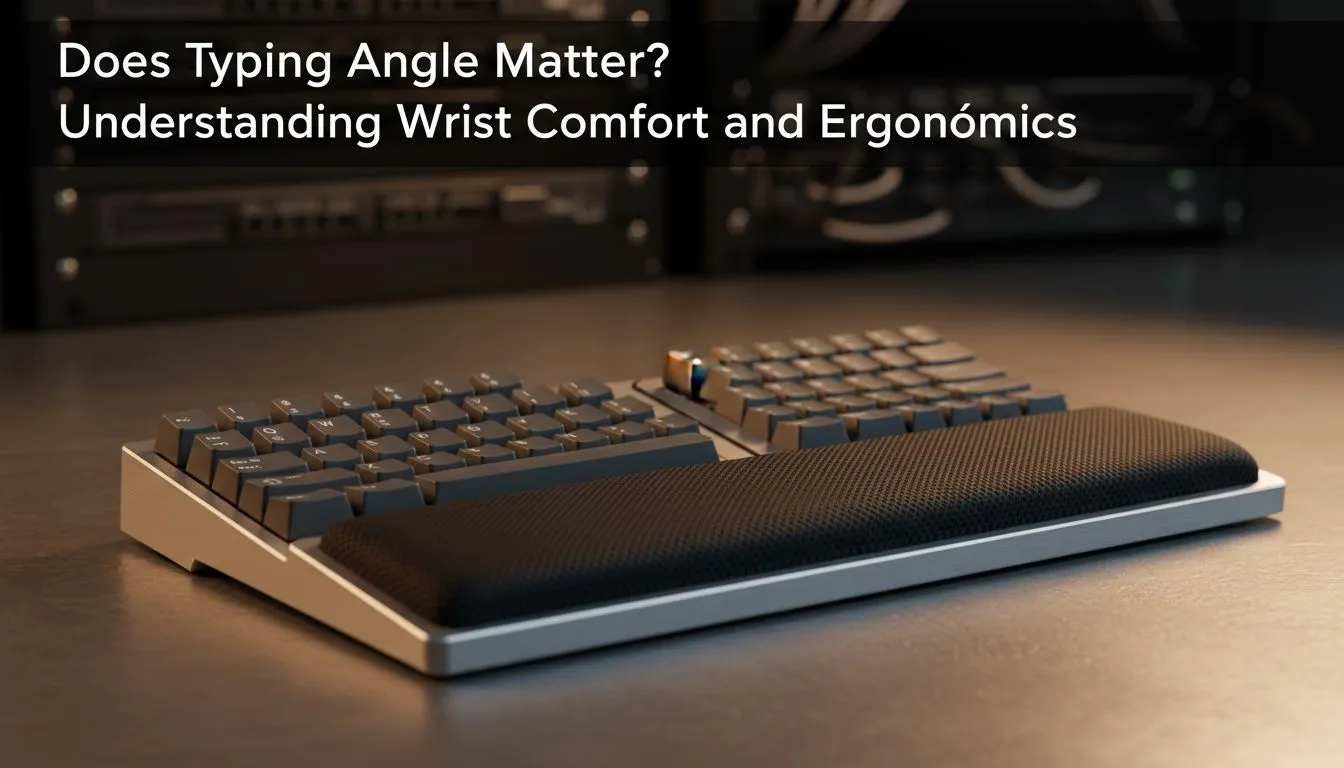
Why your typing angle matters for wrist comfort 🔧
If your wrists ache after a long raid or a full-day build session, the culprit might be the angle of your hands — not just keyboard quality. Typing angle influences how tendons and nerves travel through the wrist, and small adjustments can prevent pain and improve endurance. Read on for practical, South African-tested setup tips to reduce strain and keep your hands ready for the next session.
How typing angle affects wrist comfort and ergonomics
A neutral wrist position lowers strain and helps avoid repetitive stress. Most gamers and creators naturally angle their wrists up or drop them down, which pushes tissues into awkward positions. Instead of buying the most expensive keyboard, try adjusting tilt, wrist support, and desk height first.
If you need extra hardware, check our full monitor accessories range for ergonomic add-ons that pair well with keyboard stands: monitor accessories range at Evetech. These can change screen height and reduce forward reach, improving your overall typing angle.
Setup fixes: keyboard tilt, trays and arm support ✨
Start by setting the keyboard flat or with a slight negative tilt so your wrists stay straight. If your desk is too high, lower your chair and use a footrest for support. A keyboard tray or a monitor arm can bring everything into alignment without costly upgrades.
For compact desks, vertical mounts and low-profile stands from trusted makers can save space and keep your wrists neutral — see the Orico options for neat, compact mounts: Orico vertical and compact solutions.
Small changes that make a big difference ⚡
Micro-adjustments matter: try a soft wrist rest, reduce keyboard angle, or swap to a keyboard with low key travel. For many, switching to a split or tented keyboard changes wrist alignment substantially. If monitor position causes you to lean forward, a strong arm mount can fix posture—browse WINX mounts and arms that help reclaim desk space and posture: WINX monitor arms and mounts.
Productivity Pro Tip ⚡
On Windows, use the PowerToys FancyZones utility to create custom snap layouts for your windows. It's a lifesaver for managing multiple apps on an ultrawide monitor, letting you organise your timeline, preview window, and asset folders perfectly for video editing.
If you’re budget-conscious, filter accessories to find affordable, effective mounts and trays. Explore filtered options to match your price range and ergonomic goals: budget-friendly monitor accessories filter.
Quick checklist to test your typing angle
- Hands hover over the keys with wrists straight.
- Elbows rest near your sides, at about desk height.
- Screen is at eye level to prevent forward lean.
- Keyboard tilt is neutral; add wrist support only if needed.
Small, consistent changes beat an expensive keyboard if the basic alignment is wrong.
Ready to Find Your Perfect Match? The Mac vs Windows debate is complex, but for maximum power, choice, and value in South Africa, Windows is hard to beat. Explore our massive range of laptop specials and find the perfect machine to conquer your world.











