

Quick Answer
For UJ Business students, a dual-monitor setup under R15,000 delivers the biggest productivity upgrade for finance coursework, spreadsheets, and multi-application workflows. Prioritise two matching 24-inch or 27-inch Full HD monitors with IPS panels, a quality monitor arm, and a capable USB-C hub to connect everything cleanly.
Why Business Students at UJ Need a Proper Monitor Setup
Studying at the University of Johannesburg's Business School means working across multiple applications simultaneously. Financial modelling in Excel, SPSS or Stata for statistics, Teams or Zoom for group work, and LMS portals all compete for screen space. A single laptop screen simply is not enough for serious productivity, and many UJ Business assignments require referencing source material while writing simultaneously. A dual-monitor setup fundamentally changes how you work. One screen holds your active document or spreadsheet, the other holds your reference material, email, or notes. The time savings add up across a semester, and the reduction in context-switching reduces cognitive load during exam preparation and assignment crunch periods. ## Building a Dual-Monitor Setup Under R15,000
At a R15,000 budget, you can build a genuinely capable dual-monitor workstation without cutting corners on panel quality. The core components and rough budget breakdown look like this:
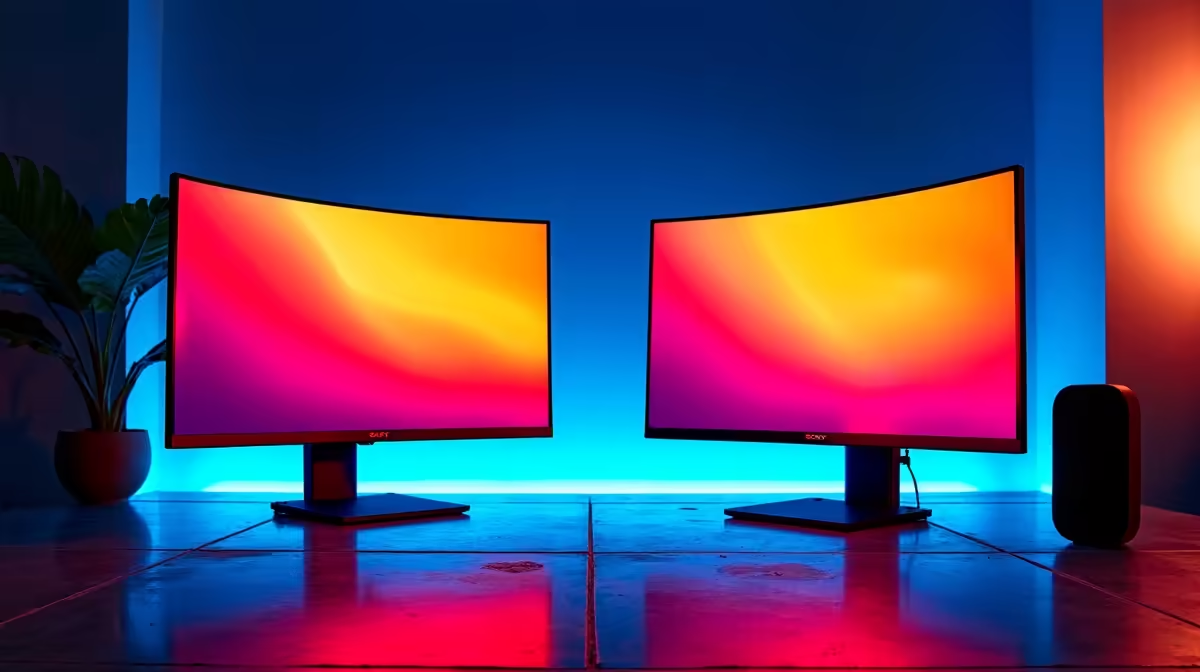
Two 24-inch Full HD IPS monitors account for a large portion of the budget. IPS panels are the right choice for extended study sessions because colour accuracy and viewing angles prevent eye fatigue during long hours of reading and spreadsheet work. If your budget allows a stretch, 27-inch panels at 1440p resolution offer more screen real estate for complex spreadsheets and multi-window workflows. A dual-monitor arm saves desk space and allows you to position screens at the correct ergonomic height. UJ students living in res or digs typically have smaller desks, and freeing up desk stand footprint is a meaningful quality-of-life improvement. A USB-C hub or docking station ties the setup together, letting you connect both monitors, a wired keyboard, mouse, and ethernet through a single cable to your laptop. This matters for UJ Business students who move between campus and home, since the entire workstation connects and disconnects in seconds. ## Screen Size, Resolution, and Panel Type: What to Prioritise
For business and finance work, resolution matters more than refresh rate. A 1080p 24-inch monitor has sufficient pixel density for text-heavy work. Moving to 1440p at 27 inches improves Excel row visibility and makes reading dense academic papers noticeably more comfortable. IPS panel technology is non-negotiable for extended study use. TN panels have poor viewing angles and cause eye strain over long sessions. VA panels have better contrast but can suffer from ghosting and slower response in scrolling-heavy tasks. IPS strikes the right balance for business students. For NSFAS students with a R5,200 allowance, a single quality monitor is the most impactful upgrade over the laptop screen alone. Getting one good 24-inch IPS monitor within budget is a smarter call than stretching to an inferior dual setup. ## Ergonomics and Desk Setup for Digs and Res Rooms
UJ students in Doornfontein and Kingsway campus residences deal with varied room sizes. A compact desk setup that does not spill onto your bed or floor space requires thoughtful cable management and monitor positioning. A monitor arm that clamps to the desk edge eliminates the monitor stand footprint entirely. Ergonomics directly affect study performance. Monitors positioned at eye level reduce neck strain during long study sessions. If you are using a laptop in clamshell mode with an external keyboard and mouse, positioning the external monitor directly in front of you at arm's length is the correct setup for sustained work. Loadshedding is a practical concern for UJ students in Johannesburg. A small UPS that keeps your monitors and laptop running during stage 2 or 3 loadshedding extends your study window during outages. Most 24-inch monitors draw under 30W, making it easy to run a dual-monitor setup on a modest UPS. ## Frequently Asked Questions
Do I need 4K monitors for business school work? No. 4K is overkill for spreadsheets, reports, and LMS portals. Full HD 1080p at 24 inches or 1440p at 27 inches covers everything a business student needs without the added cost. Save the budget for a better monitor arm or USB-C hub. Can I connect two monitors to a laptop for under R15,000? Yes. Most modern laptops support dual-monitor output via USB-C with a hub or directly through HDMI and USB-C ports. Confirm your laptop's output specs before buying, since some budget laptops only support one external display. Is a curved monitor worth it for studying? Curved monitors offer a slight immersion benefit but add cost without meaningfully improving productivity for text-heavy business work. Flat IPS panels are the better value choice for UJ Business students on this budget. What is the minimum monitor size for comfortable spreadsheet work? 24 inches at 1080p is the practical minimum. Larger spreadsheets with many columns become cramped at smaller sizes. If you frequently work in Excel or Google Sheets with complex models, 27 inches at 1440p is worth the budget stretch.
Ready to Find Your Perfect Match? Build the perfect UJ Business study setup. Browse Evetech's monitor range and find the right screens for your dual-monitor workstation.











