

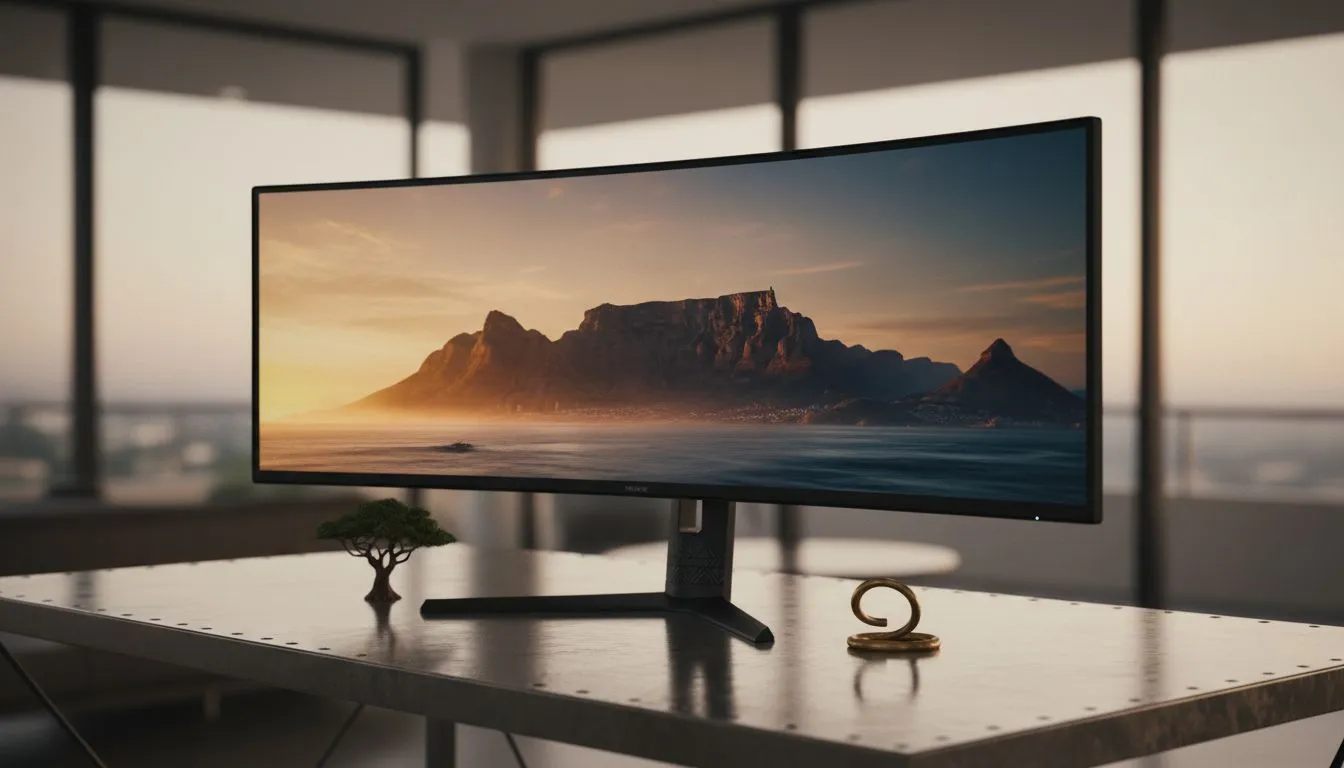
The Benefits of an Ultra-wide Monitor Home Office
Tired of toggling between tabs while working from home? In South Africa, our desk space is often limited, but our productivity shouldn't be. Switching to an ultra-wide monitor home office setup isn't just about aesthetics... it's about reclaiming your focus. Whether you are crunching spreadsheets or editing 4K video, that extra horizontal real estate changes everything.
An ultra-wide monitor home office setup provides the space of two screens without the annoying middle bezel. When browsing the comprehensive range of PC monitors, look for a 34-inch model. This size hits the sweet spot for most South African desks.
Selecting the Perfect Panel for Your Workspace
For creative professionals, IPS panels are essential. They offer superior colour accuracy for design work. If you prefer a traditional look, flat screen monitors are great for architectural drawings where straight lines matter most.
Productivity Pro Tip ⚡
On Windows, use the PowerToys FancyZones utility to create custom snap layouts for your windows. It's a lifesaver for managing multiple apps on an ultrawide monitor, letting you organise your timeline, preview window, and asset folders perfectly for video editing.
Optimising Your Ultra-wide Monitor Home Office Ergonomics 🔧
Many users find that curved displays reduce eye strain. The curve keeps the edges within your natural field of view. This is particularly helpful when working long hours in a professional ultra-wide monitor home office.
Investing in a quality stand is also vital. A sturdy arm allows you to adjust height and tilt easily. This ensures your neck remains neutral throughout the day. You might spend roughly 2,000 ZAR on a good arm, but your posture will thank you.
High-Performance Features for SA Gamers 🚀
Gaming after hours? You need smooth visuals. If you use a Radeon card, look for FreeSync (AMD) support. NVIDIA users should prioritise G-Sync (NVIDIA) to eliminate screen tearing. Many modern screens also feature Adaptive Sync for broader compatibility.
A high refresh rate isn't just for gamers. It makes scrolling through long documents feel much smoother. It reduces the perceived lag when moving windows across your vast desktop.
Finalising Your Clean Workspace ✨
Cable management is the final step for a clean look. Use velcro ties to bundle your power and display cables. This prevents a "rat's nest" behind your beautiful new screen. A clean desk leads to a clean mind.
Ready to Build Your Ultimate Setup? Creating an efficient ultra-wide monitor home office requires the right balance of performance and ergonomics. Explore our massive range of monitor specials and find the perfect display to transform your workspace today.











