

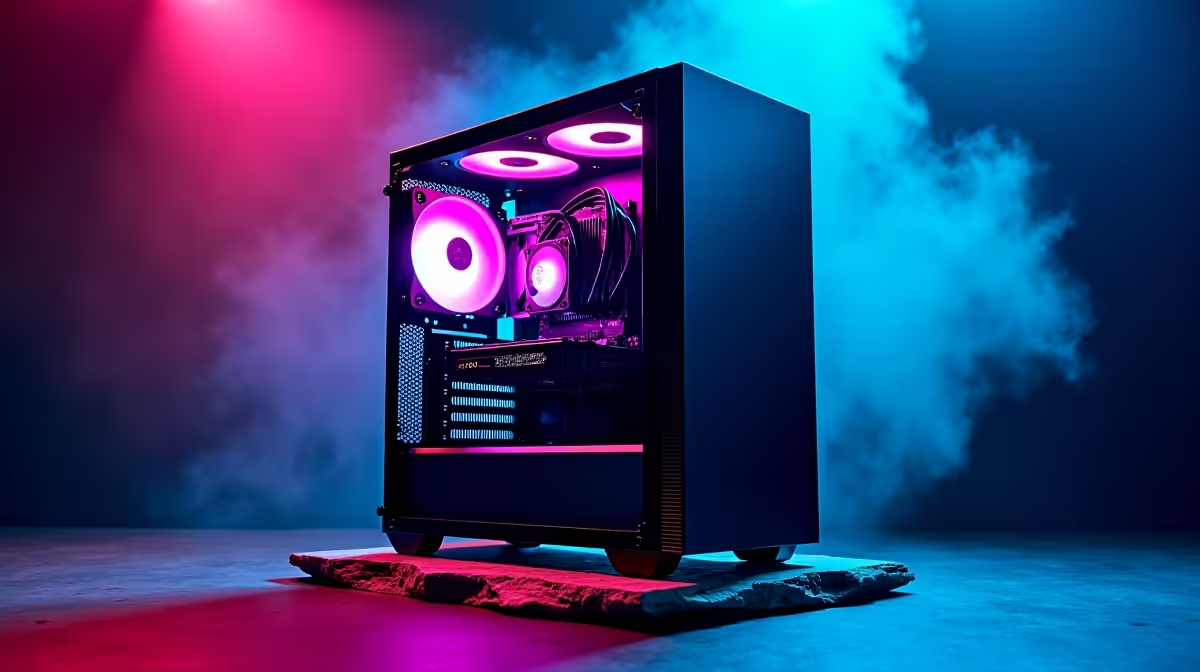
Are you tired of Photoshop crashing right before a deadline? We know the feeling. As a creative in South Africa, balancing budget and performance is tough. But achieving an UP Design: Best Software Setup Under R15000 is entirely possible. You do not need to spend a fortune to render smoothly. Let us explore how to stretch your ZAR to build a reliable creative workstation today.
Matching Hardware to Your Design Software 🎨
To get the absolute best out of your UP Design: Best Software Setup Under R15000, you must allocate your budget smartly. Programs like Illustrator, InDesign, and Figma rely heavily on processor speed and memory. They need fast single-core performance to apply effects without lag.
If you are configuring a custom rig for these apps, you might want to look at the best gaming PC deals available right now. Gaming rigs naturally double as excellent design workstations. They pack the exact processing punch required for heavy creative tasks.
Core Components for Creative Workflows 🔧
When working with a strict R15,000 limit, prioritise memory and fast storage first. You want at least 16GB of RAM to keep your workspace fluid. A fast NVMe solid-state drive is also non-negotiable for quick boot times.
If you prefer a machine that is ready to go immediately, browsing pre-built PC deals will save you assembly time. Pre-builts offer great value and guaranteed compatibility out of the box.
Perhaps portability is your main goal for campus or coffee shop client meetings. In that case, consider checking out our powerful laptops and notebooks. Modern mobile processors handle 2D design effortlessly while keeping you untethered.
Adding Graphics Power on a Budget 🚀
Do you dabble in 3D rendering or video editing? Then your setup needs a dedicated GPU to handle the extra load. While top-tier cards cost a premium, entry-level options still accelerate your workflow beautifully.
You can easily buy graphics cards that fit into a tight budget build. Even a modest GPU will enable hardware acceleration in Premiere Pro or Blender.
The secret to staying under budget is timing your purchases. Keep a close eye on daily tech specials to score premium components at a massive discount. This leaves you with more cash for those essential software subscriptions and premium fonts.
Optimise Your Scratch Disk ⚡
If you are running Adobe Creative Cloud on a budget rig, always assign your fastest NVMe SSD as your primary scratch disk. This simple tweak prevents your system from freezing when working with massive high-resolution files.
Balancing Performance and Price
Creating your ideal workspace is all about finding the sweet spot. You want enough power to run multiple apps simultaneously without breaking the bank. By focusing on a strong CPU and adequate RAM, you build a solid foundation. You can always upgrade your storage or graphics later as your freelance business grows.
Your UP Design: Best Software Setup Under R15000 is waiting to be built. With smart choices, your creative potential is truly limitless.
Ready to Build Your Dream Workspace? Crafting the ultimate design setup does not have to drain your savings. Whether you need a portable powerhouse or a desktop beast, we have the hardware to fuel your creativity. Explore our massive range of laptop specials and find the perfect machine to conquer your design projects today.











