

Quick Answer
University of Pretoria engineering students in 2026 can build a capable software and development setup under R15,000 that covers a productivity PC, essential software tools, and peripherals needed for coursework, projects, and late-night coding sessions.
What UP Engineering Students Actually Need
Engineering students at the University of Pretoria work across a demanding mix of software. From CAD tools and simulation software in first and second year, to programming-heavy modules in electrical, computer, and mechatronics engineering, the software requirements span a wide range.
The good news for budget planning is that most engineering software used in UP coursework is available via university licence, meaning students do not pay separately for MATLAB, Autodesk tools, or development IDEs. The R15,000 budget therefore focuses on hardware that runs these tools reliably, with the university network providing the software access layer.
Most UP engineering students combine a laptop for portability across campus with a home or digs setup for intensive project work. The R15,000 budget is best applied to the home setup where a desktop or desktop-plus-accessories configuration delivers more performance per rand than an equivalent laptop.
Core Software Stack for UP Engineering in 2026
The working software environment for UP engineering students typically includes:
Development: VS Code or JetBrains IDEs for software-heavy modules, Python environments, Git version control Engineering tools: MATLAB, Simulink, AutoCAD or SolidWorks for mechanical and civil streams Productivity: Microsoft 365 through the university licence Collaboration: Teams for project group work and lecturer communication
All of these run comfortably on a mid-range desktop with 16GB RAM, though 32GB becomes valuable once you are running MATLAB simulations alongside a browser, IDE, and Teams simultaneously.
Recommended Hardware Budget Allocation Under R15,000
For a UP engineering student building a home setup under R15,000, a suggested allocation:
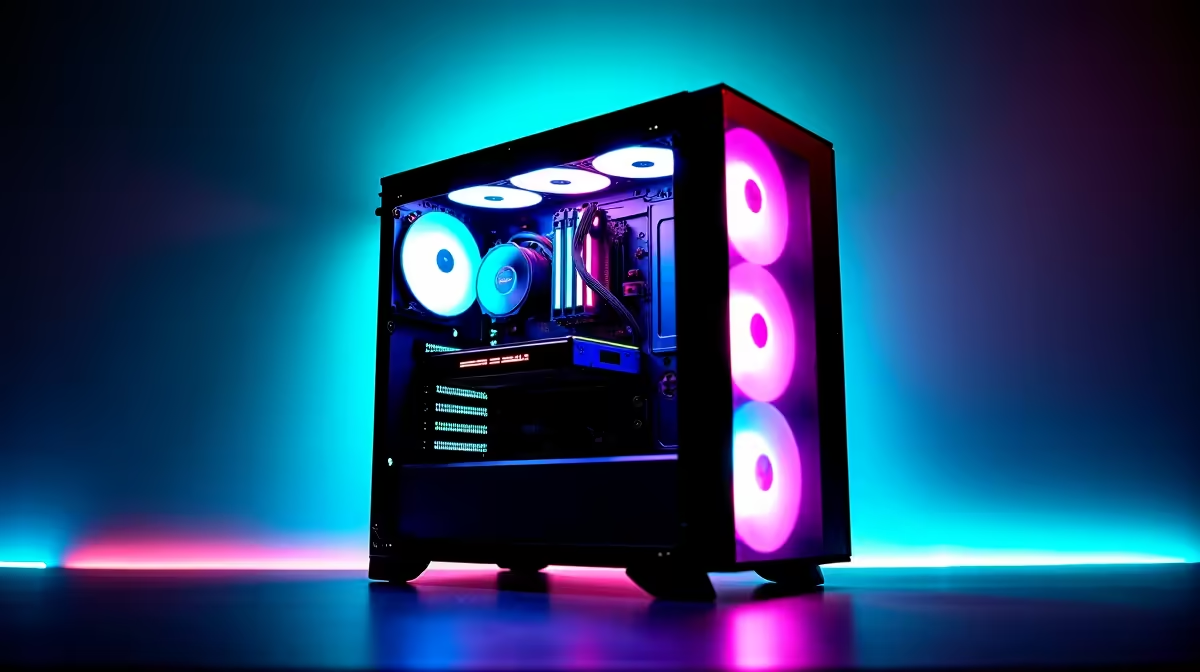
PC or refurbished workstation: R8,000 to R10,000 covers a capable desktop with a modern multi-core processor, 16 to 32GB RAM, and fast NVMe storage. This is the core of the setup.
Monitor: A 24-inch 1080p IPS monitor at R1,200 to R2,000 gives you a comfortable workspace for code and CAD work. Engineers benefit more from screen real estate than refresh rate, so a quality 75Hz IPS panel is a better investment than a 144Hz gaming monitor at this budget.
Keyboard and mouse: A quality mechanical keyboard and a precision mouse for long coding and CAD sessions. Budget R600 to R1,200 for a decent mechanical keyboard and R300 to R600 for a mouse.
UPS: Essential for Pretoria engineering students dealing with loadshedding during critical project deadlines or MATLAB simulation runs. A quality 1000VA UPS in the R800 to R1,500 range keeps your setup running through Stage 4 without losing work.
This allocation fits within R15,000 and creates a workspace that handles the full UP engineering software stack.
NSFAS and UP Engineering Setup
NSFAS-funded UP engineering students receive a laptop allowance as part of their accommodation and study support. Many students use this allowance toward a capable laptop for campus work and supplement it over time with a home desktop or monitor setup as their budget allows.
For vaallies or students living in Pretoria digs, investing the hardware budget in a home desktop setup and using university computers for on-campus work is a practical approach that maximises performance per rand.
Loadshedding Planning for Engineering Work
UP students in Hatfield and surrounding areas experience loadshedding like the rest of Gauteng. For engineering students, losing power mid-simulation or mid-compile is a real productivity hit. A UPS protects your work and keeps your PC running through standard loadshedding stages.
Pairing a UPS with an energy-efficient desktop that draws under 150W under normal engineering workloads allows a quality 1000VA unit to provide 45 to 90 minutes of runtime, covering most loadshedding blocks.
Frequently Asked Questions
Can I run MATLAB on a R10,000 desktop for UP engineering?
Yes. A mid-range desktop with a modern quad or hex-core processor and 16GB RAM handles MATLAB, Simulink, and standard engineering simulations comfortably. For large data sets or heavy simulation work, 32GB is preferable.
Is a gaming PC the same as an engineering workstation?
They share many components. A gaming-focused PC with a strong CPU, 32GB RAM, and fast NVMe storage performs very well for engineering software. The main difference is that gaming builds prioritise GPU performance while engineering workstations prioritise CPU and RAM, which aligns well with the R15,000 budget approach.
Should UP engineering students prioritise a laptop or desktop setup?
For most students, a budget laptop for campus portability plus a home desktop setup for intensive work delivers the best outcome per rand. If the full budget goes toward a single device, a desktop gives more performance for the same price.
Ready to Find Your Perfect Match? Find a gaming PC deal that doubles as a capable engineering workstation for your UP setup. Browse PC deals at Evetech











