

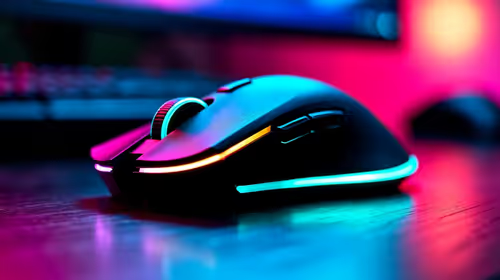
Best wireless gaming mouse Under R2000 in South Africa 2026
Top wireless gaming mouse Under R2000 picks evaluated on performance, value & SA availability with current Rand pricing from Evetech.
Read moreUSB-C hub desk setup guide: simplify your workspace using a single USB-C hub—reduce cables, power laptops, connect displays and peripherals for a clean, productive desk. ⚡🧰
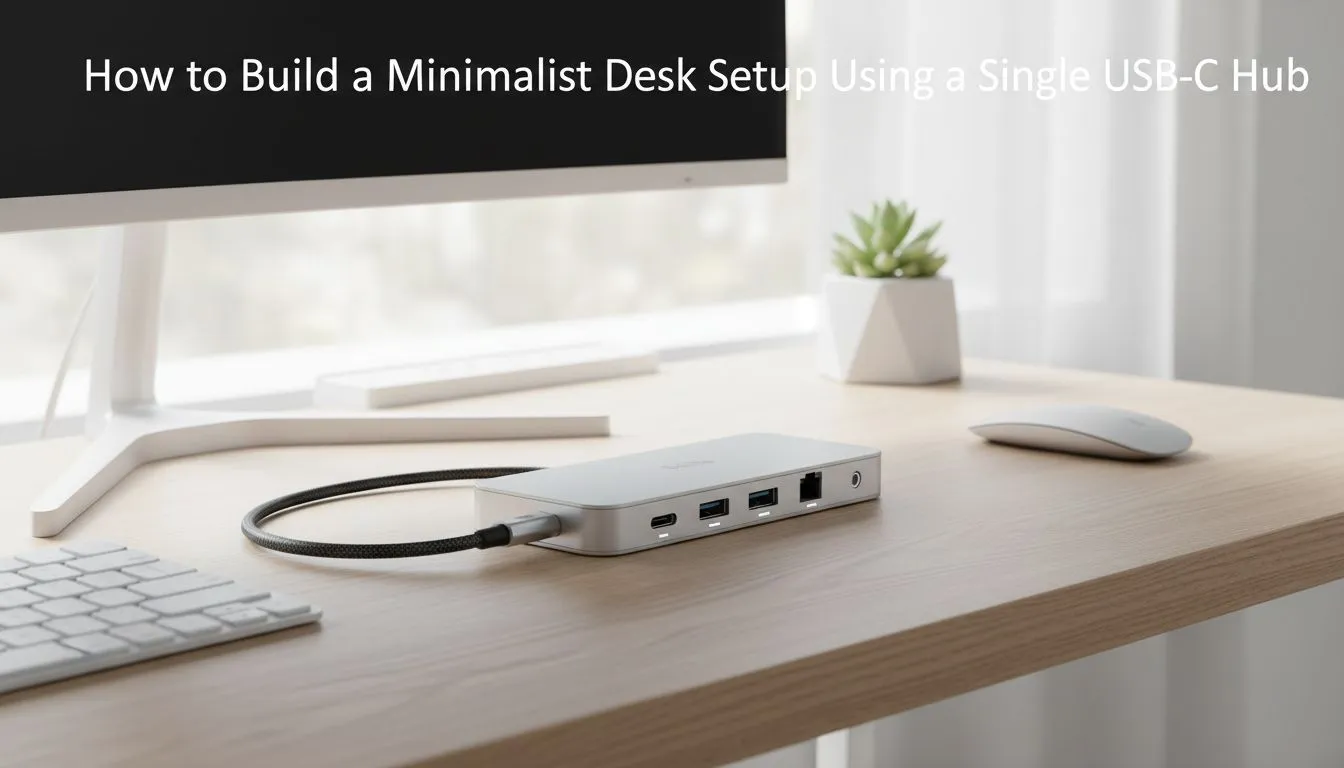
Tired of the cable spaghetti monster living behind your desk? We get it. In South Africa, a powerful rig often means a tangled mess of wires for your monitor, keyboard, mouse, and headset. But what if you could connect everything—power, display, and peripherals—with a single, sleek cable? That’s the magic of a USB-C hub desk setup, the key to unlocking a clean, minimalist workspace that’s as powerful as it is beautiful. ✨
For years, we’ve accepted cable clutter as a necessary evil. A cable for the monitor, another for charging the laptop, one for the keyboard... it adds up. A USB-C hub desk setup flips the script entirely. It acts as a central docking station for your entire workspace.
By plugging one USB-C cable into your laptop, you instantly connect to:
This single-cable solution isn't just about looking tidy; it's about efficiency. Need to grab your laptop for a meeting or a jol? Just unplug one cable and you're good to go.
Not all hubs are created equal. The perfect one for your USB-C hub desk setup depends on your specific needs. Before you buy, consider what you'll be plugging in. A graphic designer might need multiple display outputs and an SD card reader, while a gamer will prioritise high-speed USB ports for their peripherals.
Here’s a quick checklist:
Finding the right hub is the first step, but pairing it with high-quality peripherals is what completes the experience.
Ready to transform your desk from chaotic to clean? Building your USB-C hub desk setup is easier than you think.
Start by clearing everything off your desk. Visualise where your monitor, laptop, and speakers will go. This is your chance to rethink your entire workspace for better ergonomics and flow. Where will the hub sit? Most people tuck it away behind the monitor or use adhesive strips to mount it under the desk for a truly invisible look.
Plug your monitor, keyboard, mouse, webcam, and any other accessories into the USB-C hub. This is the moment the magic happens—all those individual cables now feed into one central point. It's the perfect time to snag some great deals on gaming accessories like shorter cables to keep the area around the hub extra tidy.
Use reusable Velcro cable ties or a simple under-desk cable management tray to bundle the cables running from your peripherals to the hub. This keeps them completely out of sight and prevents them from dangling. A clean setup isn't just about the single cable to your laptop; it's about organising the rest, too.
Now, run the single USB-C cable from the hub to your laptop. That’s it! Your laptop is now charging and connected to your entire arsenal of peripherals. Power up, and enjoy your brand-new, ultra-clean minimalist workspace.
A USB-C hub desk setup is the foundation, but a few extra items can elevate it to perfection. A sleek monitor arm, for instance, frees up valuable desk space and allows for perfect screen positioning.
Consider upgrading to wireless peripherals to eliminate even more cables. A clean, oversized mousepad can also unify your space, giving it a professional, cohesive look. You can find all the right gaming accessories to complement your new setup and complete the minimalist aesthetic you're aiming for. 🚀
Ready to Build Your Clean Setup? A minimalist workspace is more than just looks—it's about focus, efficiency, and creating a space you love to be in. A USB-C hub is the key. Explore our massive range of PC accessories and find the perfect gear to conquer your cable clutter.
A USB-C hub desk setup uses one USB-C hub to connect power, displays, and peripherals, creating a tidy minimalist workspace.
Yes. Choose a hub with adequate power delivery rating to charge your laptop while handling displays and USB devices.
Use cable clips, a short USB-C cable, and mount the hub under the desk to centralize connections and achieve a one-cable desk setup.
Prioritize power delivery, HDMI/DisplayPort, USB-A, and Ethernet. These cover charging, displays, peripherals, and reliable network access.
A docking station offers more ports and power delivery; a compact hub is lighter and ideal for portable minimalist desks.
Pick a hub with dual display support and sufficient bandwidth. Look for DisplayPort or HDMI with MST or alternate mode support.
A quality hub with proper bandwidth and PD won't bottleneck most tasks, but high-refresh gaming or heavy editing needs direct GPU connections when possible.
Top wireless gaming mouse Under R2000 picks evaluated on performance, value & SA availability with current Rand pricing from Evetech.
Read more
Top Logitech Mouse Under R3000 picks evaluated on performance, value & SA availability with current Rand pricing from Evetech.
Read more
Top Budget Gaming Mouse Under R500 picks evaluated on performance, value & SA availability with current Rand pricing from Evetech.
Read more
Top Marvo Gaming Mouse Under R500 picks evaluated on performance, value & SA availability with current Rand pricing from Evetech.
Read more
Top Budget wireless gaming mouse Under R300 Gamers picks evaluated on performance, value & SA availability with current Rand pricing from Evetech.
Read more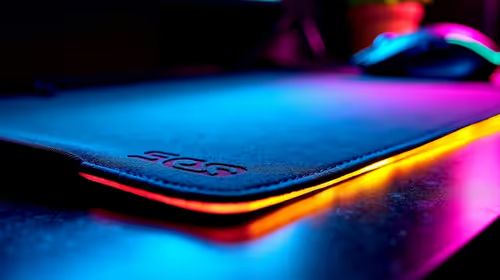
Top mouse pad Under R2000 () picks evaluated on performance, value & SA availability with current Rand pricing from Evetech.
Read more
CS2 Low FPS: Monitor Bottleneck. Real-world benchmark data, FPS numbers & performance analysis. What SA gamers can actually expect.

Is AOC a Good Monitor Brand for Gaming in South Africa Detailed answer with SA data, expert analysis & practical recommendations for local buyers.

What Gaming Monitor Can You Get for R20,000. Full parts list, Rand pricing & expected performance. Build confidently with SA-available components.

What Gamers Actually Bought: November Report. Real purchase data from SA retailers revealing what local buyers are actually choosing and why.

Can the RX 7700 XT Handle 1440p 144Hz Gaming. Performance testing verdict with real data & practical recommendations for SA buyers.

Top Laptop with Core i7 + RX 7700S: Picks picks evaluated on performance, value & SA availability with current Rand pricing from Evetech.

RX 7700 XT Black Myth Wukong 2 FPS: Performance. Real-world benchmark data, FPS numbers & performance analysis. What SA gamers can actually expect.

RTX 6080 Gran Turismo 7 PC Performance: FPS Test. Real-world benchmark data, FPS numbers & performance analysis. What SA gamers can actually expect.

MacBook Pro 16-Inch M5 Max: Complete Specs,. Everything you need to know with SA pricing, step-by-step instructions & expert recommendations.

Travelling With a MacBook: Travellers. Everything you need to know with SA pricing, step-by-step instructions & expert recommendations.

Back-to-School Parent Guide: Laptops. Everything you need to know with SA pricing, step-by-step instructions & expert recommendations.

MacBook Air 13-Inch M5: Complete Specs, Features. Everything you need to know with SA pricing, step-by-step instructions & expert recommendations.