

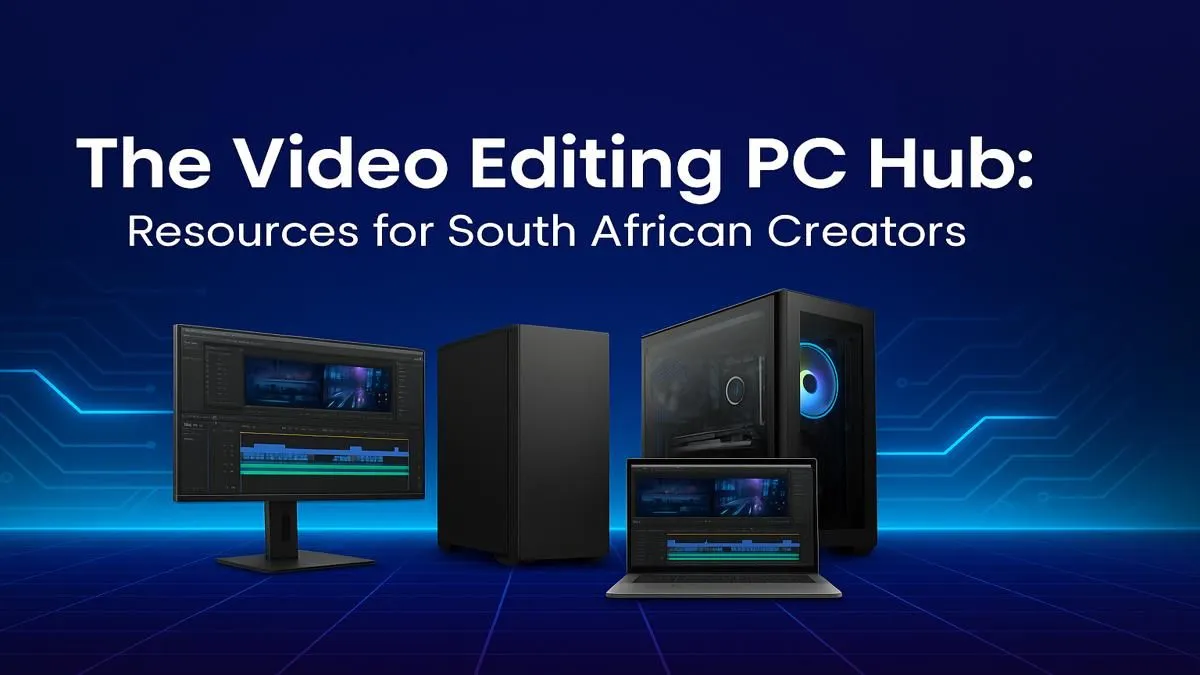
Is your PC lagging behind your creative vision? That 4K timeline stuttering again? In South Africa, waiting for renders is a special kind of load shedding for your workflow. It's time to stop fighting your tools and get a video editing PC in South Africa that can actually keep up. Whether you're a YouTuber, a filmmaker, or a marketing pro, the right machine makes all the difference. Let's spec out your ultimate creator's hub.
Core Components for Your Video Editing PC
Building or buying the perfect rig means understanding where to invest your budget. A balanced system is key; a monster graphics card won't help if your processor is a bottleneck. For a high-performance video editing PC, focus on these four pillars.
The CPU: Your Rig's Creative Director 🧠
The Central Processing Unit (CPU) is the brain of your operation. It handles everything from software responsiveness and timeline playback to the final export.
- Core Count: More cores are generally better for video editing, as software like Adobe Premiere Pro and DaVinci Resolve can use them to speed up rendering.
- Clock Speed: A higher clock speed (measured in GHz) improves the snappiness of the application and helps with smooth playback of complex effects.
For intense multi-tasking and fast exports, the multi-core strength of multi-core AMD Ryzen PCs makes them a top choice for editors. However, for tasks that rely on single-core speed, like certain effects and general app responsiveness, you can't go wrong with powerful Intel-based PCs.
The GPU: The Visual Powerhouse ✨
Your Graphics Processing Unit (GPU) is crucial for rendering effects, colour grading, and GPU-accelerated exports. Modern editing software leans heavily on the GPU to take the load off the CPU, resulting in a much smoother experience.
NVIDIA's CUDA cores are exceptionally well-supported by creative apps, making NVIDIA GeForce-powered systems a go-to for many professionals. Their NVENC encoder is also fantastic for speeding up H.264 and H.265 exports. Of course, don't count out Team Red; modern AMD Radeon gaming PCs offer incredible performance and value, especially in programs like DaVinci Resolve.
RAM: More is More for Smooth Timelines
Random Access Memory (RAM) is your PC's short-term memory. When you're scrubbing through a 4K timeline with multiple layers and effects, it's the RAM that keeps things from grinding to a halt.
- 16GB: The absolute minimum for 1080p editing.
- 32GB: The sweet spot for most 4K editors and YouTubers.
- 64GB+: Recommended for professionals working with 6K/8K footage, complex After Effects compositions, or heavy multi-tasking.
Editing Pro Tip ⚡
For a smoother timeline, use proxies! Most editing software lets you create low-resolution copies of your high-res files. You edit with the smooth, lightweight proxies, and the software automatically swaps in the full-quality original files for the final export. It's a lifesaver for any video editing PC setup.
Storage: Speed is Everything 🚀
Your storage setup can make or break your workflow. Slow drives mean slow loading times, stuttering playback, and frustrating waits. A multi-drive setup is ideal:
- OS/Software Drive: A fast NVMe SSD (Solid State Drive) to ensure your operating system and editing apps load in a flash.
- Project Files/Cache Drive: A second, larger NVMe SSD. This is where your active project files, media cache, and scratch files should live for maximum performance.
- Archive Drive: A large Hard Disk Drive (HDD) for storing completed projects and raw footage you aren't actively using.
Custom vs. Pre-Built Creator Hubs
So, should you build it yourself or buy a ready-made machine? A custom build offers total control, but a pre-built system saves you time and comes with a full warranty. For serious creative work, dedicated professional workstation PCs are optimised and stress-tested for stability and performance under heavy, sustained loads—something a standard gaming PC might struggle with.
Ultimately, the best video editing PC in South Africa is the one that fits your specific workflow and budget. Whether you're editing your first vlog or producing a professional short film, investing in the right hardware pays for itself in saved time and reduced frustration. For those who want a powerful, tested machine right out of the box, exploring our selection of pre-built PC deals is a fantastic starting point.
Ready to Build Your Creative Powerhouse? Your story deserves a machine that can tell it without compromise. Stop waiting for renders and start creating at the speed of thought. Explore our range of purpose-built Workstation PCs and find the perfect rig to bring your vision to life.











