

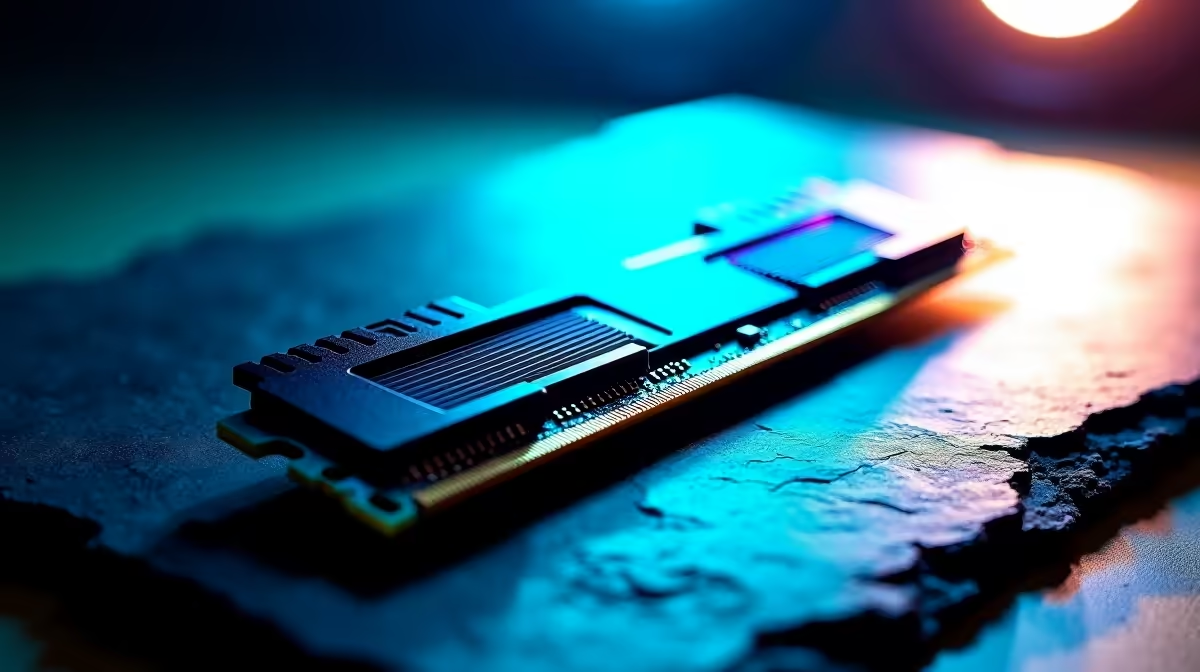
Pushing your rig to the absolute limit is a thrilling pursuit for any South African gamer. But when you are chasing those massive frame rates, sudden blue screens can ruin everything. If you are wondering what causes unstable overclocks on DDR5 systems... you are not alone. Let us explore why these memory speeds sometimes crash and how modern AI tuning can save your setup.
The Root of DDR5 Instability 🔧
DDR5 memory is incredibly fast. Speeds starting at 4800MHz and pushing well past 7000MHz are now the industry standard. However, pushing these speeds manually often leads to system instability. Why does this happen? It usually comes down to voltage management, heat, and the silicon lottery. High-performance modules require clean power delivery to maintain stability under heavy gaming loads.
Unlike older generations, DDR5 moves power management directly onto the RAM module itself. This structural shift means your memory kits generate significantly more localised heat. If your case cooling is not optimal, thermal throttling quickly kicks in... causing those dreaded system crashes mid-game.
Motherboard Memory Controllers
Another major factor is the memory controller on your CPU. This controller dictates how your processor communicates with your board. Not all components are created equal in the silicon world. You might have the fastest RAM on the market. But pairing it with a budget board causes severe bottlenecks.
Upgrading to high-end motherboards ensures better power delivery. You also get thicker PCB layers for superior signal integrity. Premium boards isolate memory circuits to prevent electrical interference from other components. This is absolutely crucial for maintaining those extreme frequencies without dropping data packets.
How Can AI Tuning Help? ✨
Manual overclocking requires days of tweaking timings and running endless stress tests. Enter AI tuning. Modern BIOS systems now feature incredibly intelligent overclocking algorithms. These AI tools analyse your specific CPU silicon quality and cooling capacity in real-time.
Instead of guessing voltages, the motherboard calculates the optimal frequency curve for your exact components. It completely removes the trial-and-error frustration. For a hassle-free experience, grabbing one of our best gaming PC deals with pre-configured profiles is brilliant. You get maximum performance without the headache.
Overclocking Pro Tip ⚡
Always update your motherboard BIOS before attempting any memory overclocks. Manufacturers frequently release updates that improve DDR5 stability and expand compatibility... saving you hours of frustrating troubleshooting.
Finding the Sweet Spot for South African Gamers
We know that building a top-tier rig in South Africa means making every ZAR count. You want the highest performance without risking expensive hardware damage. AI tuning acts as a brilliant safety net. It pushes your memory to the absolute limit while keeping voltages within safe parameters.
If you are ready to upgrade your setup, keep an eye on our latest specials. This helps you score premium components at unbeatable prices. You can finally enjoy those buttery-smooth frame rates without fearing a random system reboot.
Ready to Push Your Frames to the Limit? 🚀 Unstable memory overclocks don't have to ruin your gaming sessions. With the right hardware and intelligent AI tuning, you can unlock massive performance gains safely. Explore our massive range of desktop specials and build the ultimate DDR5 powerhouse today.











