

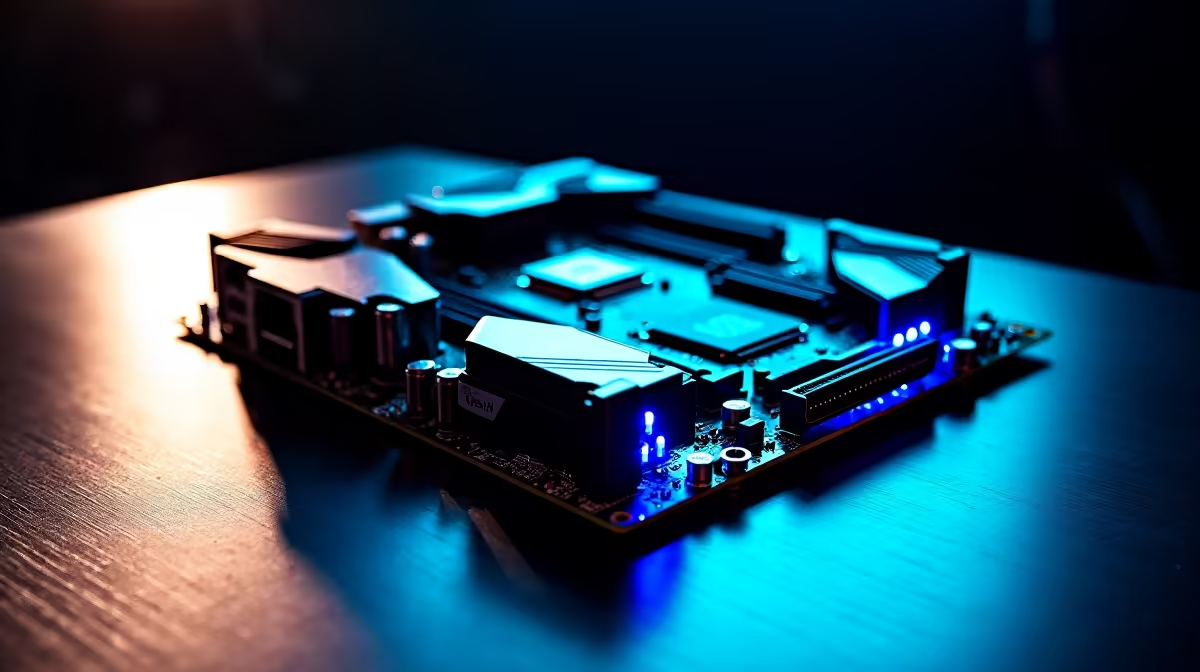
You just dropped a serious chunk of ZAR on a new Ryzen rig. You boot up a heavy game... and your monitoring software flashes red. If you are asking yourself, "why is my AM5 PC running hot?", you are definitely not alone. Modern processors are designed to push thermal limits. South African summers can also be brutal on electronics. Let us break down what is actually happening inside your gaming chassis.
The Thermal Reality of Modern CPUs ⚡
Before you panic about your AM5 PC running hot, we need to look at the facts. AMD officially states that 95 degrees Celsius is a safe operating temperature for Ryzen 7000 series processors. The chip is not overheating... it is simply boosting its clock speeds. It will keep boosting until it hits that thermal ceiling.
When you see those high numbers, remember that this is normal behaviour. The architecture is built to extract every ounce of performance. However, keeping the rest of your system cool is still vital. If you are shopping around for the best gaming PC deals, you will notice a trend. Top-tier builders always prioritise case airflow. A hot CPU can easily dump excess heat onto your surrounding components. This can slowly degrade your hardware over time.
VRM Cooling and Power Stages Explained
Your processor needs clean and stable power to hit those high boost clocks. This is exactly where your Voltage Regulator Module comes into play. VRMs take the 12V power from your supply. They then step it down to the exact voltage your CPU needs.
Power stages are the individual components making up that VRM. When you push a heavy load, these power stages generate significant heat. Cheaper boards often cut corners on power delivery. If your VRM cooling is weak, the motherboard will throttle your CPU to protect itself. This leads to system instability when you need it most. This is why investing in high-quality motherboards is crucial for sustained performance.
Whether you are building a Ryzen system with robust ASUS AMD motherboards or exploring high-end ASUS Intel motherboards for a different rig, heatsink design matters. Paying attention to VRM cooling is absolutely non-negotiable. Thick metal blocks and copper heat pipes help dissipate that thermal load efficiently.
Mastering Fan Control for Better Airflow 🌬️
Good hardware is only half the battle. Proper fan control is the secret weapon for managing an AM5 PC running hot. Most users leave their case fans on default settings. This often leads to unnecessary noise or poor cooling performance.
You want a balanced intake and exhaust setup. Fresh air should flow directly over your VRM heatsinks and across your RAM. Take the time to route your cables neatly. Cluttered wires can block fresh air from reaching your critical components. High-speed DDR5 runs much warmer than older generations. Pairing good airflow with premium memory kits ensures your entire system remains stable. This is especially true during marathon gaming sessions on a hot afternoon.
Airflow Pro Tip 🔧
Don't just crank all your fans to maximum speed. Dive into your BIOS and set a custom fan curve. Make the fans ramp up gently based on your CPU temperatures. This keeps your rig whisper-quiet while browsing and perfectly cool during heavy gaming.
By understanding VRM cooling, power stages, and smart fan control, you can stop worrying about temperatures. Let your hardware do what it was built to do.
Ready to Upgrade Your Setup? Thermal management is complex, but for maximum power and stability in South Africa, good hardware is hard to beat. Explore our massive range of PC cooling solutions and find the perfect parts to conquer your thermal limits.











