

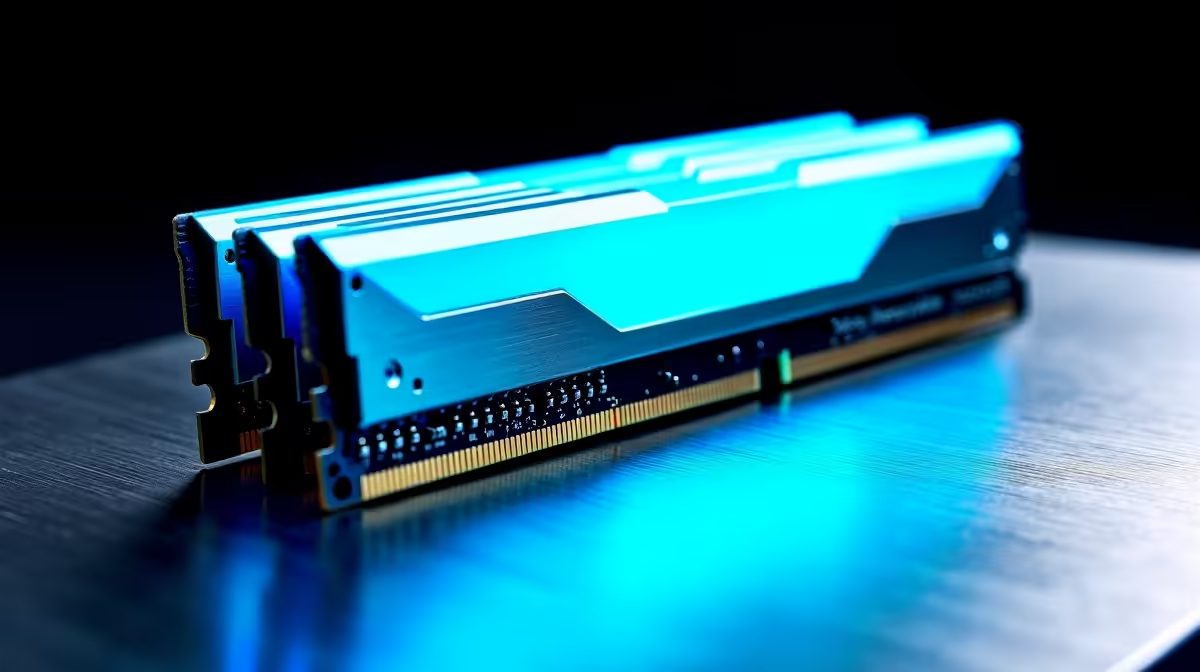
You just dropped a small fortune in ZAR on a next-gen rig. You fire up your favourite game or load a massive video render. Suddenly, your system fans sound like a jet engine. If you are wondering why your DDR5 build is running hot under load, you are certainly not alone. Let us unpack what is actually happening inside your case and how to fix it.
The Heat Reality of High-Speed Memory ⚡
DDR5 memory is incredibly fast. But that raw speed comes with a literal thermal cost. Unlike older generations, DDR5 moves the Power Management IC directly onto the stick itself. This localises power delivery for better stability and insane data transfer rates. However, it also means the module generates significantly more heat.
When you push frequencies past 6000MHz, those sticks can easily hit 60 degrees Celsius. Add a hot South African summer to the mix, and you have a recipe for thermal throttling. High temperatures can lead to system instability, dropped frames, or even random PC crashes. That is why choosing premium memory kits with solid aluminium heat spreaders is crucial for modern rigs.
Airflow Basics and Component Layouts
Before buying extra hardware, you need to check your basic case airflow. Modern motherboards pack powerful components incredibly close together. If a massive graphics card blocks your front intake fans, your RAM sits in a pocket of dead air.
Heat rises naturally... but a large GPU acts like a thick shelf. It traps hot air right around your sensitive memory slots. You must ensure your intake and exhaust fans create a clear wind tunnel. Cable management also plays a massive role here. Messy internal cables will quickly choke your airflow and raise temperatures.
Airflow Pro Tip 🔧
Before spending more ZAR, adjust your front intake fans to blow directly across the RAM slots. Sometimes a simple fan curve tweak in your BIOS can drop memory temperatures by up to five degrees without any extra hardware.
What Can a Memory Fan Actually Fix?
If your case airflow is already optimised, you might still face high temperatures during intense workloads. So, what can a memory fan actually fix? Active RAM cooling targets that dreaded dead zone directly.
A dedicated memory fan brackets securely over your modules. It blasts cool air straight onto the metal heat spreaders. This prevents the power management chip from overheating. Your system stays perfectly stable when pushing heavy overclocks. It is a highly effective way to force air exactly where it is needed most.
Is Active Cooling Worth the Investment? 🚀
For casual gamers, standard case cooling is usually enough. But if you are chasing every single frame, active cooling is a smart upgrade. It protects your expensive components and keeps performance consistent during marathon weekend gaming sessions.
If you are currently shopping for custom gaming PCs, look for builds that prioritise high-airflow cases. A well-ventilated chassis reduces the need for extra spot-cooling later. Always keep an eye out for our latest specials to grab premium cooling gear. You can upgrade your rig without breaking the bank.
Ready to Chill Your Next-Gen Rig? Do not let thermal throttling ruin your high-speed performance. Explore our massive range of PC components and find the perfect cooling solutions to keep your system running ice cold in the South African heat.











