

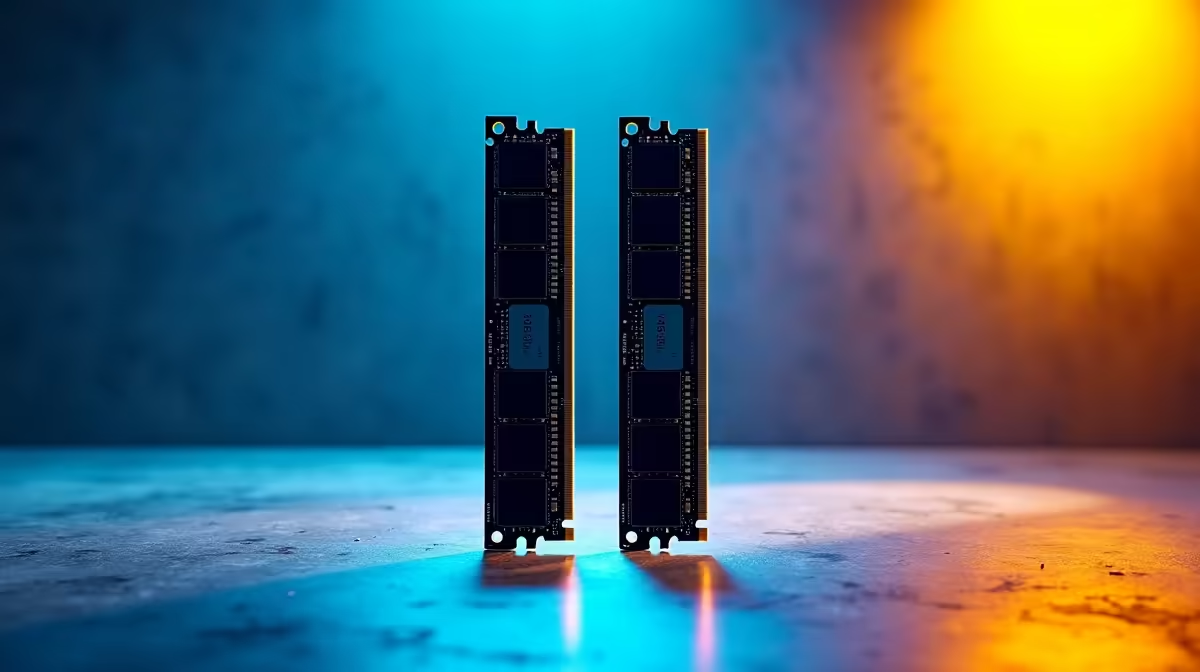
You just dropped serious ZAR on a brand-new Ryzen 7000 series rig. You boot it up, check Task Manager, and your expensive 6000MHz RAM is crawling at 4800MHz. Do not panic... your hardware is not broken. Figuring out why your DDR5 memory is not running at full speed on an AM5 motherboard is a rite of passage. Let us fix it.
The Default Speed Illusion
When you install new RAM, it defaults to a safe baseline speed set by JEDEC. This ensures your system boots safely the very first time you press the power button. If you invest your hard-earned cash in premium memory kits, you are actually buying RAM that has been factory-tested to overclock to higher advertised speeds. Out of the box, it will always run slower until you explicitly tell it otherwise.
AMD EXPO vs Intel XMP ⚡
To unlock those blazing-fast speeds, you need to enable a specific profile in your BIOS. For years, Intel XMP was the gold standard. If you are building a Blue Team rig with one of the top Asus Intel motherboards, you just click XMP and go.
However, AMD introduced EXPO specifically for their AM5 platform. This is an overclocking profile perfectly optimised for Ryzen processors. When setting up Asus AMD motherboards, you need to look for the EXPO setting in the BIOS menu. Selecting Profile 1 will usually push your RAM up to its advertised speed without any manual tuning.
Why BIOS Updates Matter 🔧
AM5 is a cutting-edge platform. Early adopters faced a few stability issues with high-speed memory. Thankfully, motherboard manufacturers constantly release BIOS updates to improve memory compatibility. If you are currently shopping for the latest motherboards, updating the BIOS should be your very first step before tweaking any RAM speeds. A fresh update often solves frustrating stability issues instantly.
BIOS Update Pro Tip 🚀
Always use a high-quality USB flash drive formatted to FAT32 when flashing your BIOS. Never interrupt a BIOS update once it starts. A power outage during this process can brick your board... so consider using a UPS if your local grid is acting up!
The Mystery of Memory Training ✨
Have you noticed your PC taking unusually long to boot after enabling EXPO? This is called memory training. The motherboard is actively testing different sub-timings to ensure the RAM runs perfectly. It is completely normal for AM5 systems. Do not force-restart your PC during this phase... just be patient. Subsequent boots will be much faster once the motherboard saves the optimal settings.
The AM5 Performance Sweet Spot
More speed is not always better. For the Ryzen 7000 series, the absolute performance sweet spot is 6000MHz. If you buy a 7200MHz kit, the internal memory controller on the CPU might struggle to keep up. This mismatch can cause random crashes or frustrating blue screens. If you want a system that is already perfectly tuned and stress-tested, exploring the best gaming PC deals takes all the guesswork out of the equation.
If your DDR5 memory is not running at full speed on an AM5 motherboard, simply update your BIOS and enable EXPO. It takes two minutes and unlocks the true gaming performance you paid for.
Ready for a Next-Gen Upgrade? Building the ultimate AM5 gaming rig is easier when you have the right parts. Explore our massive range of PC components and find the perfect motherboard and memory combo to dominate your favourite games.











