

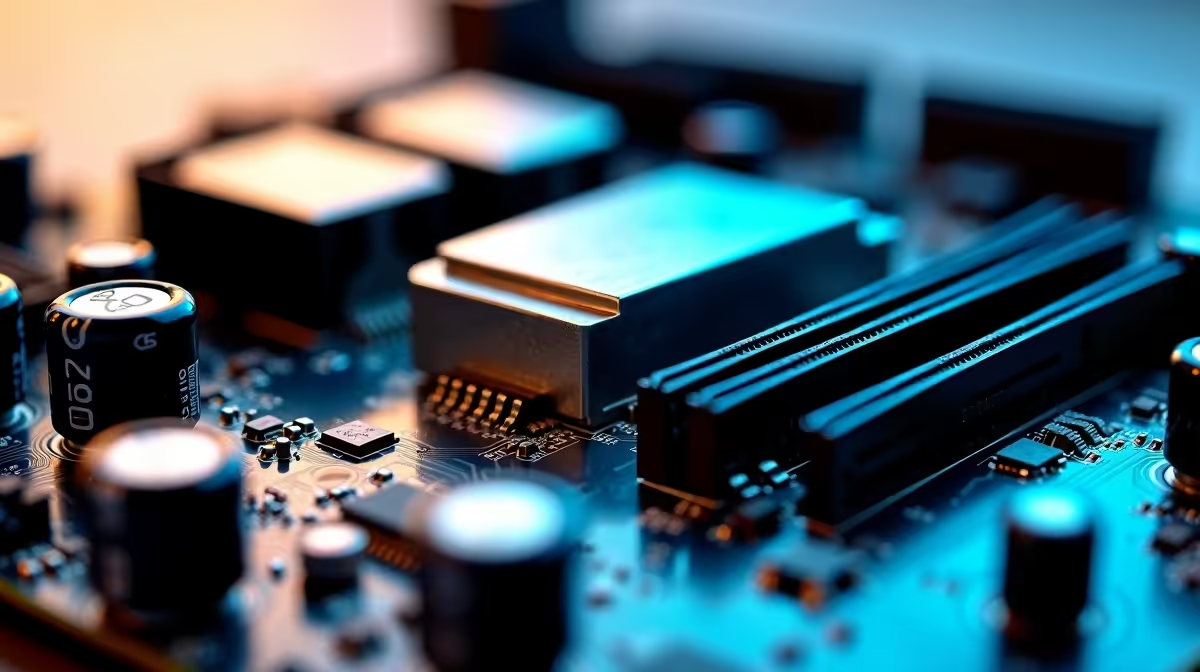
You just dropped a few thousand ZAR on a shiny new DDR5 setup. You boot up your favourite game... and it crashes straight to the desktop. Sound familiar? If you are wondering why your DDR5 system is unstable, you are not alone. South African gamers are pushing hardware to the absolute limit every single day. But the secret to a rock-solid rig often hides in plain sight. It is all about power. ⚡
The Root of DDR5 Instability Explained
DDR5 memory is incredibly fast. It pushes bandwidth limits to exciting new heights. However, that blistering speed comes with strict voltage requirements. Unlike older DDR4 generations, DDR5 moves power management directly onto the RAM stick itself. This architectural shift means your system needs flawless voltage regulation to prevent random blue screens.
When you pair ultra-fast premium memory kits with a board that cuts corners on power delivery, instability is almost guaranteed. Spikes or dips in voltage cause micro-stutters. In worst-case scenarios, your PC will simply shut down during heavy gaming loads. The memory controller on your CPU also works overtime to keep up. If the power fluctuates even slightly, the data stream breaks... resulting in a frustrating crash.
Stability Pro Tip 🔧
Always update your BIOS before tweaking DDR5 speeds. Manufacturers frequently release updates that improve memory compatibility and voltage stability. It is a simple step that saves you hours of frustrating troubleshooting.
Why Motherboard Power Delivery Matters for DDR5
This is exactly where your motherboard steps up to the plate. The Voltage Regulator Module (VRM) controls the power flowing from your power supply to your crucial components. A robust VRM setup ensures clean and consistent motherboard power delivery at all times.
If you are building a high-end rig, investing in reliable motherboards is non-negotiable. Strong power phases keep temperatures low while feeding your DDR5 exactly what it needs to thrive. Whether you are Team Blue or Team Red, quality power matters. For instance, top-tier ASUS Intel motherboards feature oversized heatsinks and premium chokes. These components easily handle extreme overclocks and high memory speeds.
Similarly, if you prefer Ryzen processors, modern ASUS AMD motherboards are engineered to stabilise DDR5 even under massive thermal loads. Good motherboard power delivery acts as a shield against system crashes. It filters out electrical noise and ensures your RAM operates at peak efficiency. 🚀
Fixing the Issue and Upgrading Smartly
So... how do you fix an unstable DDR5 system? First, check your temperatures and ensure your RAM is seated correctly. Next, verify that your power supply has enough headroom to support your GPU and memory spikes. Finally, look closely at your motherboard VRMs. If they are overheating or struggling to maintain voltage, it might be time for a strategic upgrade. ✨
Sometimes, troubleshooting individual parts is time-consuming. If you want guaranteed stability out of the box, exploring the best gaming PC deals is a brilliant move. These pre-built systems are rigorously stress-tested by experts. This ensures the motherboard power delivery perfectly matches the installed DDR5 speeds. You get all the performance without the technical headache.
Ready to Build a Rock-Solid Rig? Don't let power delivery issues throttle your DDR5 performance. Explore our massive range of PC components and find the perfect motherboard to keep your system stable, fast, and ready to conquer your favourite games.











