

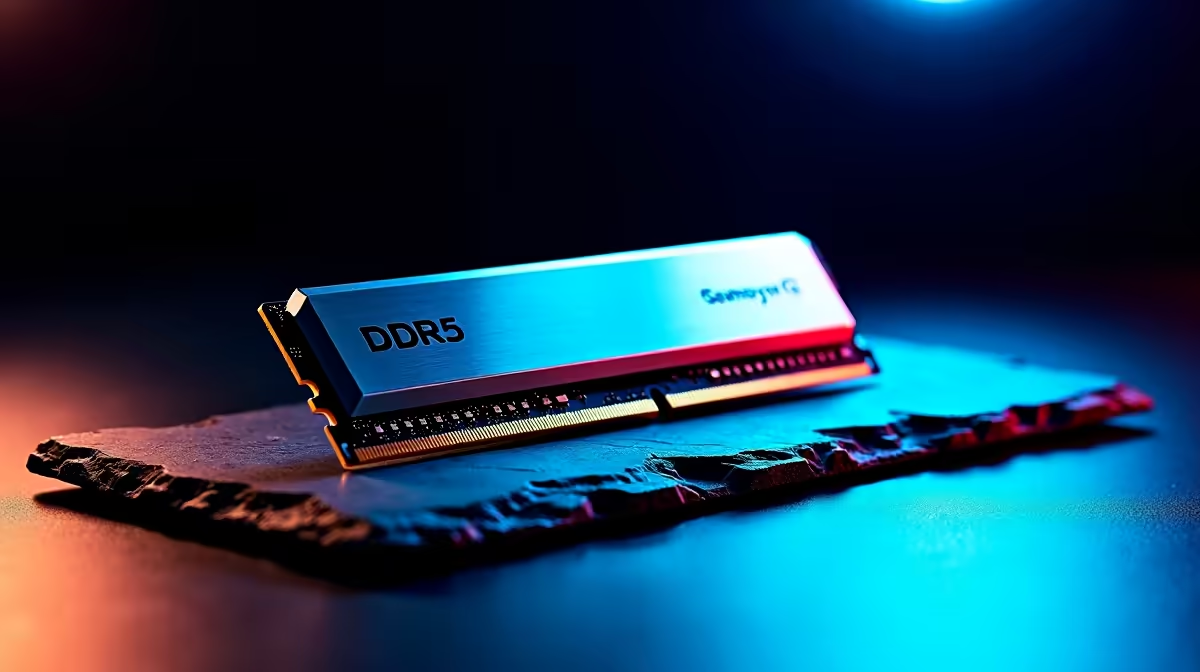
You just dropped a serious stack of ZAR on a top-tier rig. You boot up your favourite game... and suddenly your PC crashes to a blue screen. If you are wondering why is your DDR5 system unstable, you are not alone. High-speed memory is incredibly sensitive. Fortunately, a few simple tweaks in your BIOS can get you back into the lobby without the headache.
The Root Cause of Memory Instability 🔧
DDR5 pushes massive amounts of data at blistering speeds. When you install high-speed DDR5 memory kits, you are often pushing the memory controller on your CPU to its absolute limit. Sometimes the default profiles like XMP or EXPO apply aggressive timings that your specific processor simply cannot handle. This is exactly why your DDR5 system is unstable out of the box.
Pairing your RAM with the right foundation is crucial. Browsing through the latest motherboards ensures you find a board with robust power delivery and memory support. Upgrading from older DDR4 architecture means learning a whole new set of rules. The new standard moves power management directly onto the memory module itself... which adds another layer of complexity to your system stability.
What Motherboard Settings Usually Fix It?
If you are dealing with random reboots or application crashes, you need to adjust your BIOS. First, try lowering your memory frequency slightly. If your kit is rated for 6000MHz, dropping it to 5600MHz often restores perfect stability while keeping performance high. Next, look at your memory controller voltage. Bumping your VDDIO or System Agent voltage slightly can work wonders... just ensure you keep it within safe limits for your specific CPU architecture.
BIOS Update Pro Tip ⚡
Before tweaking any voltages manually, simply update your motherboard BIOS to the latest version. Manufacturers constantly release stability patches for newer memory kits. A quick flash via USB is often the only fix you need to stop those annoying memory crashes.
Matching the Right Hardware
Sometimes the issue is entirely physical. Using four sticks of RAM puts massive strain on the memory controller compared to two sticks. If you are building a new rig, picking a board with excellent memory topology is a smart move. For Team Blue fans, premium ASUS Intel motherboards offer incredible memory overclocking stability. Prefer Ryzen processors? The latest ASUS AMD motherboards feature EXPO tweaks specifically designed to keep high-frequency kits running smoothly.
It is always recommended to check the Qualified Vendor List on the manufacturer website before buying. This list guarantees that your specific memory kit has been tested and verified to work at rated speeds on that exact board. Avoiding mismatched components saves you from endless troubleshooting sessions.
Bypassing the Tweak Phase 🚀
Tuning BIOS settings is not for everyone. If you want guaranteed stability without spending hours testing voltages, letting the experts handle it is the easiest route. You can explore the best gaming PC deals available locally. These pre-built systems are rigorously stress-tested by Evetech technicians. That means you get maximum DDR5 performance with zero blue screens... giving you the ultimate peace of mind and more time to actually play your games.
Ready for a Flawless Gaming Experience? Stop fighting with unstable memory and start dominating your matches. If you need a stable, high-performance rig built for South African gamers, check out our massive range of desktop specials and find the ultimate machine to conquer your world.











