

You just dropped R35,000 on a beastly rig. You fire up a heavy game... and your fans sound like a jet taking off from OR Tambo. Why is your high-end PC still running hot despite a strong motherboard? It is a frustrating reality for local gamers. A top-tier board handles power beautifully. However, it cannot magically cool your entire system alone. Let us explore the real culprits.
Why Your High-End PC Is Still Running Hot: The Motherboard Myth
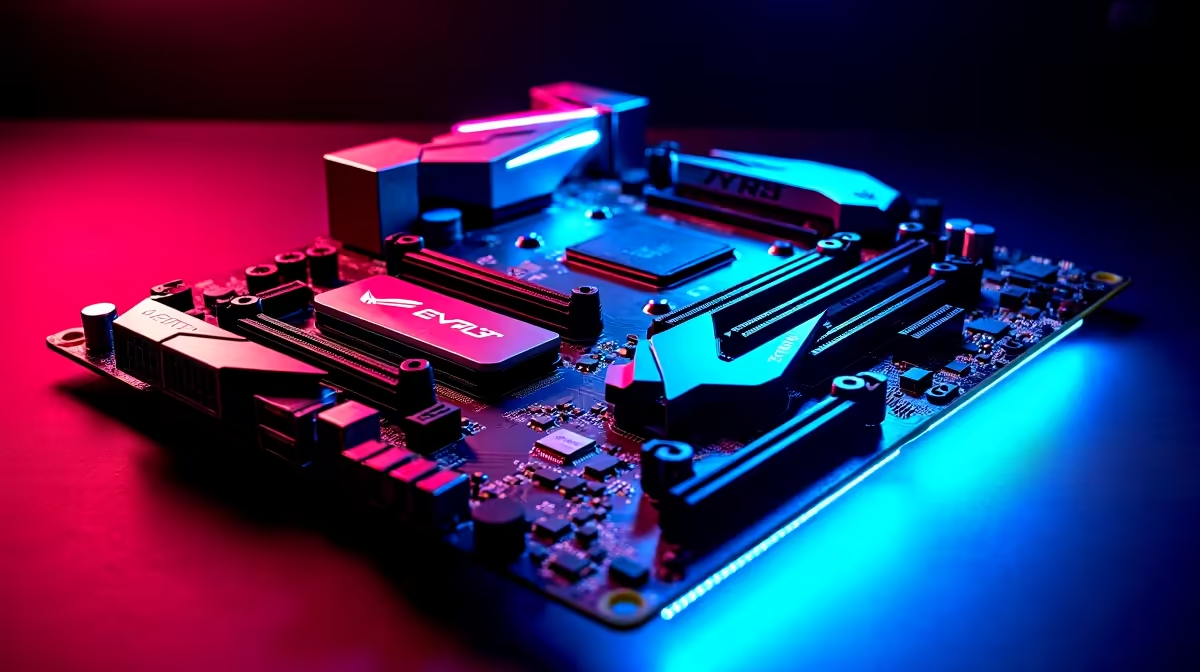
Many builders assume that investing in premium motherboards guarantees a frosty system. This is a common misconception. Your board features massive metal heatsinks to cool its VRMs... the tiny components delivering power to your CPU. They do an incredible job of keeping the board itself stable under heavy loads. However, they do not directly lower the temperature of your processor or your graphics card. A premium motherboard lays the foundation for a stable build. It simply needs help to manage the extreme temperatures generated during intense gaming sessions. If your case lacks fresh intake air, that ambient heat just builds up inside the chassis.
Platform Power Draws and Heat Generation ⚡
Different platforms process power differently. Running the latest high-performance chips on ASUS Intel motherboards means pushing serious wattage. More watts directly translate to more heat output. To tame these powerful chips, you need a robust liquid cooler. A stock cooler simply will not cut it when you are chasing maximum frame rates. The same logic applies to the red team. High-end processors paired with ASUS AMD motherboards are specifically designed to boost their clock speeds. They do this until they hit a safe thermal limit. Running at 90 degrees Celsius under a heavy gaming load is often by design... not a critical hardware failure.
The Hidden Heat from Other Components
Your processor is not the only thing baking inside your chassis. Modern graphics cards easily dump over 300 watts of heat directly into your case. Even ultra-fast DDR5 memory kits generate enough warmth to require their own dedicated heat spreaders. Even lightning-fast NVMe storage drives get incredibly hot during large file transfers. Every single component adds to the overall thermal load. If your exhaust fans cannot expel this hot air fast enough, your entire system suffers. This is exactly why the best gaming PC deals always prioritise high-airflow cases. They pair these cases alongside incredibly powerful internal hardware.
Cooling Pro Tip 🔧
Do not ignore your fan curves. Head into your BIOS and adjust your front intake fans to spin slightly faster than your rear exhaust fans. This creates positive air pressure... keeping dust out while forcing hot air through the chassis vents.
Optimise Your Setup for South African Summers 🚀
We all know exactly how brutal a local heatwave can be. When your room temperature hits 30 degrees, your PC cooling loop has to work overtime. Make sure your PC is not shoved into a tight wooden desk cabinet. Give the intake fans plenty of room to breathe. Consider investing in a mesh-front case to maximise cold air intake. Proper cable management also removes physical obstacles that block airflow. You should also check your thermal paste if your rig is older than two years. Sometimes a simple clean and a fresh application of paste can drop temperatures significantly.
Ready to Upgrade Your Cooling Game? Do not let thermal throttling ruin your frame rates. Whether you need a high-airflow chassis, a beefy liquid cooler, or a complete system overhaul, Evetech has you covered. Explore our massive range of PC cooling solutions and keep your rig frosty all year round.











