

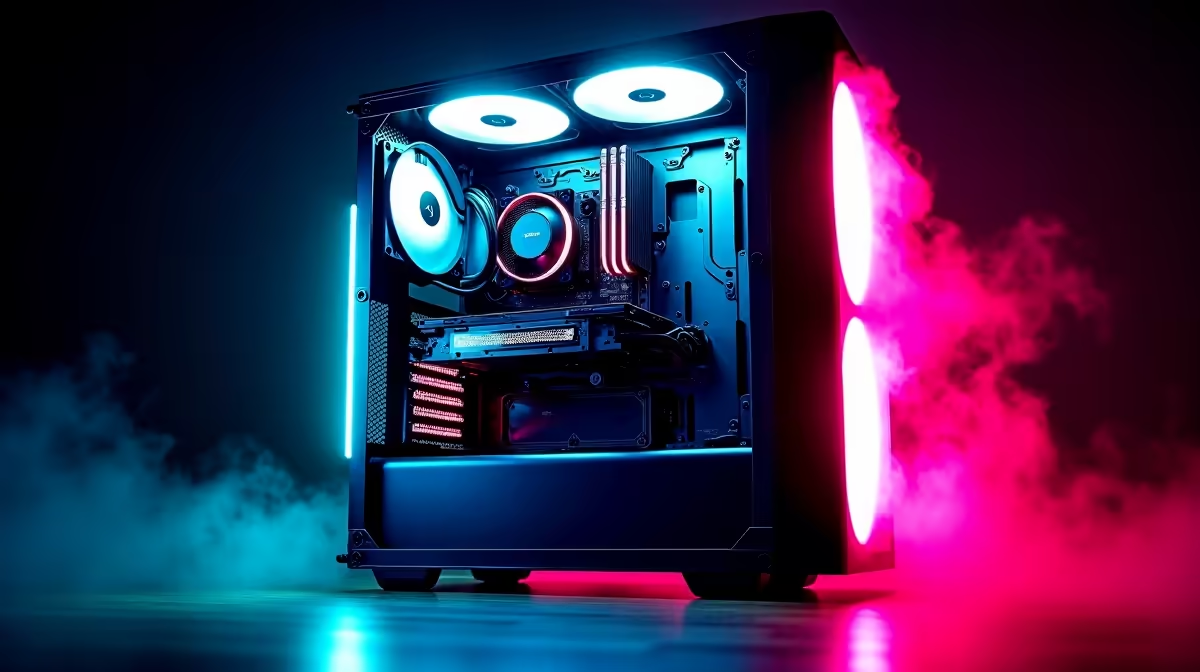
So, you’ve just unboxed your beastly new GPU. The RGB fans are glowing, the tempered glass is gleaming… but inside, it’s chaos. A tangled mess of black and coloured wires chokes your components like digital spaghetti. Sound familiar? For many South African gamers, this “rat’s nest” is a frustrating reality. But proper PC cable management is more than just making your rig look good for the 'gram; it’s a crucial step for unlocking performance, ensuring longevity, and simplifying future upgrades.
Why PC Cable Management is Non-Negotiable
Let’s cut to the chase. A messy case isn't just an eyesore; it's actively holding your PC back. Taking the time to route and secure your cables properly delivers tangible benefits that every gamer will appreciate. From better cooling to easier maintenance, mastering PC cable management is a skill that pays off.
Better Airflow = Cooler Components 💨
The most critical benefit of tidy cables is improved airflow. When cables obstruct the path from your intake fans to your hottest components (like the CPU and GPU), they create pockets of stagnant, hot air. This forces your fans to work harder, creating more noise and potentially leading to thermal throttling—where your hardware slows itself down to avoid overheating.
A clean setup allows air to flow freely, keeping temperatures low and performance high, which is especially important for those running demanding titles on premium gaming PCs over R20k that generate significant heat.
Hassle-Free Upgrades & Maintenance 🔧
Ever tried swapping out a RAM stick or adding a new SSD, only to be blocked by a wall of wires? It’s a nightmare. Good cable management for your gaming rig turns a 30-minute ordeal into a 5-minute job.
When every cable has a designated path, accessing your motherboard, drives, and power supply connectors is simple. This makes cleaning out dust bunnies and performing upgrades a breeze. It’s a quality-of-life improvement that you’ll be thankful for, whether you're working on high-end hardware or one of our fantastic value budget gaming PCs.
Pro Builder's Tip ⚡
Before you install your motherboard, do a test run with your main cables (24-pin motherboard, 8-pin CPU, and PCIe power). Route them through the case's cutouts to find the most direct and hidden paths. This little bit of planning saves a massive headache later and is key to achieving that clean, professional look.
That Show-Off Aesthetic ✨
Let’s be honest: a clean build just looks lekker. You’ve spent your hard-earned cash on components with slick designs and customisable RGB lighting. Why hide it all behind a chaotic mess? A well-managed PC is a statement piece, something to be proud of. It shows attention to detail and a respect for the powerful tech inside.
A tidy interior makes your components the star of the show, transforming your PC from a simple box into a work of art. If you want that pro-level look without the effort, you can always check out the best gaming PC deals, where our experts have done the hard work for you.
Getting it Done: DIY vs. Pro-Built
Achieving flawless PC cable management takes patience and a bit of planning. But what if you don't have the time or the desire to wrestle with zip ties and cable combs? For many, the answer is a professionally assembled machine.
Our technicians live and breathe this stuff. They know the optimal routing paths for every case and how to make a build look flawless, whether it's one of our powerful rigs under R20k or a top-tier custom creation. Opting for one of our expertly assembled pre-built PC deals guarantees you get all the performance and aesthetic benefits of perfect cable management, right out of the box.
Ready for a Flawlessly Clean Build? Great PC cable management is the final touch that separates a good build from a great one. If you'd rather jump straight into the game with a rig that's perfectly optimised for performance and aesthetics, we've got you covered. Explore our massive range of gaming PCs and find the perfect machine to conquer your world.











