

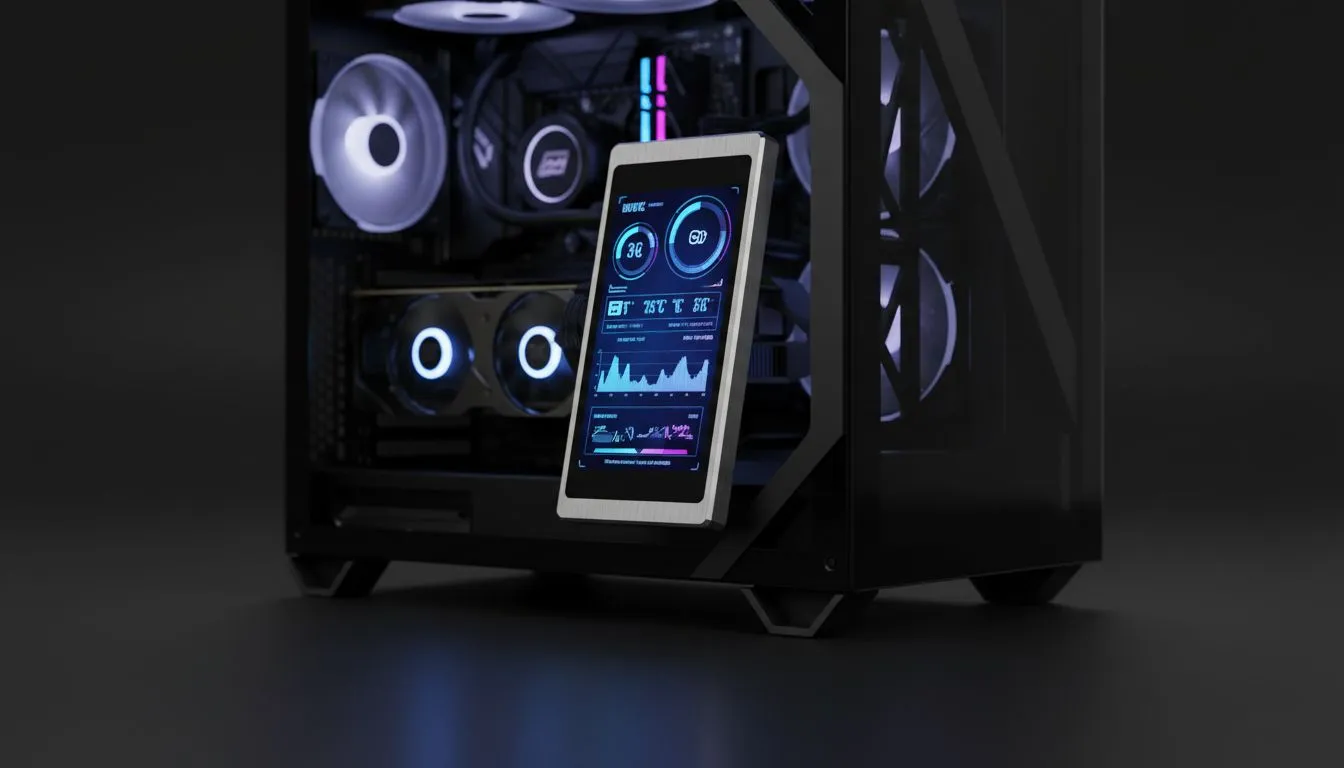
Monitoring Your Vitals in Style
Ever felt that anxiety when your PC fans roar during a Durban summer? You need eyes on your vitals. Case screens are more than just eye candy. They are essential for Windows multi-display temperature monitoring for case screens. This setup keeps your main screen clutter-free. It allows you to focus on the win while keeping your hardware safe from the heat. 🔧
Choosing the Right Chassis for Your Screen
A solid foundation begins with high-quality computer cases that offer enough clearance for internal displays. You need a layout that allows for easy cable routing. Most builders mount these screens on the PSU shroud or the rear fan mount. This ensures the display is visible through the tempered glass without blocking essential airflow.
Many enthusiasts prefer the clean, minimalist lines of Fractal Design PC cases for these custom projects. Their internal layouts are incredibly flexible. They provide the perfect backdrop for a vibrant LCD panel showing your CPU clock speeds or GPU usage.
Sensor Panel Layout ⚡
When designing your layout, match the native resolution of your small screen. This prevents blurry text. Aim for high-contrast colours like neon green or bright orange. This makes it easy to read your temps with just a quick glance through the side panel during intense gaming sessions.
The Best Brands for Internal Displays
If you are looking for something with a bit more flair, Gamdias gaming cases offer excellent airflow and bold designs. They make it easy to showcase your internal hardware. Even if you are on a budget, you can find great Gamdias cases under R1500 that still look premium. These models often have enough space to tuck away the HDMI and USB cables needed for your monitoring screen.
Software Configuration for Windows Multi-Display
Windows treats these small internal screens just like a standard second monitor. You can easily extend your desktop in the display settings. Once active, you can drag your monitoring software right onto it. Use tools like AIDA64 or HWInfo64 to create a custom sensor panel. This ensures you never miss a thermal spike during a heavy rendering session or a long gaming marathon... even when your main monitor is in full-screen mode. 🚀
Ready to Level Up Your Build? Monitoring your vitals is the first step toward a stable, high-performance PC. Explore our massive range of computer cases and find the perfect chassis to house your next custom screen project.











