

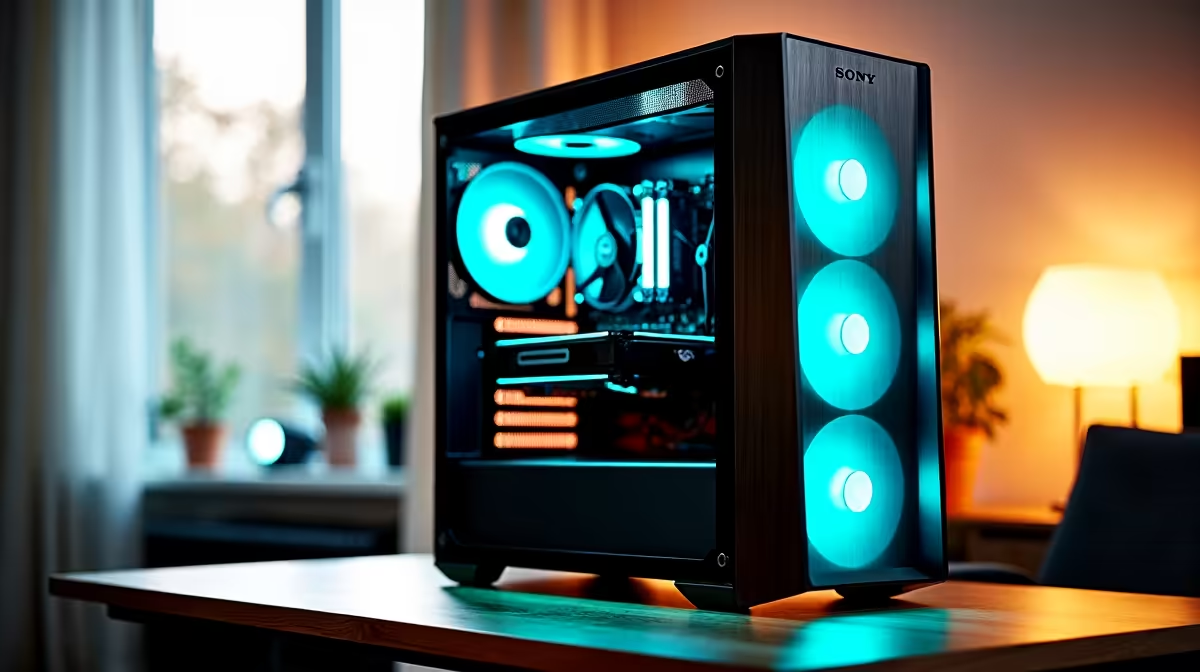
Building a capable work-from-home PC in South Africa for under R20,000 is genuinely achievable in 2025 - and the result is a machine that handles video calls, document-heavy workflows, spreadsheets, light creative work, and long hours in productivity software without breaking a sweat. Here is how to spend that budget wisely.
Quick Answer
What is the best work-from-home PC build under R20,000 in SA? A Ryzen 5 7600, B650 motherboard, 32 GB DDR5 RAM, 1TB NVMe SSD, and a quality case with a reliable PSU delivers an excellent WFH experience under R20,000. Skip a dedicated GPU - the Ryzen 7000 series uses iGPU via a budget GPU or the platform handles video output through a discrete entry card if needed.
🔧 The R20,000 WFH Build: Parts List
| Component | Suggested Tier | Approx SA Price |
|---|---|---|
| CPU | Ryzen 5 7600 | R3,200–R3,800 |
| Motherboard | B650 (MSI or Gigabyte) | R3,000–R3,800 |
| RAM | 32 GB DDR5-5600 (2x16) | R2,200–R2,800 |
| SSD | 1TB NVMe PCIe 4.0 | R1,200–R1,600 |
| GPU | RX 6500 XT / GT 1030 (for display output) | R1,500–R2,500 |
| PSU | 550W 80+ Bronze | R1,000–R1,400 |
| Case | Mid-tower with good airflow | R700–R1,200 |
| Total | ~R12,800–R17,100 |
This build leaves R2,900–R7,200 in the budget for a monitor, peripherals, or upgrades. A 27-inch 1080p or 1440p monitor is strongly recommended for productivity - screen real estate directly improves workflow efficiency for most WFH roles.
Why 32 GB RAM? Modern browsers, Microsoft Teams, Slack, and Office 365 together regularly consume 8–12 GB of RAM. Video calls in Teams or Google Meet add another 2–3 GB. With multiple tabs, documents, and applications open simultaneously - standard in most WFH environments - 32 GB eliminates memory pressure entirely and extends the build's comfortable lifespan.
📊 What This Build Handles Comfortably
- Microsoft 365 (Word, Excel, PowerPoint, Outlook) - effortless
- Google Workspace (Docs, Sheets, Meet) - smooth with 4K video call support
- Slack, Teams, Zoom - no CPU spikes or dropped frames
- Adobe Acrobat, PDFs, email-heavy workflows - fast
- Lightroom (basic photo editing) - capable
- Light coding / web development - well suited
- Video streaming at 4K - no issue
Heavy video editing (Premiere Pro, DaVinci Resolve) and 3D rendering are outside this build's optimal zone but possible for small projects. For those workloads, budget up to R25,000–R30,000 and add a mid-range dedicated GPU.
💡 SA-Specific Considerations for WFH Builds
Internet connectivity in South Africa varies by area. If your WFH setup relies on fibre (Vumatel, Openserve, Frogfoot), add a quality router and consider a Gigabit ethernet connection direct to your PC for stable video calls. Wi-Fi 6 is an option if wiring is not practical.
Power backup is worth considering for stable uptime during brief outages. A UPS (uninterruptible power supply) protects your PC and ensures you stay online during short power events without losing unsaved work.
❓ Frequently Asked Questions
Do I need a dedicated GPU for a WFH PC build? Not strictly. The Ryzen 5 7600 has no integrated graphics, so a basic discrete card is needed for display output unless you choose a CPU with iGPU. An RX 6500 XT or equivalent handles all WFH tasks perfectly and costs under R2,000 in SA.
Is 16 GB RAM enough for WFH use in 2025? 16 GB is workable but increasingly tight with modern apps. If budget is a constraint start with 16 GB in a dual-channel configuration and plan to upgrade to 32 GB when possible. DDR5 prices have dropped significantly in SA.
Can this build handle video editing for occasional YouTube or Reels content? Yes for short-form content. 1080p timeline editing in DaVinci Resolve or Capcut is manageable. For consistent 4K editing, invest in a dedicated GPU and budget upward.
Compare Graphics Card Deals and Evetech Best Sellers at Evetech for the latest specs and SA deals.
Ready to Find Your Perfect Match? Shop at Evetech











